You’re standing in the grocery store aisle, trying to remember if you have milk at home. Wouldn’t it be great if you could just ask Alexa to check your fridge?
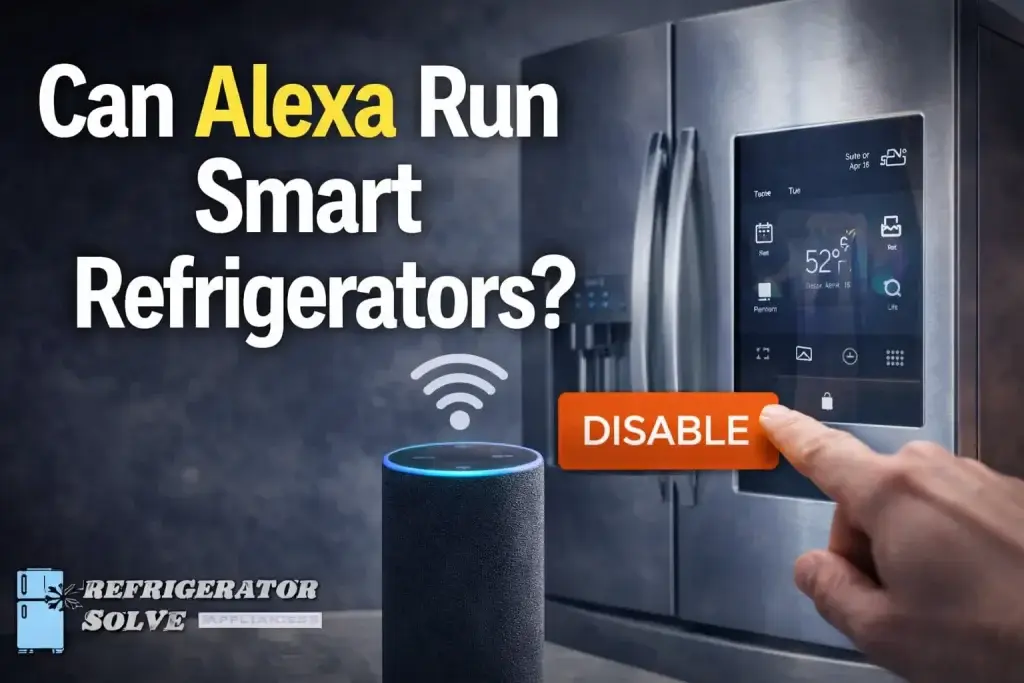
The short answer is yes, Alexa can control many smart refrigerators. But there’s a catch – your fridge needs to be a “smart” model that connects to Wi-Fi and works with Alexa.
I’ve been helping people set up smart homes for over 10 years, and this is one of the most common questions I get. In this guide, I’ll walk you through exactly how it works, which brands are compatible, and what you can actually do with Alexa and your smart fridge.
The 3 Biggest Frustrations (And How to Fix Them)
Let me be real with you. Setting up a smart fridge with Alexa isn’t always smooth sailing. Here are the most common problems people run into – and exactly how to solve them.
Problem 1: “Alexa can’t find my fridge”
Why this happens: Your fridge and Alexa aren’t properly connected through the brand’s app. Alexa doesn’t talk directly to your fridge, it talks through a “bridge” app like Samsung SmartThings or LG ThinQ.
The fix: Open your Alexa app, go to “Skills & Games,” and search for your fridge brand’s skill (like “SmartThings” for Samsung or “ThinQ” for LG). Enable the skill and sign in with the same account you use for your fridge app. Then say, “Alexa, discover my devices.”
Problem 2: “Alexa says the device is unresponsive”
Why this happens: Your fridge lost its Wi-Fi connection or the app session expired. This is actually super common fridges are often tucked in corners that block Wi-Fi signals.
The fix: First, check if your phone has a strong Wi-Fi signal standing next to your fridge. If it’s weak, move your router closer or add a Wi-Fi extender. Then, try disabling and re-enabling the Alexa skill for your fridge brand. This refreshes the connection and usually does the trick.
Problem 3: “My voice commands work sometimes but not always”
Why this happens: Alexa is picky about wording. Your fridge might be named “Refrigerator” in the app, but you’re saying “fridge” – small differences matter.
The fix: Open your fridge brand’s app and give your fridge a simple, one-word name like “Kitchen” or “Main.” Then in the Alexa app, make sure that exact name is what you use in commands. Instead of saying “Alexa, turn on super freeze,” say “Alexa, turn on super freeze on Kitchen.”
What You Can Actually Do With Alexa and Your Smart Fridge
Once everything is set up correctly, here’s what your voice can do:
Temperature Control
You can adjust temperatures just by speaking. Try commands like:
Special Modes
Most smart fridges have modes that help with specific situations:
- “Alexa, turn on Super Freeze” – great after a big grocery run
- “Alexa, turn on Vacation Mode” – saves energy while you’re away
- “Alexa, turn on Sabbath Mode”
Handy Extras
Depending on your fridge model, you can also:
- Check what’s inside – “Alexa, show me inside the fridge” (on models with cameras)
- Add items to shopping lists – “Alexa, add milk to my shopping list”
- Get filter reminders – some fridges can even auto-reorder water filters through Alexa
The Coolest Feature: Voice-Controlled Doors
Some newer models from brands like Liebherr and Siemens actually let you open and close the fridge door with your voice.
Imagine walking up with both hands full of groceries and saying, “Alexa, open the fridge.” The door swings open automatically. When you’re done, “Alexa, close the fridge.” It sounds like science fiction, but it’s real and it works.
Which Fridge Brands Work With Alexa?
Here’s a quick comparison of the major players:
| Brand | Alexa Compatibility | Key Features | |
|---|---|---|---|
| Samsung | Yes (via SmartThings) | Family Hub screen, internal cameras, built-in Alexa | |
| LG | Yes (via ThinQ) | InstaView cameras, strong app reliability, works with Google and Apple too | |
| Thermador | Yes (via Home Connect) | Temperature control, super freeze/cooling modes, smart filter reorders | |
| Sub-Zero | Yes | Temperature settings, ice maker control, Sabbath and vacation modes | |
| Liebherr | Yes (via SmartDevice) | AutoDoor feature, SuperCool/SuperFrost, IceMaker control | |
| Bosch | Yes (via Home Connect) | Full voice control, remote monitoring | |
| Frigidaire | Limited | Basic on/off and temperature for connected appliances | |
| Haier | Yes | Temperature settings, compatible with smart home routines |
Pro Tips From Someone Who’s Done This Before
Pro Tip #1: Always name your fridge something simple in the brand’s app before connecting to Alexa. “Fridge” or “Kitchen” works way better than “Samsung Family Hub Refrigerator 2024.” Alexa gets confused by long names.
Pro Tip #2: If a command doesn’t work, try rephrasing. Alexa understands “set temperature to 38” better than “make it colder.” And for ice makers, say “turn IceMaker to Max” instead of “MaxIce” – the specific words matter.
Pro Tip #3: Create Alexa routines that include your fridge. For example, set up a “Goodbye” routine that turns on Vacation Mode when you say “Alexa, I’m leaving.” Or a “Party” routine that adjusts your fridge temperature when guests come over.
Real People, Real Experiences
“LG’s focus on open ecosystems gives users more flexibility. When a fridge works seamlessly with Google or Alexa out of the box, it removes friction in daily use.”
— David Kim, Smart Home Integration Specialist
“We loved the big screen on the Samsung, but it would freeze every few weeks. After switching to LG, we noticed immediate improvements. The app connects every time, and asking Google to ‘show what’s in the fridge’ actually works now.”
— Sarah Lin, Tech Consultant and Homeowner
“Communication with Alexa is based on a couple of basic rules. When you launch a skill, phrases such as ‘my Home Connect oven’ can lead to errors. It is better to play it safe by selecting a direct command.”
— Thermador Customer Support
Step-by-Step: How to Set Up Your Smart Fridge With Alexa
- Download your fridge brand’s app (SmartThings for Samsung, ThinQ for LG, Home Connect for Thermador/Bosch, etc.)
- Create an account and add your fridge – follow the app’s instructions to connect your fridge to Wi-Fi
- Open the Alexa app and go to “Skills & Games”
- Search for your brand’s skill and enable it
- Sign in with the same account you used for your fridge app
- Say “Alexa, discover my devices” – your fridge should appear
- Test a simple command like “Alexa, what’s the refrigerator temperature?”
For more detailed setup instructions, Samsung’s official support page offers a helpful guide for their Family Hub models.
Frequently Asked Questions on Can Alexa Run Smart Refrigerators
Do I need a special Alexa device to control my smart fridge?
No. Any Alexa-enabled device works – an Echo Dot, Echo Show, or even the Alexa app on your phone. Your fridge connects through Wi-Fi, not directly to the speaker.
Can I use Alexa to see inside my fridge?
Yes, but only if your fridge has internal cameras. Samsung’s Family Hub and LG’s InstaView models have this feature. Just say “Alexa, show me inside the fridge” on an Echo Show or Fire TV.
Will Alexa work if my internet goes down?
No. Both your Alexa device and your smart fridge need an active internet connection to work. The voice command goes to Amazon’s servers, which then send instructions to your fridge.
Can I use Google Assistant or Siri instead?
Yes. Most smart fridges that work with Alexa also work with Google Assistant. Some LG models even work with Apple HomeKit and Siri.
My fridge isn’t smart. Can I make it work with Alexa?
Not really. You can plug a regular fridge into a smart plug, but that only turns the whole fridge on or off – which you should never do (it can spoil your food). For real voice control, you need a smart fridge.
The Bottom Line
Alexa can absolutely run your smart refrigerator – but think of it as a helpful assistant, not a replacement for the fridge’s own controls.
You’ll love being able to adjust temperatures, turn on special modes, and even open the door with your voice. Just know that setup takes a few extra steps, and you’ll need a stable Wi-Fi connection.
Here are the 3 things to remember:
- Your fridge brand’s app is the key – everything connects through that
- Use simple, one-word names for your fridge to avoid confusion
- Start with basic commands like temperature checks before trying advanced features
The smart kitchen is here, and it actually works. Once you get used to asking Alexa to handle your fridge, you’ll wonder how you ever lived without it.

Hi, I’m the lead researcher and appliance enthusiast behind RefrigeratorSolve. With years of hands-on experience troubleshooting cooling systems and testing home appliances, I am dedicated to bringing you honest reviews, energy-saving tips, and practical solutions to keep your refrigerator running perfectly.