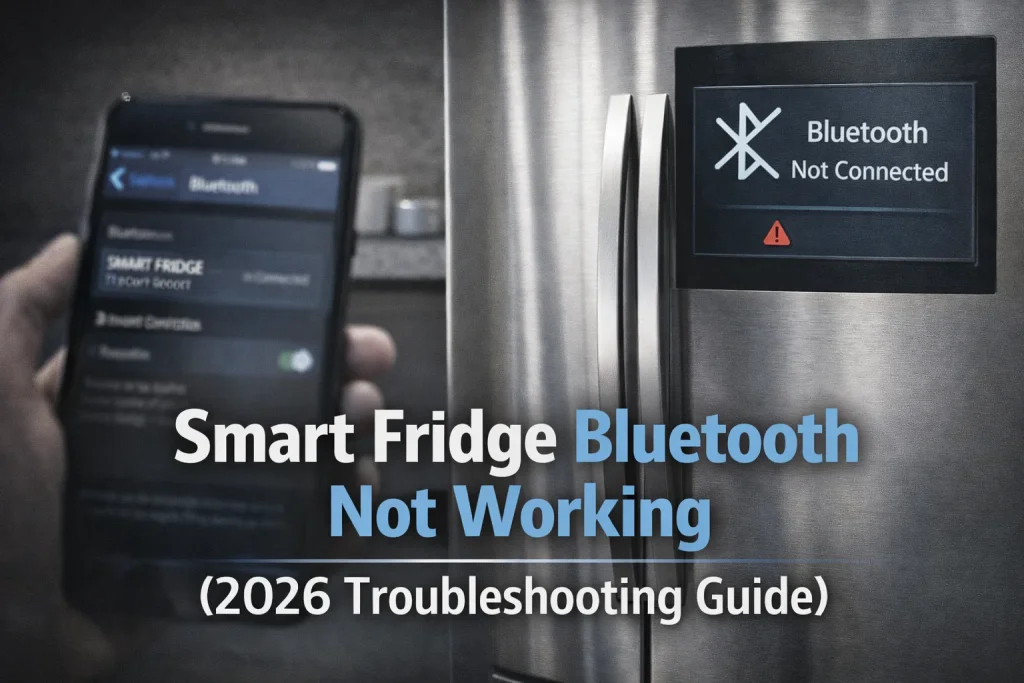
Smart fridge Bluetooth issues usually occur due to disabled permissions, outdated firmware, or interference during the initial pairing process.
Bluetooth is mainly used for first-time setup and short-range communication, so ensuring proper app permissions and proximity often resolves the problem.
However, Bluetooth alone cannot replace Wi-Fi for full smart features.
Bluetooth plays a critical but limited role in smart refrigerators, mainly during initial app setup and device discovery. When Bluetooth doesn’t work, users often assume the fridge is broken even though the appliance itself may be functioning perfectly.
This guide explains why smart fridge Bluetooth problems happen, how to fix them step by step, and when Bluetooth is no longer required. You’ll also learn how Bluetooth issues differ from Wi-Fi problems and how to avoid common setup mistakes.
Why This Topic Matters
Bluetooth issues are one of the most misunderstood smart fridge problems.
- Many users don’t realize Bluetooth is only used during setup
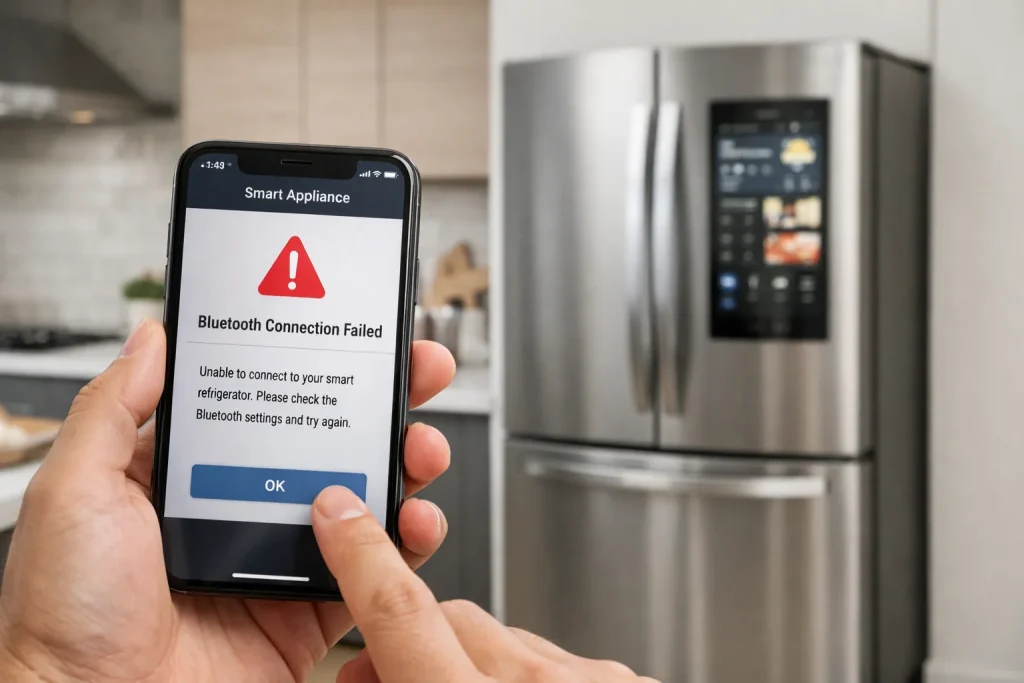
- App pairing fails if Bluetooth permissions are blocked
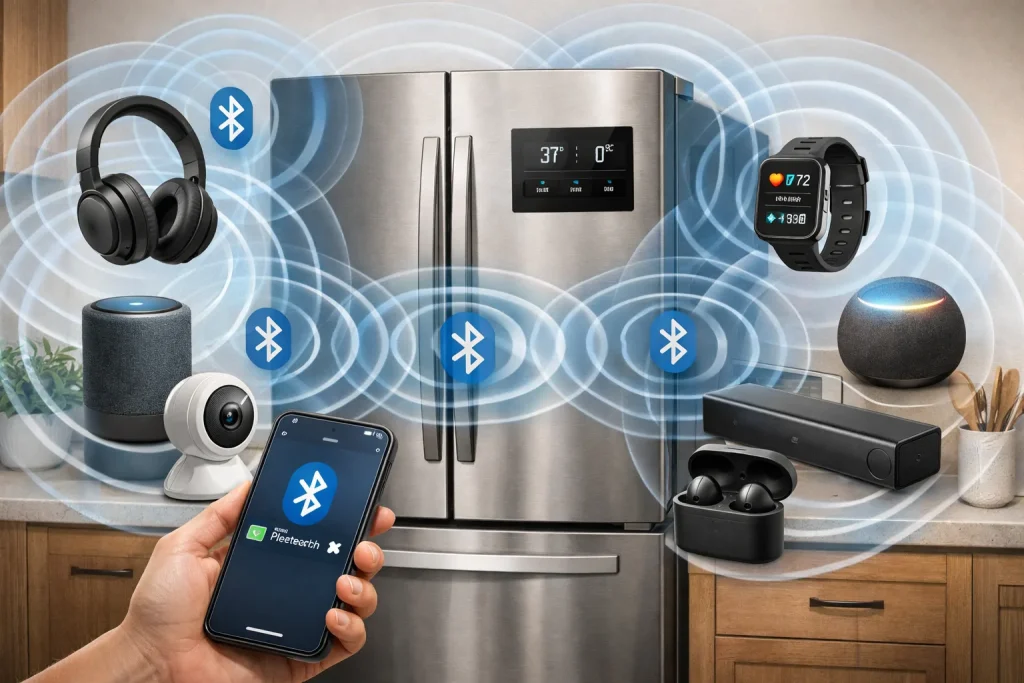
- Interference from other devices can disrupt discovery
- Users confuse Bluetooth issues with Wi-Fi or power problems
According to appliance manufacturers, a large percentage of “connection failures” are caused by phone settings—not fridge hardware.
Key Facts
- Bluetooth is short-range only (typically under 30 feet)
- Used mainly for initial pairing, not daily operation
- Requires app permissions: location + Bluetooth access
- Interference-prone: other Bluetooth devices can block pairing
“Bluetooth pairing issues in smart appliances are usually caused by permission restrictions or proximity problems, not defective hardware.”
— Consumer Electronics Connectivity Specialist
Main Content Sections
How Does Bluetooth Work in a Smart Fridge?
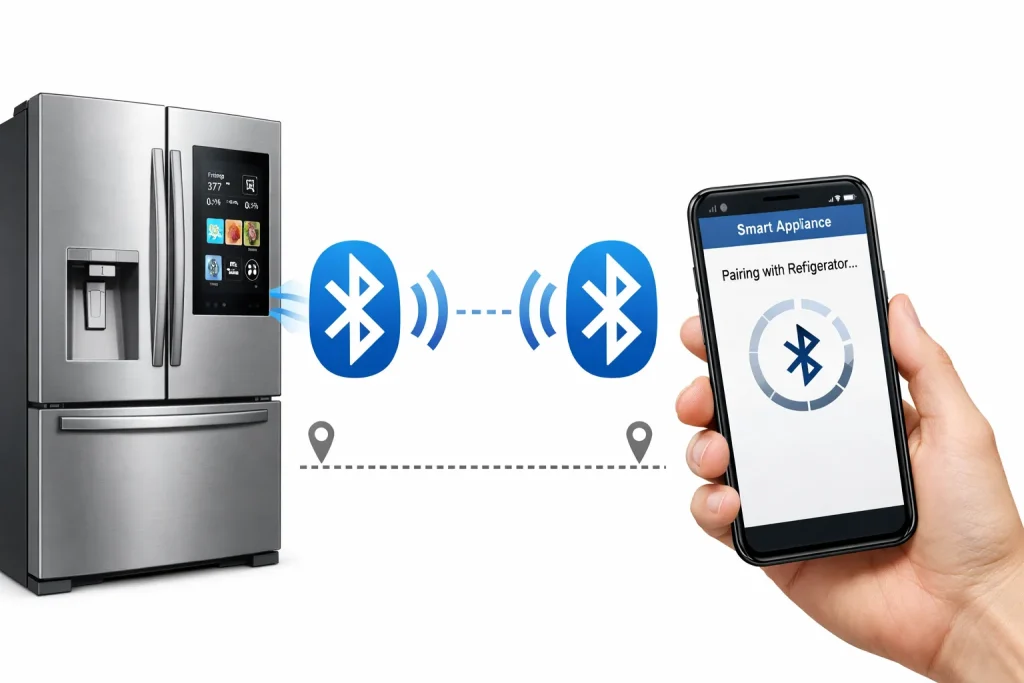
Bluetooth is primarily used to:
- Discover the fridge during first-time setup
- Transfer Wi-Fi credentials securely
- Verify device ownership
Once setup is complete, Wi-Fi handles most smart functions.
Why Is My Smart Fridge Bluetooth Not Working?
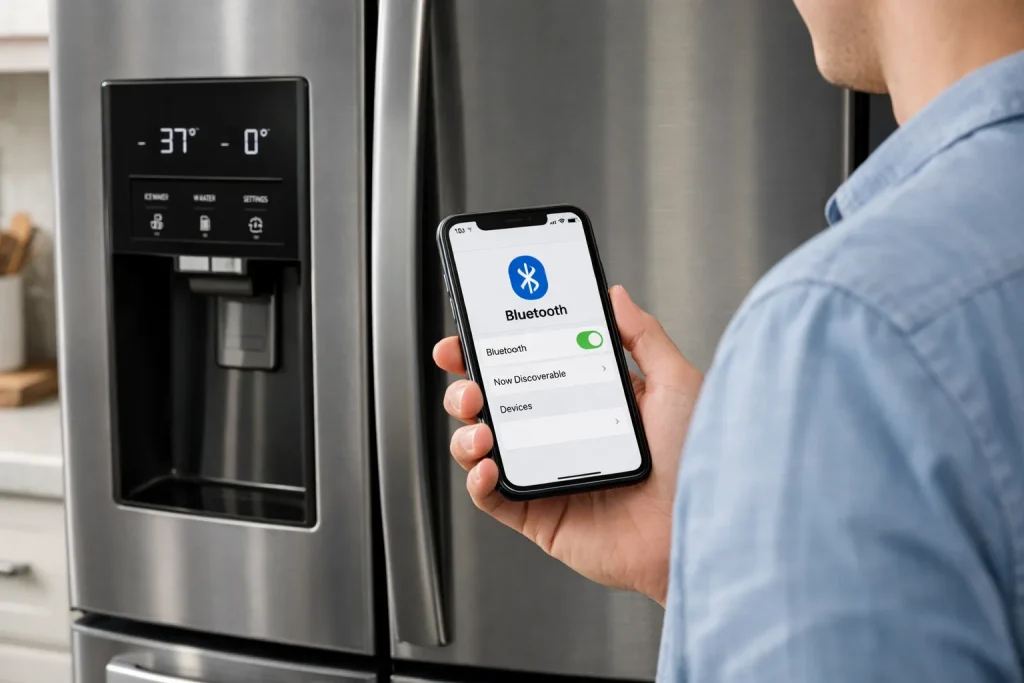
Bluetooth Is Disabled on Your Phone
Many users forget to enable Bluetooth before opening the app.
Fix:
- Turn on Bluetooth manually
- Keep Bluetooth enabled during the entire setup process
App Permissions Are Blocked
Modern phones require explicit permission for Bluetooth and location.
Fix:
- Allow Bluetooth, Location, and Local Network access
- Restart the app after changing permissions
Phone Is Too Far from the Fridge
Bluetooth pairing requires close proximity.
Fix:
- Stand within 3–6 feet of the refrigerator
- Avoid walls or large metal objects between devices
Firmware or App Is Outdated
Version mismatches can prevent Bluetooth discovery.
Fix:
- Update the refrigerator app
- Check for fridge firmware updates
Too Many Bluetooth Devices Nearby
Bluetooth congestion can block pairing.
Fix:
- Temporarily disable Bluetooth on nearby devices
- Retry pairing with only one phone active
Step-by-Step: Fix Bluetooth Pairing Issues
- Enable Bluetooth on your phone
- Grant all required app permissions
- Restart phone and refrigerator
- Stay within close range
- Reopen the app and retry pairing
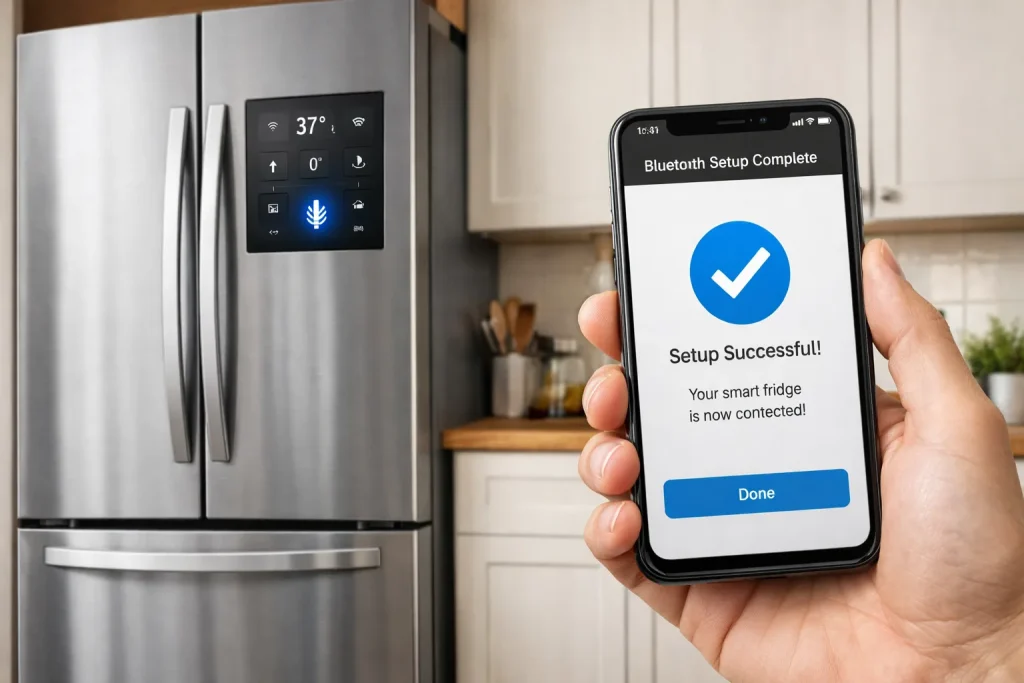
- Switch to Wi-Fi once setup completes
Pros & Cons of Bluetooth in Smart Fridges
| Pros | Cons |
|---|---|
| Secure initial pairing | Limited range |
| Works without Wi-Fi temporarily | Not for daily control |
| Simple setup process | Sensitive to interference |
Expert Take
Bluetooth issues should be treated as setup-stage problems, not long-term defects. Focus on permissions, proximity, and updates before assuming a hardware fault. Once pairing is complete, rely on Wi-Fi for stable performance and ignore Bluetooth unless re-pairing is required.
Common Mistakes to Avoid
- Leaving Bluetooth off during setup → Always enable it first
- Denying location access → Bluetooth discovery may fail
- Standing far from the fridge → Stay within a few feet
- Confusing Bluetooth with Wi-Fi → They serve different roles
Who This Is Best For / Not Ideal For
- Best For:
- First-time smart fridge setup
- Reconnecting after app reinstall
- Initial troubleshooting
- Not Ideal For:
- Daily remote control
- Long-distance communication
- Homes with heavy Bluetooth interference
FAQs
Does my smart fridge need Bluetooth all the time?
No. Bluetooth is usually only required during initial setup or re-pairing.
Can I use the fridge without Bluetooth?
Yes, once setup is complete and Wi-Fi is connected.
Why does the app ask for location permission?
Many mobile systems require location access to scan for Bluetooth devices.
Is Bluetooth failure a sign of fridge hardware damage?
Rarely. Most issues are related to phone settings or permissions.
Conclusion
Smart fridge Bluetooth not working issues are usually temporary and setup-related. In most cases, enabling permissions, updating software, and staying close to the fridge resolves the problem quickly. Bluetooth is not meant for daily operation, so once setup is complete, focus on Wi-Fi stability for long-term performance.
Relevant Topics: Can Check for more help
- Smart Refrigerator Problems and Solutions
- Smart Refrigerator App Setup Issues
- Smart Refrigerator Wi-Fi Connection Problems
- Common Problems With Smart Refrigerators
- Smart Fridge Pros and Cons

Hi, I’m the lead researcher and appliance enthusiast behind RefrigeratorSolve. With years of hands-on experience troubleshooting cooling systems and testing home appliances, I am dedicated to bringing you honest reviews, energy-saving tips, and practical solutions to keep your refrigerator running perfectly.