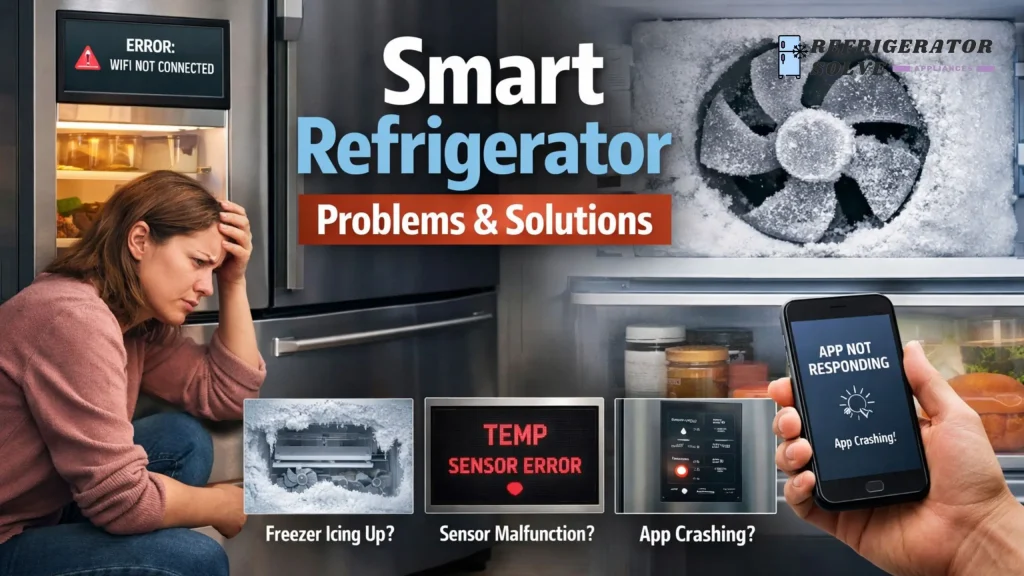
Smart refrigerator problems usually include Wi-Fi connection issues, app malfunctions, temperature control errors, software glitches, high repair costs, and long-term reliability concerns. Most issues can be fixed with proper setup, regular maintenance, and knowing when a repair is no longer worth it.
Why Smart Refrigerators Create So Many Questions
In my experience, smart refrigerators are one of the most misunderstood home appliances. On paper, they look perfect touch screens, mobile apps, cameras inside the fridge, voice control, energy tracking, and smart alerts.
But once people bring a smart fridge home, reality hits.
I’ve seen users complain about:
- Wi-Fi not connecting
- Apps crashing
- Screens freezing
- Food spoiling due to wrong temperature automation
- Software updates breaking features
That’s why I created this complete pillar guide—to cover every possible problem a smart refrigerator can have during its entire life, and most importantly, how to solve them.
This guide follows the real customer journey:
Buying → Transport → Setup → App usage → Daily problems → Maintenance → End of life
Problems Before Buying a Smart Refrigerator
Are Smart Refrigerators Worth It?
This is one of the most searched questions.
Common concerns:
- Higher price than normal refrigerators
- Features that people never use
- Fear of expensive repairs
My honest take:
Smart refrigerators are worth it only if you actually use the smart features. If you just want cooling and storage, a traditional fridge is often a better investment.
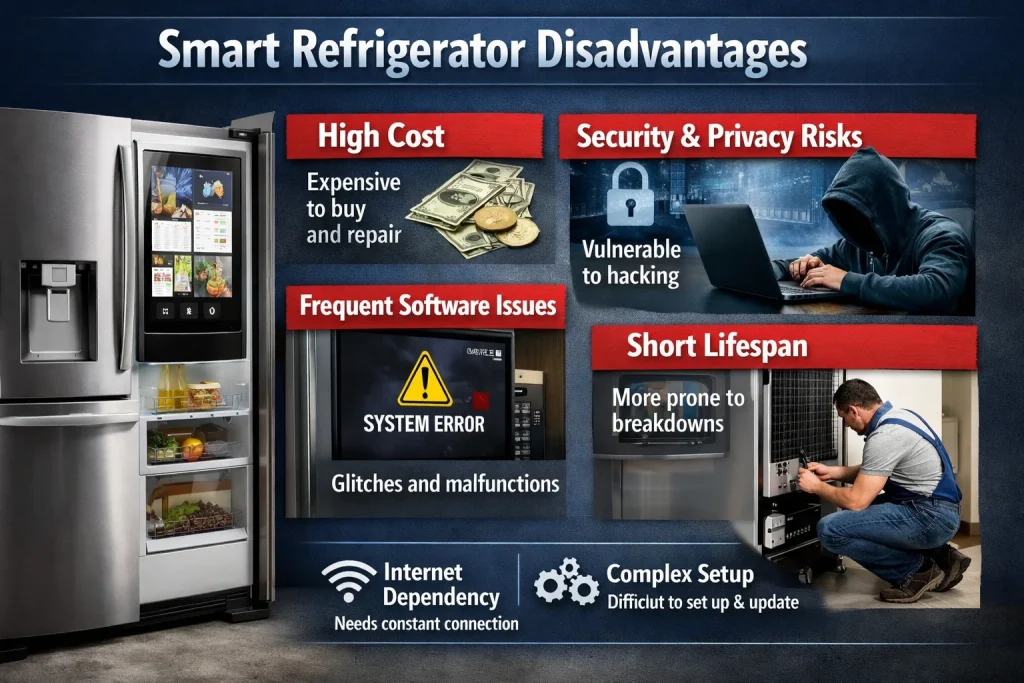
Smart Refrigerator Disadvantages
Common disadvantages people report:
- Software dependency
- App support can end after a few years
- Touchscreens fail faster than mechanical controls
- Repairs require specialized technicians
Solution:
Before buying, always:
- Check software update policy
- Confirm local service availability
- Read long-term user reviews (2–4 years old)
Transport and Installation Problems
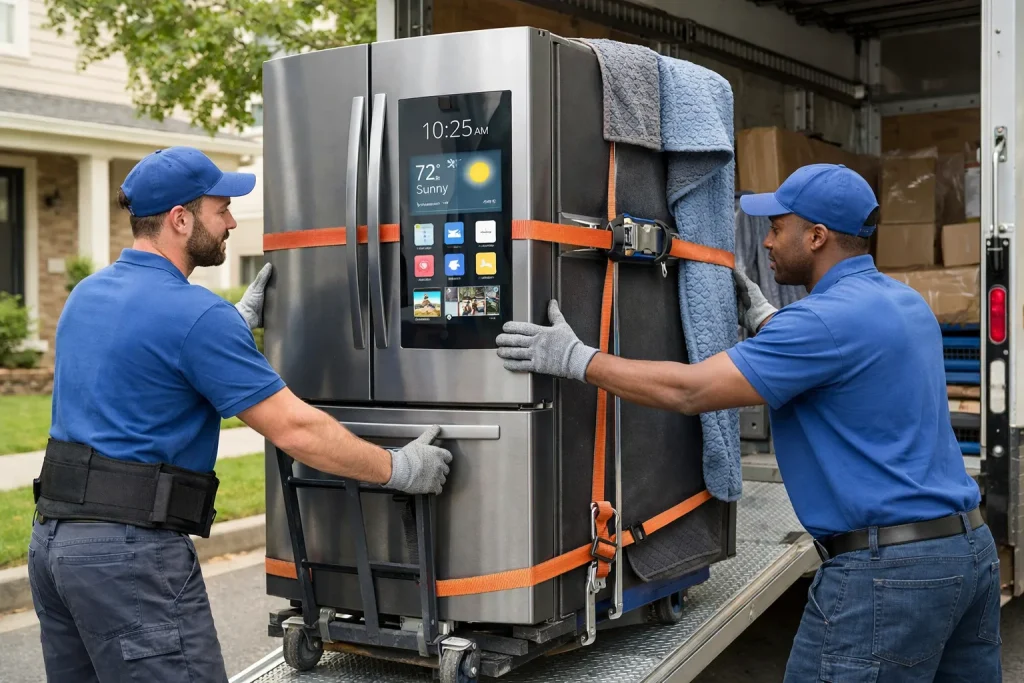
Transporting a Smart Refrigerator Safely
Smart fridges contain:
- Sensitive sensors
- Control boards
- Display panels
Common mistake: Plugging it in immediately after transport.
Solution:
- Keep the fridge upright during transport
- Wait 4–6 hours before plugging in
- If laid sideways, wait 24 hours
Smart Refrigerator Not Turning On After Delivery
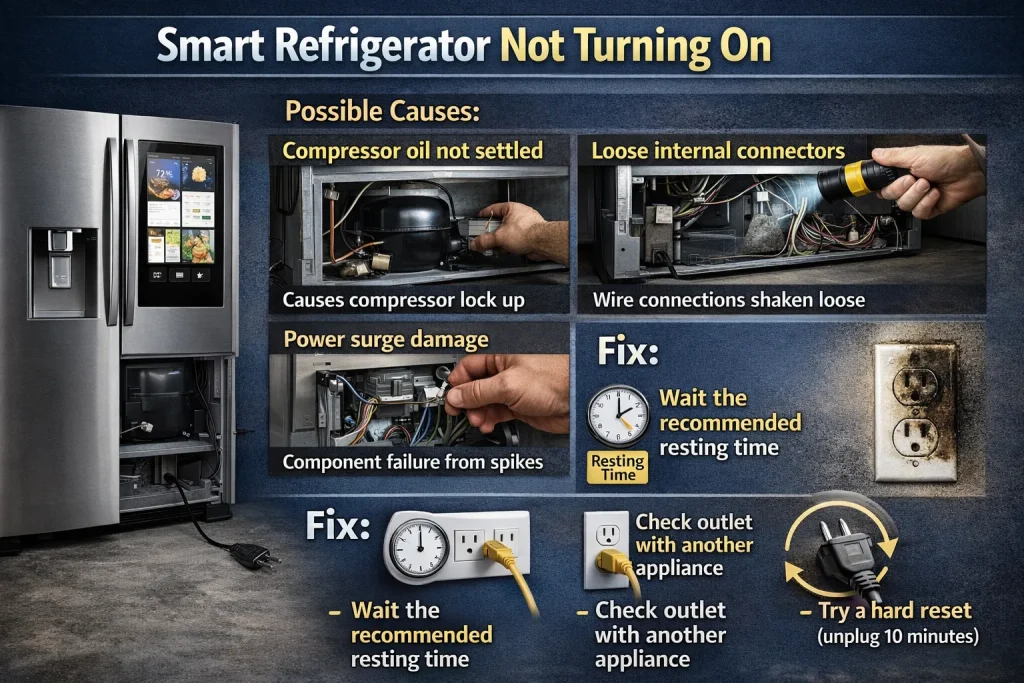
This scares many users.
Possible causes:
- Compressor oil not settled
- Loose internal connectors
- Power surge damage
Fix:
- Wait the recommended resting time
- Check outlet with another appliance
- Try a hard reset (unplug 10 minutes)
If it still doesn’t turn on → Call service immediately (do not DIY).
Setup and Initial Configuration Problems
Smart Fridge Setup Issues
Many users struggle during first-time setup.
Common issues:
- Screen stuck on setup page
- App not detecting the fridge
- QR code not scanning
Solutions:
- Use 2.4 GHz Wi-Fi (most smart fridges don’t support 5 GHz)
- Keep phone close to fridge
- Update the app before setup
Smart Refrigerator Wi-Fi Connection Problems
This is one of the biggest pain points.
Why it happens:
- Weak Wi-Fi signal in kitchen
- Router firewall blocking device
- Incorrect password entry
Fixes that actually work:
- Move router closer or use Wi-Fi extender
- Temporarily disable router security
- Restart router and fridge together
App and Software Problems (Most Frustrating Stage)
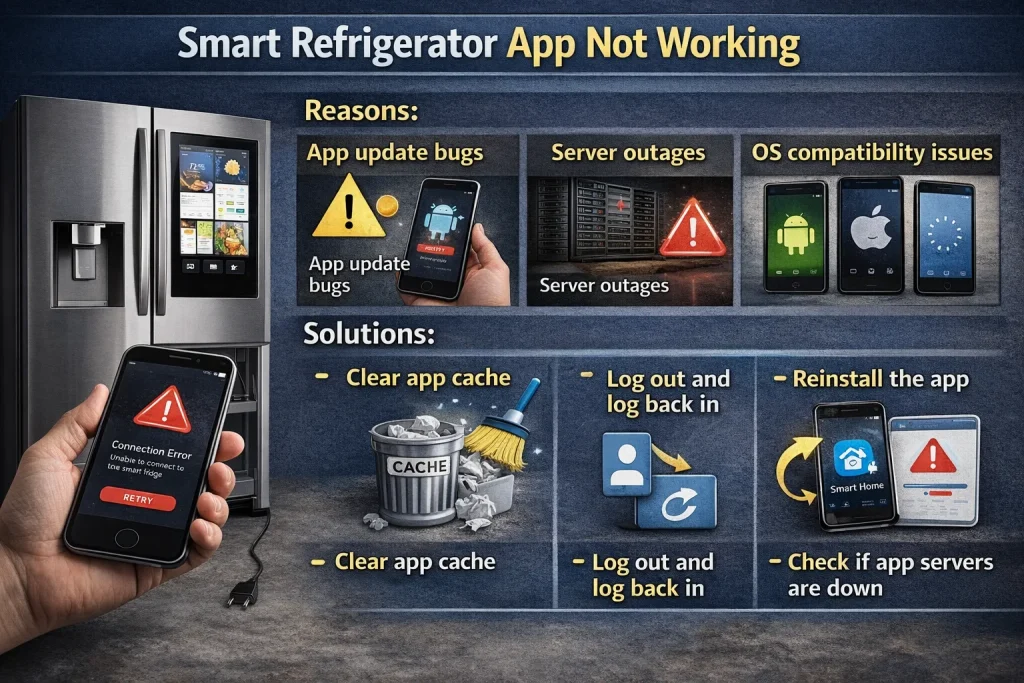
Smart Refrigerator App Not Working
People often say:
“The fridge works, but the app doesn’t.”
Reasons:
- App update bugs
- Server outages
- OS compatibility issues
Solutions:
- Clear app cache
- Log out and log back in
- Reinstall the app
- Check if app servers are down
Firmware Update Problems
Firmware updates are risky.
Common issues:
- Update stuck at 99%
- Screen freezes after update
- Features disappear
Best practice:
- Never update during power instability
- Do not unplug during updates
- If stuck for over 2 hours → contact support
Touchscreen Not Responding
This happens more than brands admit.
Causes:
- Static buildup
- Software crash
- Moisture exposure
Fix:
- Soft reset
- Dry the screen
- Use physical buttons if available
Daily Usage Problems
Smart Refrigerator Cooling Problems
Despite being “smart,” cooling issues are common.
Symptoms:
- Fridge warm, freezer cold
- Uneven cooling
- Food spoiling quickly
Reasons:
- Auto temperature misconfiguration
- Overloaded shelves
- Sensor malfunction
Solutions:
- Set temperature manually
- Avoid blocking air vents
- Reset temperature profile
Smart Fridge Freezing Food
This frustrates many users.
Why it happens:
- Smart algorithms overcorrect
- Faulty temperature sensors
Fix:
- Increase fridge temperature slightly
- Disable adaptive cooling
- Store vegetables away from vents
Noise Problems
Common noises:
- Buzzing
- Clicking
- Humming
Usually caused by:
- Smart compressor cycling
- Ice maker automation
When to worry:
If noise becomes loud or continuous → service required.
Ice Maker and Water Dispenser Problems
Ice Maker Not Working
Causes:
- App-controlled ice turned off
- Water line blockage
- Sensor error
Fix:
- Check app settings
- Flush water line
- Reset ice maker from control panel
Power, Electricity, and Privacy Concerns
High Electricity Usage
Smart fridges consume more power due to:
- Screens
- Sensors
- Continuous connectivity
How to reduce power use:
- Enable energy saver mode
- Turn off unused smart features
- Reduce screen brightness
Data Privacy and Security Risks
People ask:
“Can smart refrigerators be hacked?”
Reality:
Yes, but risks are low if you:
- Use strong Wi-Fi passwords
- Update firmware
- Avoid public networks
Maintenance and Long-Term Problems
Smart Refrigerator Maintenance Cost
Smart fridges are expensive to repair.
Common costly parts:
- Main control board
- Touchscreen
- Sensors
Tip:
Regular cleaning and stable power can double lifespan.
Software Support Ending
This is rarely discussed.
What happens:
- App stops receiving updates
- Some features stop working
Important truth:
The fridge will still cool, but “smart” features may degrade.
Lifespan, Repair vs Replacement
How Long Do Smart Refrigerators Last?
Average lifespan:
- Smart fridge: 8–12 years
- Traditional fridge: 12–15 years
When to Replace a Smart Refrigerator
Replace if:
- Repair cost > 50% of new fridge
- Software support ended
- Repeated sensor failures
Can You Use a Smart Refrigerator Without Internet?
Yes.
Without internet:
- Cooling works
- Manual controls work
- App features stop
This is a relief for many users.
Frequently Asked Questions for Smart Refrigerator Problems and Solutions
Why is my smart fridge not connecting to Wi-Fi?
Weak signal, wrong frequency, or router security issues are the main causes.
Do smart refrigerators stop working without the app?
No. Cooling continues, but smart features may be limited.
Are smart refrigerators reliable long term?
They are reliable if properly maintained, but software issues increase with age.
Final Verdict: Should You Buy or Keep a Smart Refrigerator?
From what I’ve seen, smart refrigerators are powerful but demanding appliances.
They are best for users who:
- Enjoy technology
- Maintain stable internet and power
- Are willing to troubleshoot apps
If you want simplicity and longevity, a traditional fridge may still be the safer choice.

Hi, I’m the lead researcher and appliance enthusiast behind RefrigeratorSolve. With years of hands-on experience troubleshooting cooling systems and testing home appliances, I am dedicated to bringing you honest reviews, energy-saving tips, and practical solutions to keep your refrigerator running perfectly.