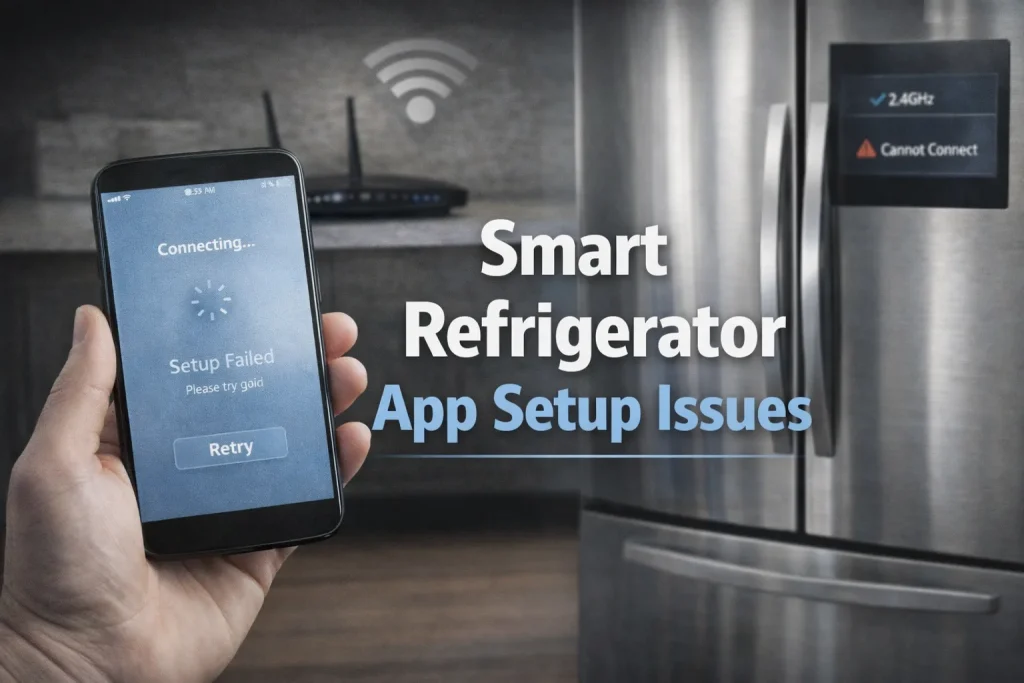
Smart refrigerator app setup issues usually occur when the fridge isn’t properly connected to the network, the app lacks permissions, or there’s a mismatch between the refrigerator’s firmware and the app version. Ensuring correct Wi-Fi configuration and updating both app and fridge software typically fixes most problems.
However, some issues stem from model-specific quirks that may require manufacturer support.
Smart refrigerators offer app control for features like remote monitoring, alerts, and smart home integration, but many users struggle to set up the companion app correctly. Without a successful app setup, you can’t access remote control, notifications, or advanced diagnostics even if the fridge itself is functioning fine.
This article explains common app setup issues, how to troubleshoot them step-by-step, and what to do when basic fixes don’t help. By the end, you’ll know how to get your smart refrigerator connected and working with your device.
Why This Topic Matters
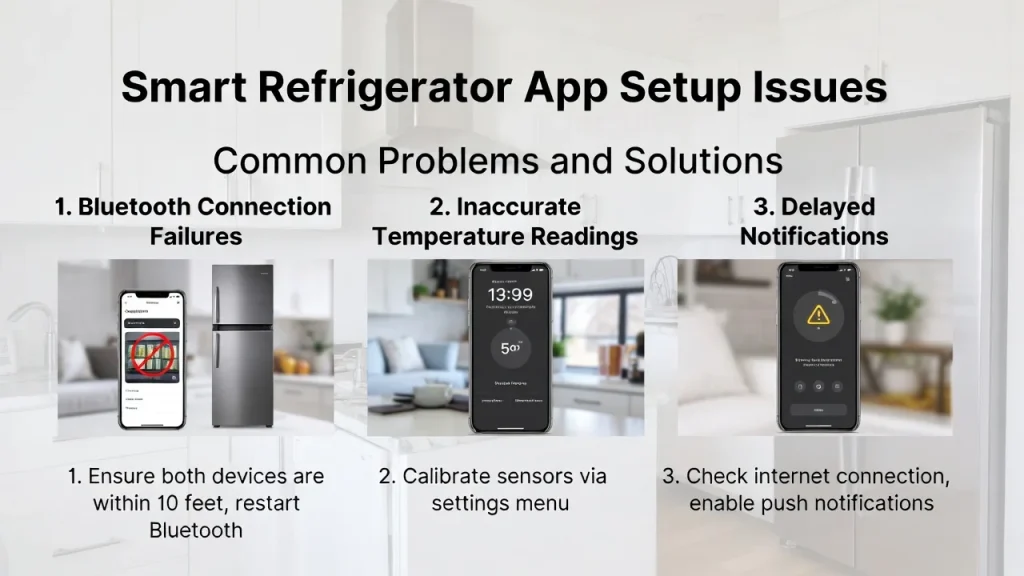
Most users expect the smart fridge app to “just work,” but setup problems are common.
- Incorrect app installation or missing permissions can block connectivity entirely.
- Many fridges require specific network configurations (e.g., 2.4 GHz Wi-Fi).
- Users often skip firmware updates, leading to mismatches between app features and fridge capabilities.
- Misunderstanding error messages results in unnecessary frustration and support calls.
Getting the app setup right unlocks the full potential of smart refrigeration features.
Key Facts / Observations
- Network dependencies: Most smart refrigerator apps require stable Wi-Fi (especially 2.4 GHz) for initial pairing.
- Permissions matter: Apps need location, Bluetooth, and network permissions to discover and connect to the fridge.
- Firmware syncing: Incompatible app versions and fridge firmware can cause setup failures.
- Security settings: Router security (WPA3, MAC filtering) may block new devices from joining the network.
“Smart appliance apps rely on both network configuration and device permissions. Addressing both layers systematically resolves most setup failures.” — Consumer Electronics Network Engineer
Main Content Sections
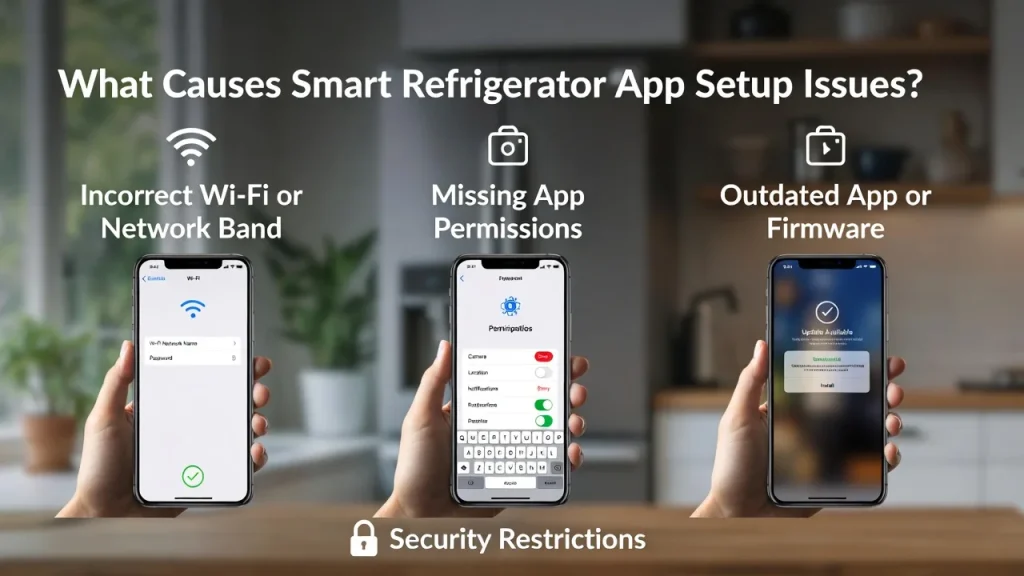
What Causes Smart Refrigerator App Setup Issues?
Incorrect Wi-Fi or Network Band
Most smart fridge apps require connection to a 2.4 GHz Wi-Fi network during setup. If your phone/tablet and fridge are on different bands (e.g., 5 GHz), the app may not detect the device.
Missing App Permissions
Modern mobile OSes block app access to certain features unless permissions are granted. Without permissions for location, Bluetooth, or local network access, the app can’t discover or connect to the fridge.
Outdated App or Firmware
If the app version doesn’t match the firmware version on the fridge, the pairing process can fail. Always update the app and check for fridge firmware upgrades.
Security Restrictions
Router settings like MAC filtering, hidden SSIDs, or advanced WPA settings can prevent the fridge from joining the network.
Step-by-Step App Setup Troubleshooting
1) Update Everything First
- Update the refrigerator app from the App Store or Google Play.
- Update your fridge firmware (via control panel or app).
- Update your router firmware if available.
2) Check Network Settings
- Connect your phone/tablet to the same 2.4 GHz network you plan to use for the fridge.
- Avoid network names (SSIDs) with special characters that some devices fail to interpret.
3) Enable Required App Permissions
- On iOS/Android, grant:
- Location access
- Bluetooth and local network access
- Notifications (optional but recommended)
4) Restart Devices
- Restart the fridge, your phone/tablet, and the router to refresh connections.
5) Retry Pairing
Follow the app’s setup wizard, ensuring you enter the correct Wi-Fi password and select the right network.
Pros & Cons of Smart Fridge App Setup
| Pros | Cons |
|---|---|
| Remote alerts and control | Initial setup can be complex |
| Integration with smart home systems | App errors if permissions aren’t granted |
| Firmware and diagnostics access | Some models are finicky with network settings |
Expert Take / Recommendation
Start troubleshooting systematically: update app and firmware, confirm network band, enable necessary permissions, and restart all devices. If setup still fails, check the manufacturer’s support resources for model-specific instructions. Persistent failures may indicate a hardware or compatibility issue that requires professional assistance.
Common Mistakes to Avoid
- Skipping permission requests: Without permissions, the app cannot detect or communicate with the fridge.
- Using the wrong network band: Many users try to connect via a 5 GHz network, but most smart refrigerators require 2.4 GHz during setup.
- Ignoring firmware updates: An outdated fridge system and an updated app often don’t communicate correctly.
- Assuming power or hardware is the issue first: Network and app setup problems are far more common than true hardware faults.
Who This Is Best For / Not Ideal For
- Best For:
- Users with basic home Wi-Fi networks
- People who need remote alerts and smart controls
- Households integrating appliances with smart home systems
- Not Ideal For:
- Users with unreliable internet service
- People who don’t need app features
- Environments with heavy network restrictions
FAQs
Why won’t my smart fridge app detect my refrigerator?
Most often it’s due to improper network band (5 GHz) or missing app permissions on your phone. Make sure both are correct.
Do I need Bluetooth for smart fridge app setup?
Some models use Bluetooth for initial discovery before switching to Wi-Fi, so enabling it often helps.
Can I set up the app without Wi-Fi?
No, Wi-Fi is typically required for pairing and full app functionality.
What should I do if the app setup fails repeatedly?
Restart your devices, update firmware, and check that permissions and network settings match the requirements.
Conclusion
Smart refrigerator app setup issues are common but generally solvable with a systematic approach. Focus first on network configuration (especially 2.4 GHz Wi-Fi), enable required app permissions, and keep all software updated. These steps will resolve most problems, giving you reliable remote control and smart functionality.
Relevant Topics: you can check for your help
- Smart Refrigerator Problems and Solutions
- Smart Refrigerator Wi-Fi Connection Problems
- Common Problems With Smart Refrigerators
- Smart Fridge Installation Problems
- Smart Fridge Pros and Cons

Hi, I’m the lead researcher and appliance enthusiast behind RefrigeratorSolve. With years of hands-on experience troubleshooting cooling systems and testing home appliances, I am dedicated to bringing you honest reviews, energy-saving tips, and practical solutions to keep your refrigerator running perfectly.