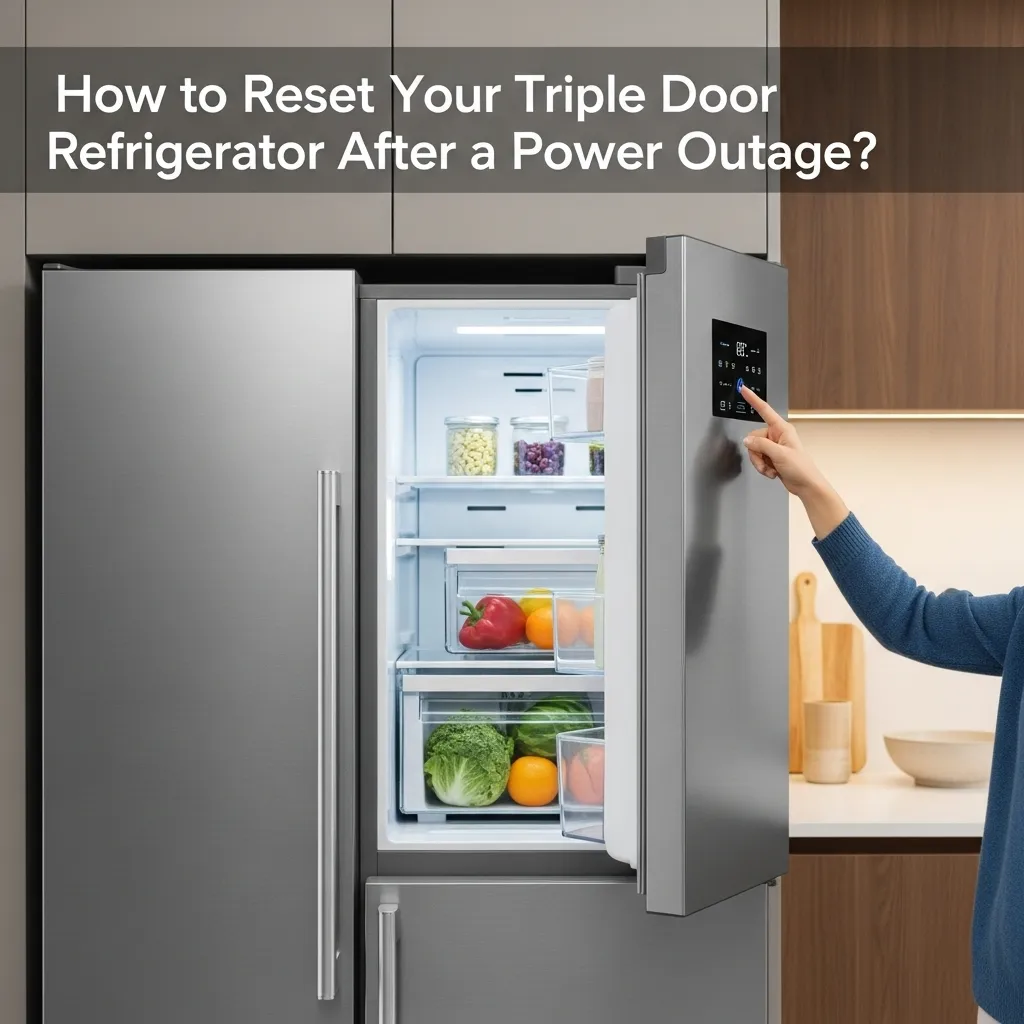
To reset it, first locate the main power button or unplug the unit for five minutes to clear its memory, then restore power and wait for it to cycle back on. This basic reset often resolves many post-outage issues, allowing the fridge to resume its normal cooling functions.
I’ll never forget the first major summer storm that knocked out our power for hours. When the lights finally flickered back on, I heard a disconcerting silence from my kitchen. My beautiful triple-door refrigerator, usually humming with purpose, was just… quiet. The digital display was dark. A wave of panic hit me—what about all the food inside? Was my expensive appliance broken?
If you’ve ever been in this situation, you know that feeling. After living in our home for a decade and experiencing more than our fair share of seasonal outages, I’ve become the unofficial neighborhood expert on getting these complex appliances back on track. Through trial, error, and many conversations with appliance repair technicians, I’ve learned the simple steps to safely reset your fridge and protect your groceries. Let’s walk through it together.
Why Your Fridge Acts Strange After a Power Outage
It’s not your imagination. Modern refrigerators, especially sophisticated models like French door or side-by-side triple-door units, are essentially computers that keep things cold. They have complex control boards that manage everything from the compressor speed to the defrost cycle. A sudden power loss and the subsequent surge when electricity returns can scramble these electronic brains.
The system is designed to protect itself. After an outage, it might initiate a built-in delay before starting the compressor again. This delay, often called a “time delay” or “compressor lockout,” prevents damage from the motor trying to start too frequently. It’s a good feature, but it can leave you worrying that something is wrong. Your job is to help it complete its reset process correctly.
Your Step-by-Step Guide to a Successful Reset
Before you do anything, take a deep breath. Rushing this process can lead to mistakes. Grab a flashlight if the power is still out, and let’s get started.
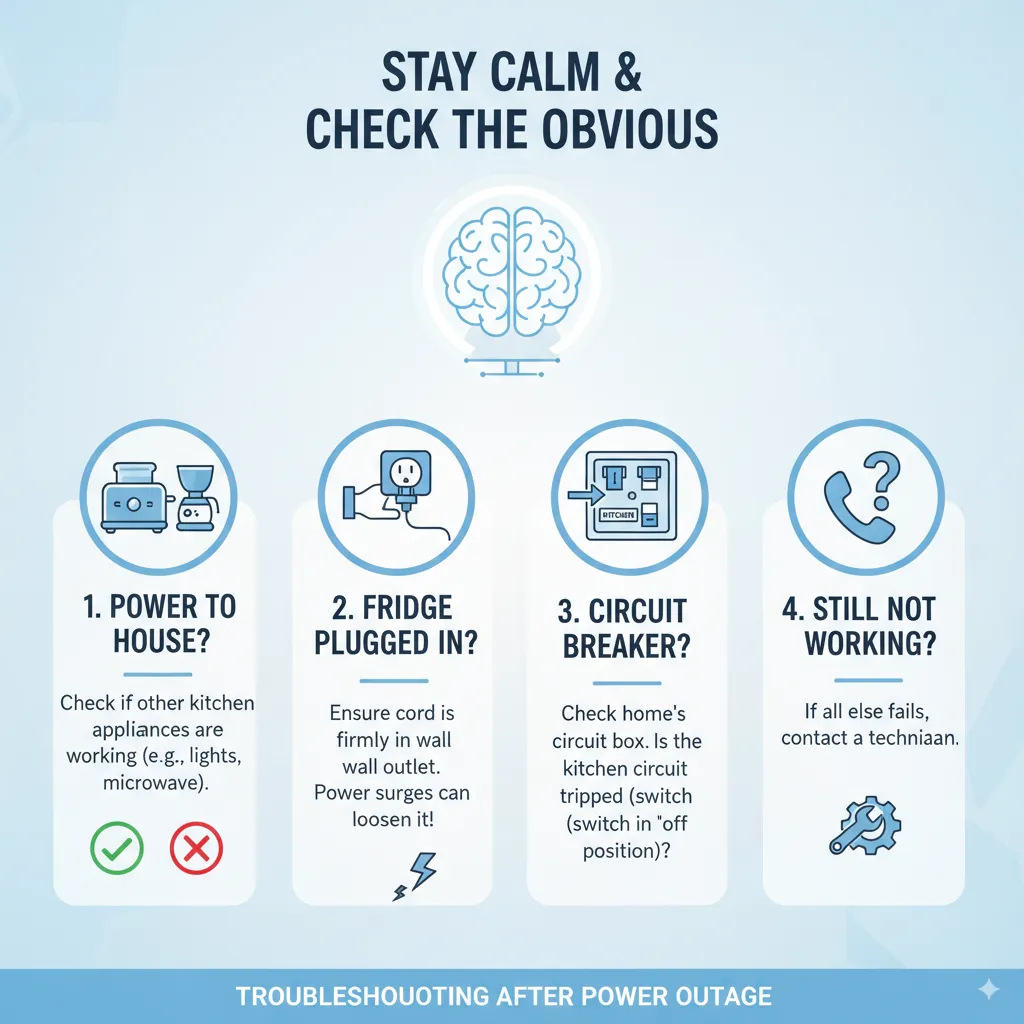
Step 1: Stay Calm and Check the Obvious
First, verify that the power is truly restored to your house. Check if other kitchen appliances are working. Then, ensure your refrigerator’s power cord is firmly plugged into the wall outlet. It sounds silly, but sometimes a power surge can jiggle the plug just enough to lose connection. Also, check your home’s circuit breaker or fuse box to make sure the circuit for the kitchen hasn’t tripped.
Step 2: The Full Power Cycle (This is the Key!)
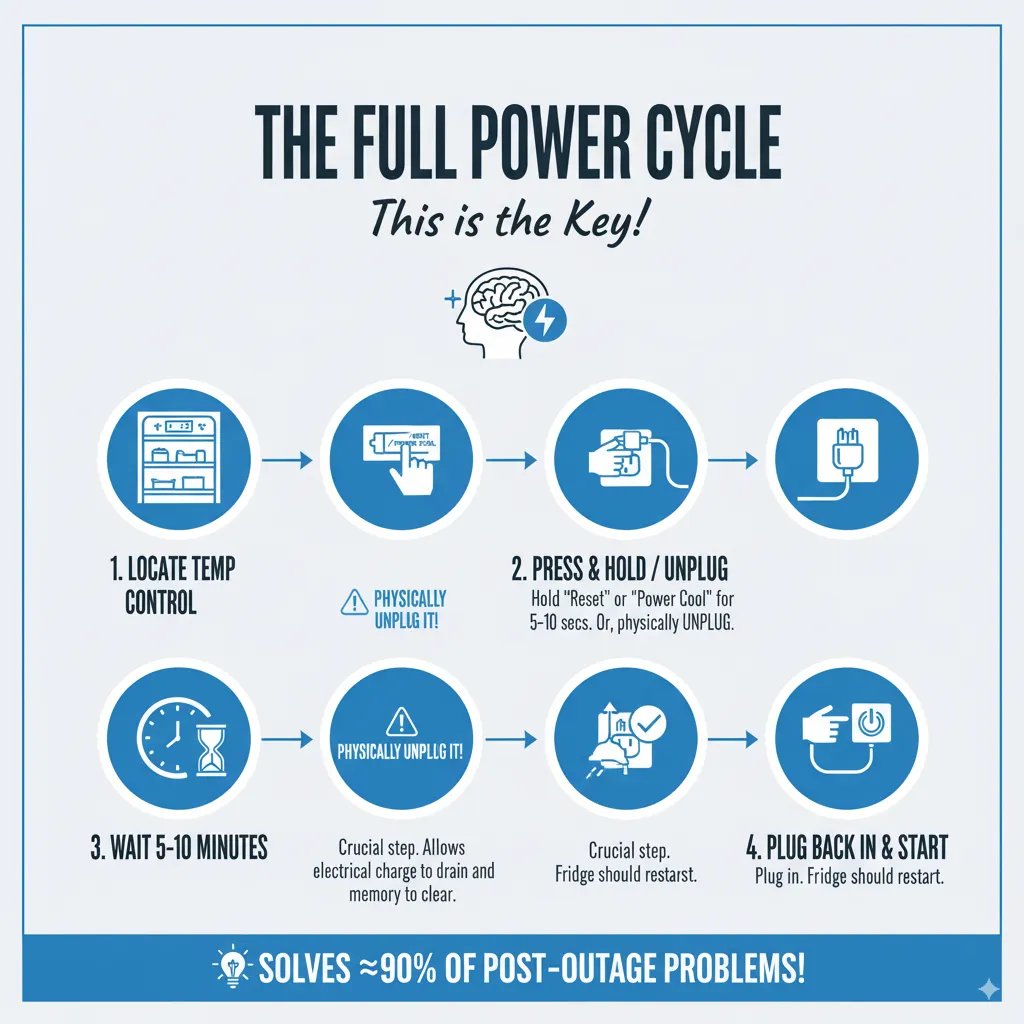
This is the most important step and solves about 90% of post-outage problems.
- Locate the temperature control panel on your refrigerator. Often, it’s inside on the ceiling or on the front exterior.
- Press and hold the “Power Cool” or “Reset” button (if your model has one) for about 5-10 seconds. You might hear a beep.
- If there’s no specific reset button, simply unplug the refrigerator from the wall outlet. Don’t just turn it off at a possible switch on the wall; physically unplug it.
- Wait for at least 5-10 minutes. This waiting period is crucial. It allows the electrical charge to fully drain from the capacitor and the control board’s memory to clear, effectively giving your fridge a clean slate.
As the renowned chef Julia Child once said, “The only real stumbling block is fear of failure. In cooking you’ve got to have a what-the-hell attitude.” I apply this to appliance troubleshooting—don’t be afraid to try the simple reset.
Step 3: Restore Power and Listen
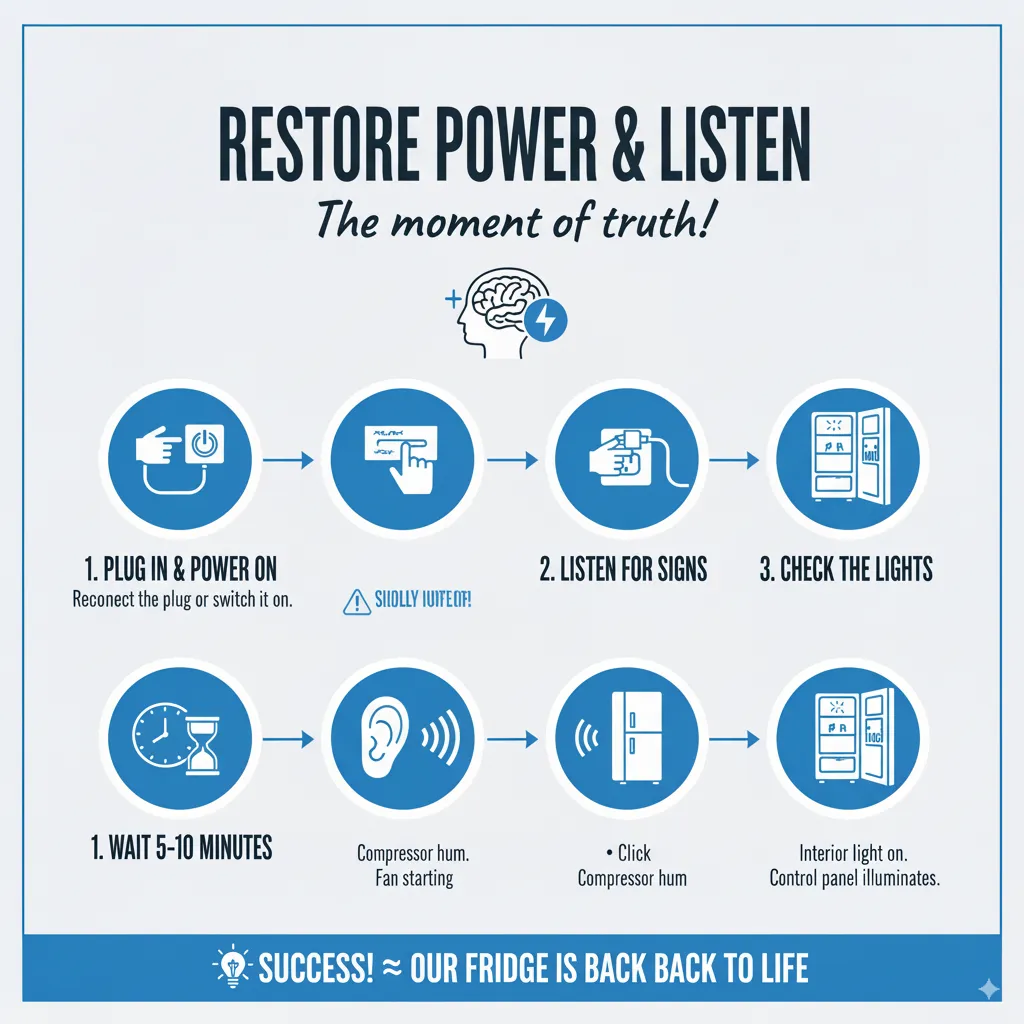
After waiting, plug the refrigerator back in or ensure it’s switched on. You should hear a faint click, and the interior light should come on. The control panel will likely illuminate. You might hear the hum of the compressor and the fans starting up. This is a great sign!
Step 4: Reset Your Temperature Settings
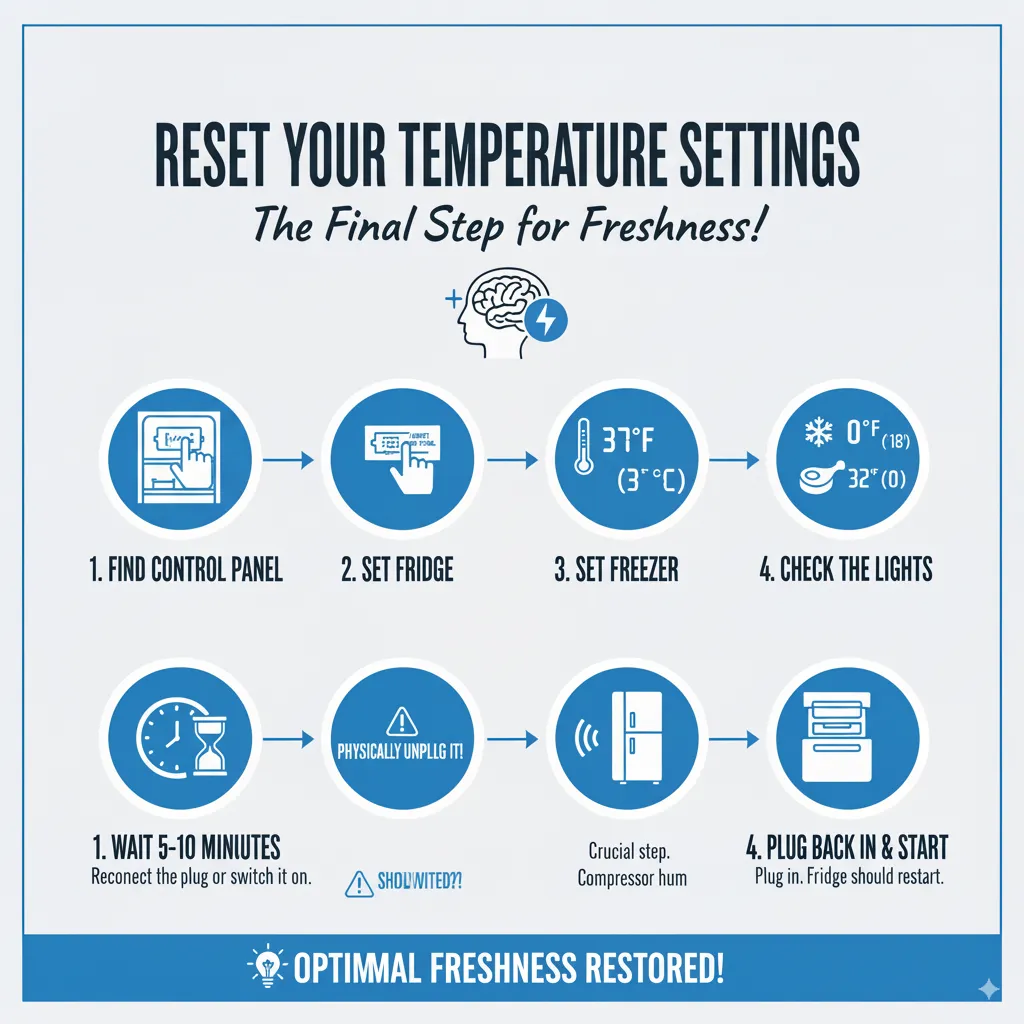
The power cycle likely wiped your custom temperature settings. The fridge will default to a factory preset, which might be warmer than you want.
- Open the doors and find the control panel.
- Set the fresh food compartment (the main fridge) to 37°F (3°C).
- Set the freezer section to 0°F (-18°C).
- If you have a third drawer or zone (like a flex-cool or meat drawer), set it according to its intended use, usually around 32°F (0°C).
Step 5: The Patient Wait
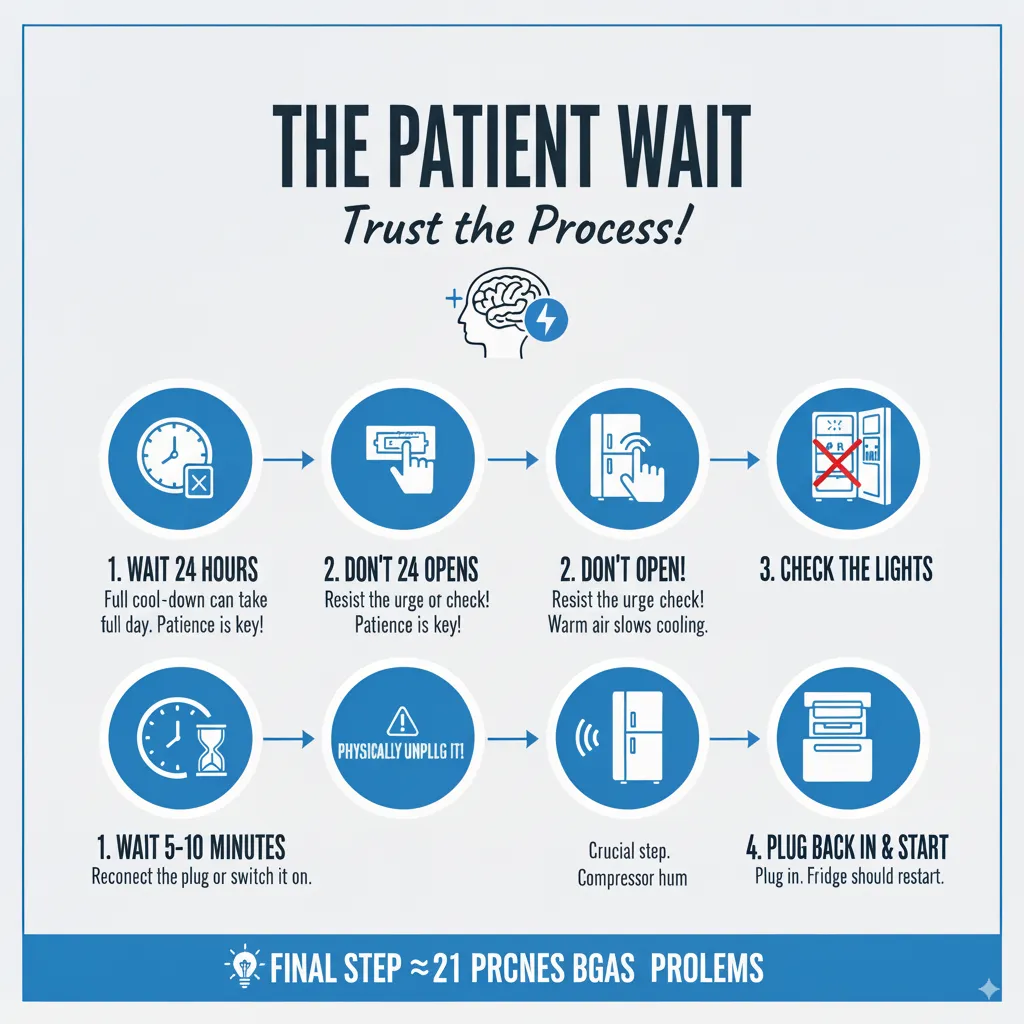
Now, here’s the hard part: you have to be patient. It can take your refrigerator up to 24 hours to fully cool down to its set temperatures. Do not open the doors frequently to check. Every time you open the door, you let warm, moist air in, which makes the compressor work harder and slows the cooling process. Trust the process.
Troubleshooting Common Post-Reset Issues

Sometimes, even after a reset, things might not be perfect. Here’s what to look for:
- The fridge isn’t cooling at all after an hour: Double-check the power source. Feel the sides of the fridge; if they aren’t getting even slightly warm, the compressor may not be running. It might be time to call a professional.
- The freezer is cold but the fridge is warm: This is common in triple-door models. Ensure the air vents between the freezer and fridge sections are not blocked by food packages. These vents are critical for circulating cold air.
- Strange noises are coming from the ice maker: It’s normal for the ice maker to run a cycle after a reset. It might make loud clunking or grinding sounds as it checks its position and dumps any ice that may have partially melted and refrozen. This should settle down after one or two cycles.
- The control panel is beeping or flashing an error code: Consult your user manual. Most manufacturers include a list of error codes and their meanings. A common code might indicate a temperature sensor issue, which often resolves itself as the fridge cools.
Food Safety: What to Keep and What to Toss
While your fridge is cooling down, your number one job is to keep the doors closed as much as possible. A full freezer will keep food frozen for about 48 hours if the door remains closed; a half-full freezer will keep food safe for about 24 hours. The refrigerator section will keep food cold for about 4 hours.
Once power is restored, check the temperature of your food with a kitchen thermometer:
- Discard any perishable food (like meat, poultry, seafood, milk, eggs, or leftovers) that has been above 40°F (4°C) for more than two hours.
- You can refreeze frozen food that still contains ice crystals or feels as cold as if it were refrigerated.
- When in doubt, throw it out. It’s not worth the risk of foodborne illness.
Frequently Asked Questions for How to Reset Your Triple Door Refrigerator After a Power Outage?
How long should I wait after a power outage before resetting my fridge?
You can perform the reset as soon as power is restored. There’s no need to wait.
My fridge has a built-in surge protector. Do I still need to unplug it?
While a surge protector helps, a full power cycle by unplugging is still the most effective way to ensure a complete reset of the internal computer.
The display is working, but the fridge feels warm. What should I do?
First, perform the full power cycle reset. Then, ensure the condenser coils (usually on the bottom or back of the fridge) are clean and not clogged with dust, as this can prevent cooling.
I reset it, but the ice maker isn’t working. What now?
Give it time. It can take up to 24 hours for the freezer to get cold enough to make ice again. Ensure the water supply line to the fridge didn’t get shut off accidentally.
Keeping Your Fridge Happy and Healthy
A little regular care can make your refrigerator more resilient to power events and improve its energy efficiency. Every six months, pull the unit out and vacuum the condenser coils. Dust buildup makes the compressor work harder. Also, check the door gaskets for a tight seal. A simple way to test this is to close the door on a dollar bill; if you can pull it out easily, the seal may need replacing.
Thomas Edison famously remarked, “There’s a way to do it better – find it.” Maintaining your appliance is that “better way” to prevent future problems.
Conclusion
Experiencing a power outage can be stressful, but getting your triple-door refrigerator back to its optimal performance doesn’t have to be. The process is almost always as simple as a full power cycle—unplugging it for a few minutes—and then patiently allowing it to return to its set temperature. Remember to check your food safety, keep those doors closed, and trust that your appliance is built to handle these situations.
By following these steps, you can move from a place of panic to a place of confidence. You’ve got this. And if, after all this, your fridge still isn’t working correctly, it’s okay to call in a certified technician. Sometimes, a power surge can cause damage that requires a professional touch.
As the great food writer M.F.K. Fisher noted, “First we eat, then we do everything else.” Protecting the appliance that protects our food is a fundamental part of keeping our homes running smoothly.

Hi, I’m the lead researcher and appliance enthusiast behind RefrigeratorSolve. With years of hands-on experience troubleshooting cooling systems and testing home appliances, I am dedicated to bringing you honest reviews, energy-saving tips, and practical solutions to keep your refrigerator running perfectly.