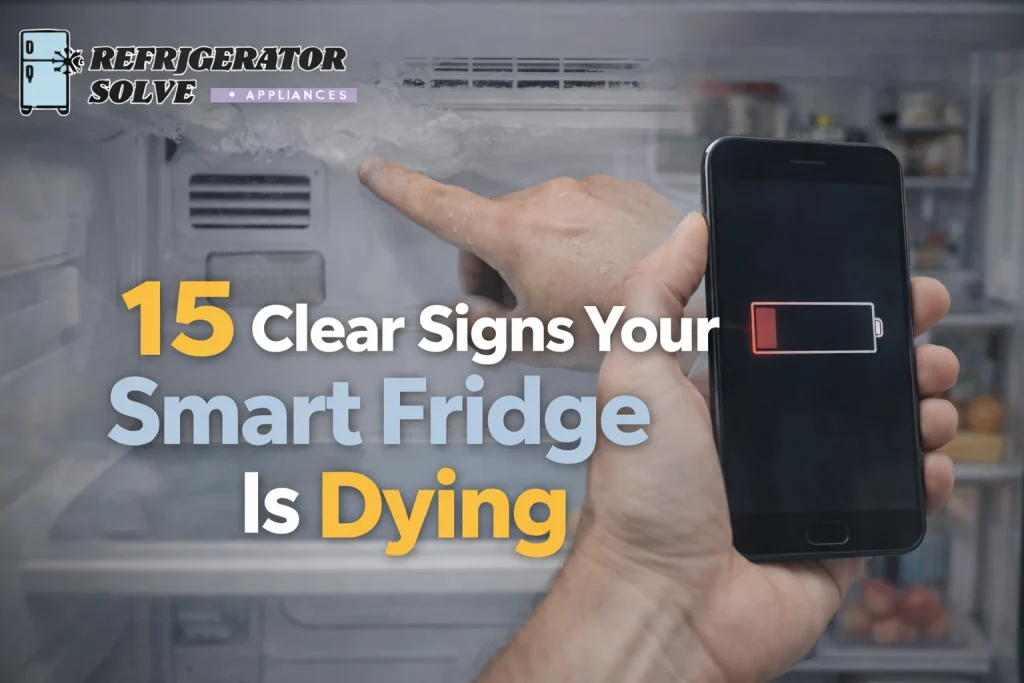
Signs your smart fridge is dying usually show up as cooling problems, repeated error codes, loud compressor noise, software glitches, or constant repair needs. If your smart refrigerator is struggling to keep food fresh and costs keep rising, it may be nearing the end of its lifespan.
If you’re here, your smart refrigerator probably isn’t acting right.
Maybe your food is spoiling too fast.
Maybe the touchscreen freezes.
Maybe it keeps disconnecting from WiFi.
Or maybe you’re hearing strange noises from the compressor at night.
I’ve helped many homeowners in the USA, UK, London, Canada, and Australia figure out whether their fridge needs a repair or replacement. And I’ll be honest the earlier you catch the signs your smart fridge is dying, the more money and stress you can save.
This guide is based on real-life experience, appliance lifespan data, and common smart refrigerator problems I’ve seen repeatedly.
Let’s walk through this step by step.
How Long Do Smart Refrigerators Usually Last?
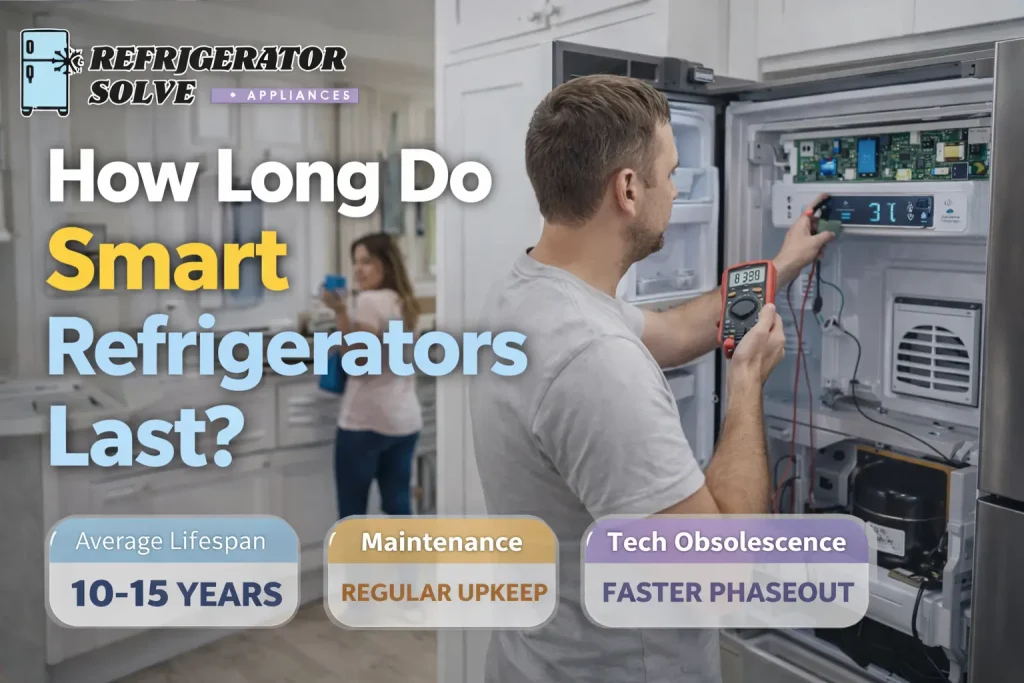
Before identifying failure signs, I always look at age.
Most smart refrigerators last between 10–15 years depending on:
- Maintenance habits
- Usage frequency
- Energy efficiency level
- Quality of components
- Software support
If you’re unsure about expected lifespan, this detailed guide explains it clearly: how-long-do-smart-refrigerators-last
If your unit is 9–12 years old and showing multiple issues, that’s a major red flag.
1. Food Is Spoiling Faster Than Usual
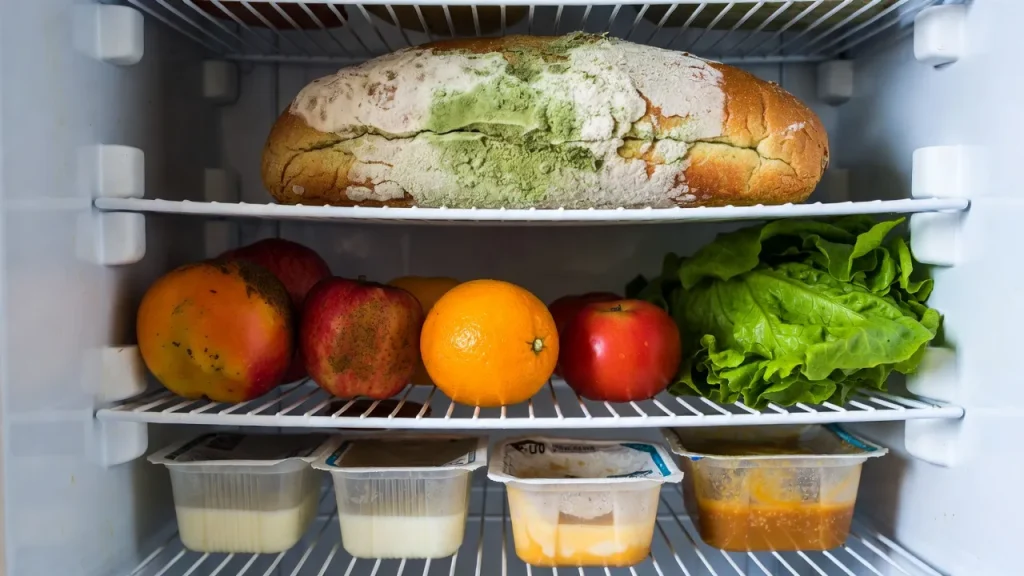
This is usually the first warning sign.
If your refrigerator temperature fluctuates or the cooling system struggles, you may notice:
- Milk going bad early
- Vegetables wilting
- Meat spoiling quickly
This often points to:
- Failing compressor
- Thermostat issue
- Evaporator fan problem
- Sealed system leak
If food safety becomes a concern, don’t delay action. In the USA and Canada especially, food waste can become expensive fast.
2. The Compressor Is Loud or Constantly Running
A healthy compressor cycles on and off quietly.
If yours:
- Makes buzzing or knocking noise
- Runs continuously
- Feels extremely hot
It could mean compressor failure is approaching.
Appliance expert Bob Vila once said:
“Strange noises are rarely harmless in major appliances.”
I’ve found that loud compressor noise is often one of the strongest signs your smart fridge is dying.
3. Frequent Error Codes on the Display
Smart refrigerators display error codes when something goes wrong.
If you’re constantly seeing:
- Sensor failure codes
- Communication errors
- System malfunction alerts
That suggests control board issues or software instability.
For deeper troubleshooting help, check: smart-fridge-repair-problems
If error codes return repeatedly after reset, internal electronics may be failing.
4. Smart Features Keep Disconnecting
Smart home compatibility is a major reason people buy these appliances.
If your fridge:
- Drops WiFi connection
- Won’t sync with apps
- Stops voice assistant integration
The WiFi module or firmware could be unstable.
Sometimes it’s minor. But if combined with cooling issues, it indicates bigger system decline.
5. It Stops Working After a Software Update
This is frustrating.
Many users report:
“My fridge stopped working after an update.”
If this happened to you, this guide explains the issue in detail: smart-fridge-stops-working-after-an-update
Firmware updates can cause:
- Display freezing
- Cooling malfunction
- Control board errors
If software problems keep happening, long-term reliability may be compromised.
6. Software Support Has Ended
Smart refrigerators rely on ongoing firmware updates.
Once manufacturers discontinue support, you may lose:
- App connectivity
- Cloud features
- Security updates
This guide explains what happens when support ends: smart-fridge-software-support-ended
If your fridge still cools properly, you can use it as a standard refrigerator. But if smart functionality was your main reason for buying it, this may be a sign replacement makes more sense.
Technology reviewer Marques Brownlee said:
“Software support often determines how long hardware stays useful.”
That applies here perfectly.
7. Energy Bills Are Increasing
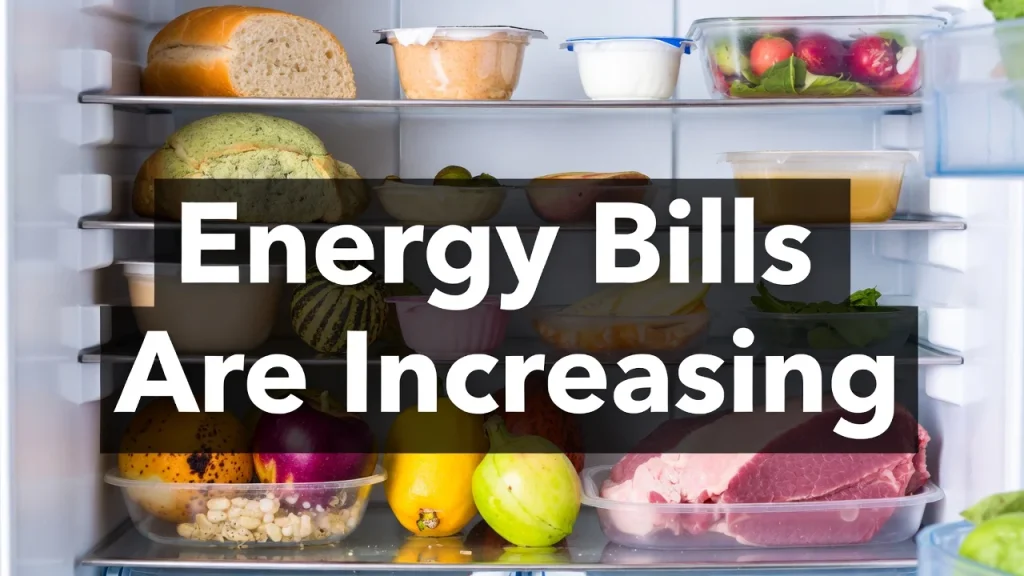
Older smart refrigerators may consume more electricity.
If your energy bill rises without other changes, your appliance may be:
- Overworking
- Losing insulation efficiency
- Running inefficient compressor cycles
Energy costs in the UK and Australia especially have increased, making inefficient appliances expensive long-term.
Check if your unit still meets Energy Star standards.
For official guidance on energy-efficient appliances, visit: energystar.gov
8. Water Leaks or Ice Maker Failures
Another common pain point:
- Water pooling under fridge
- Ice maker not producing ice
- Water dispenser slow
These issues can indicate:
- Valve failure
- Clogged lines
- Control board problems
Repeated leaks may damage flooring and cabinetry — especially costly in London flats or urban apartments.
9. Spare Parts Are Hard to Find
If technicians tell you parts are discontinued or backordered, that’s serious.
You can learn more here: smart-refrigerator-spare-parts-availability
If display panels or control boards are unavailable, repair becomes impractical.
10. Multiple Repairs in a Short Time
If you’ve had:
- 2–3 repairs within a year
- Replaced major components
- Paid high repair cost repeatedly
That’s a pattern.
Financial expert Warren Buffett once said:
“Risk comes from not knowing what you’re doing.”
Continuing to pour money into a failing appliance can increase financial risk.
11. The Fridge Feels Warmer Than It Should
Check your refrigerator temperature:
- Fridge: 37–40°F (3–4°C)
- Freezer: 0°F (-18°C)
If it cannot maintain safe temperature consistently, food safety becomes a serious issue.
12. Frost Build-Up Inside Freezer
Excess frost may mean:
- Defrost heater failure
- Evaporator fan issue
- Airflow problem
This stresses the cooling system and shortens appliance lifespan.
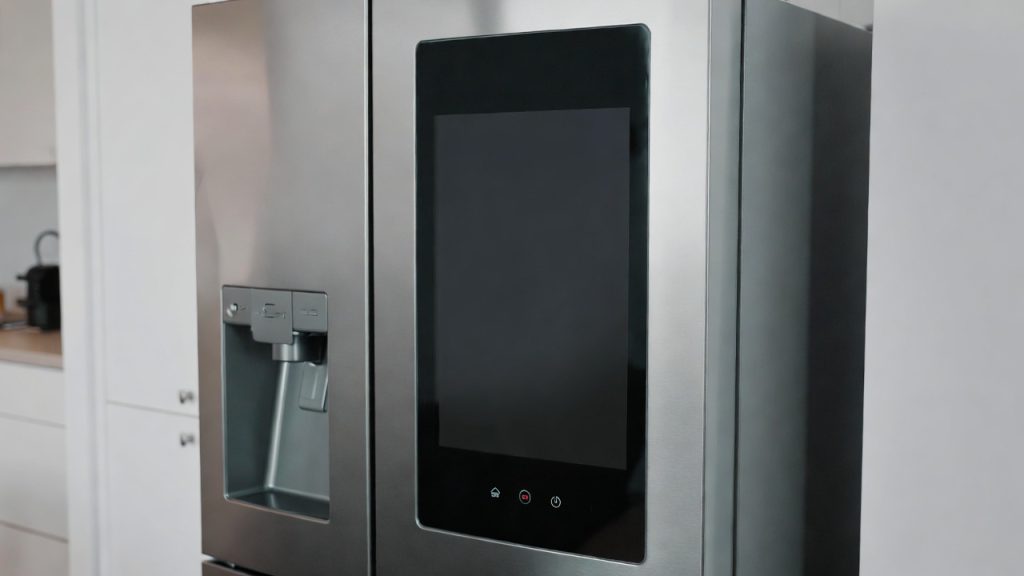
13. Touchscreen Is Unresponsive
If the display panel:
- Flickers
- Freezes
- Stops responding
Control board degradation may be occurring.
Display replacements are often expensive because they’re proprietary components.
14. Strange Smells or Burning Odor
If you smell burning plastic or electrical odor:
Turn it off immediately.
Electrical issues can be dangerous and require professional inspection.
15. It’s Over 12–15 Years Old
Even if functioning, age alone can signal decline.
Older units often:
- Use more electricity
- Have discontinued software
- Have limited spare parts
- Require more maintenance
If your fridge is past 12 years and showing several signs above, replacement may offer better long-term reliability.
Real Customer Pain Points (And Practical Solutions)
Let me address common concerns directly.
“I can’t afford a new smart fridge right now.”
If cooling still works and issues are minor, repair may extend lifespan affordably.
Check estimated maintenance cost here: smart-refrigerator-maintenance-cost
“I’m worried food will spoil overnight.”
If temperature fluctuates unpredictably, prioritize repair or replacement quickly. Food safety matters.
“I feel bad replacing it because it was expensive.”
I understand. But appliance lifespan has limits. Focus on long-term savings.
“I live in London/Canada/Australia — repairs are expensive.”
Yes, labor costs can be high. That’s why comparing repair cost vs replacement cost percentage is essential.
When I Repair vs Replace
I usually repair if:
- Fridge is under 8 years old
- Repair cost under 40% of replacement
- Software still supported
- Parts available
I replace if:
- Over 10–12 years old
- Compressor failing
- Software discontinued
- Multiple issues present
- Repair cost exceeds 50%
Frequently Asked Questions on 15 Clear Signs Your Smart Fridge Is Dying
How do I know if my smart fridge compressor is failing?
Loud noise, overheating, and constant running are strong signs.
Can a smart fridge last 15 years?
Yes, with proper maintenance and stable software support.
Is it worth fixing a 10-year-old smart fridge?
It depends on repair cost and overall condition. If multiple issues exist, replacement may be smarter.
Why does my smart fridge freeze after updates?
Firmware bugs or compatibility issues may cause system instability.
Should I keep using it if smart features stop working?
Yes, if cooling performance remains stable.
Final Thoughts: Signs Your Smart Fridge Is Dying
If you’re noticing cooling problems, repeated error codes, rising energy bills, software instability, or expensive repair needs, these are clear signs your smart fridge is dying. Acting early protects your food, your budget, and your peace of mind.
I always recommend evaluating:
- Age
- Repair cost
- Software support
- Spare parts availability
- Energy efficiency
- Overall reliability
Your refrigerator is one of the most important appliances in your home. It should keep food safe without constant stress.
If your unit is showing several warning signs, take action sooner rather than later. That simple decision can save you money, prevent food waste, and reduce frustration in the long run.

Hi, I’m the lead researcher and appliance enthusiast behind RefrigeratorSolve. With years of hands-on experience troubleshooting cooling systems and testing home appliances, I am dedicated to bringing you honest reviews, energy-saving tips, and practical solutions to keep your refrigerator running perfectly.