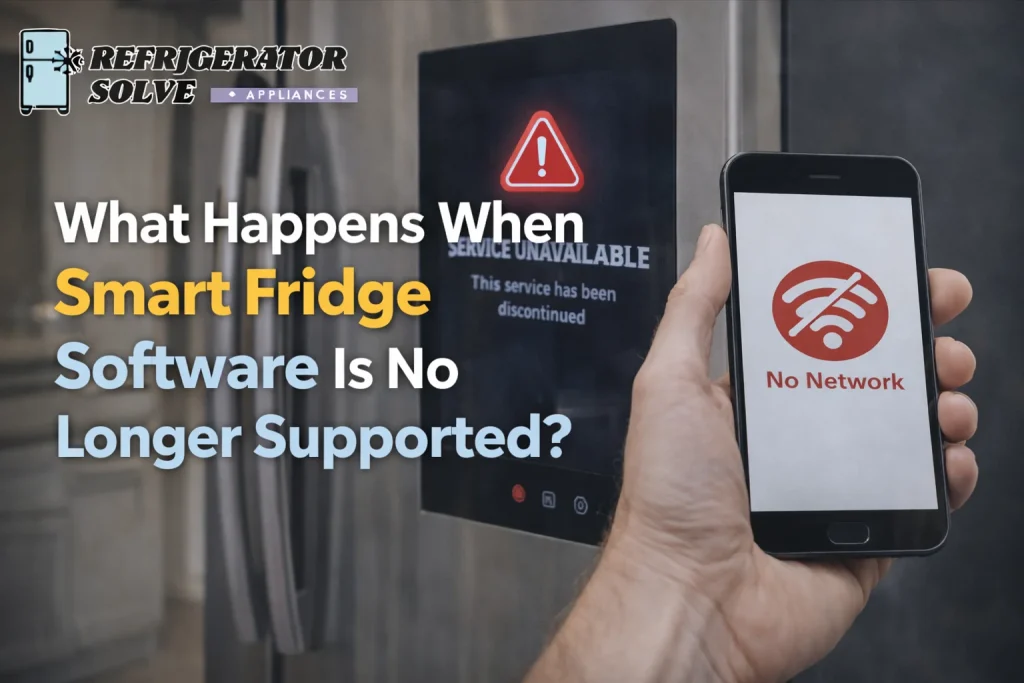
What happens when smart fridge software is no longer supported? In simple terms, your refrigerator may still cool properly, but smart features like app control, cloud syncing, voice assistant integration, and security updates can stop working. Over time, lack of software support can reduce functionality, create connectivity issues, and even affect long-term reliability.
If you bought a smart refrigerator for convenience, remote control, and smart home integration, losing software support can feel frustrating.
I’ve seen this happen to homeowners across the USA, UK, London, Canada, and Australia. Everything works fine for years then suddenly:
- The app stops connecting
- Firmware updates stop arriving
- The touchscreen freezes more often
- Smart alerts disappear
And you’re left asking:
“Is my fridge still safe to use?”
“Do I need to replace it?”
“Will cooling stop next?”
Let me explain clearly what actually happens, what it means for you, and what I personally recommend.
First: What Software Support Really Means
Smart refrigerators rely on:
- Firmware updates
- Cloud services
- App integration
- WiFi modules
- Security patches
When manufacturers stop supporting a model, they typically stop:
- Issuing firmware updates
- Fixing bugs
- Providing security patches
- Maintaining app compatibility
That’s when issues begin.
1. Smart Features May Stop Working
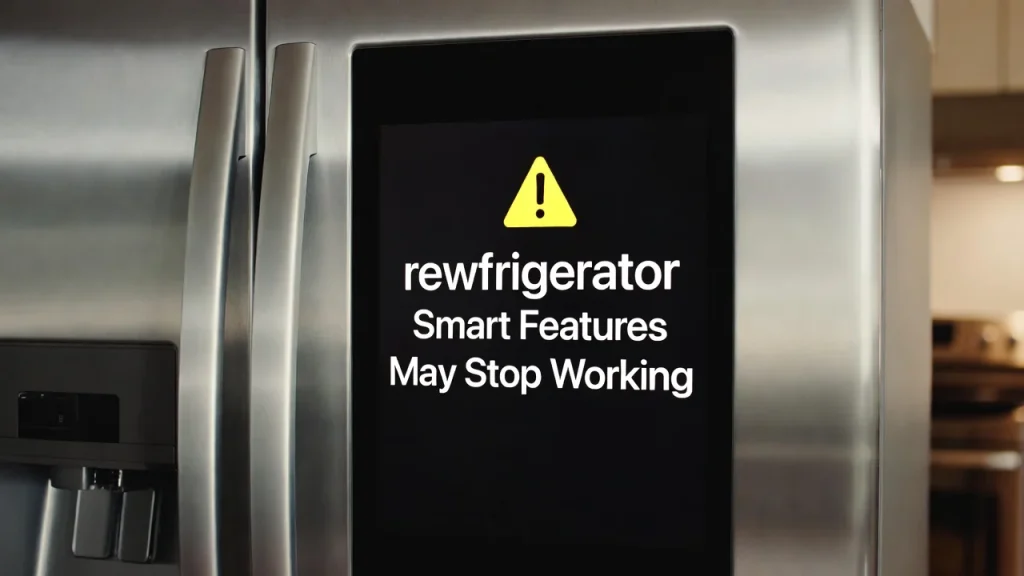
The first thing I usually notice is loss of smart functionality.
You might lose:
- Remote temperature control
- Grocery inventory tracking
- Family calendar sync
- Camera access inside fridge
- Voice assistant compatibility
The refrigerator will often still cool food properly because the cooling system runs independently from cloud features.
But if you paid extra for smart convenience, this loss feels significant.
If you’re unsure whether your unit is already failing beyond software issues, I recommend reviewing this guide: 15-clear-signs-your-smart-fridge-is-dying
2. App Stops Connecting to Your Fridge
This is one of the most common pain points.
Homeowners tell me: “My phone app just says device offline.”
When software support ends, manufacturers may update their app for newer models only. Older models become incompatible.
This can lead to:
- Login errors
- Device removal from app
- Inability to reconnect
In many cases, there’s no fix because the company has moved on to newer models.
3. No More Security Updates
This part concerns many users in the USA, UK, and Canada especially.
Smart appliances connect to your home WiFi network. Without security patches, your fridge’s firmware may become vulnerable over time.
Cybersecurity expert Bruce Schneier once said: “Security is a process, not a product.”
Without ongoing updates, that process stops.
While refrigerators are low-risk compared to computers, outdated firmware can still create minor network vulnerabilities.
4. Software Bugs Remain Unfixed
Over time, software bugs appear.
Common examples I’ve seen:
- Touchscreen freezing
- Incorrect temperature display
- Notifications failing
- Ice maker errors triggered by software
If support has ended, those bugs will likely never be corrected.
You can also review common hardware and software issues here: smart-fridge-repair-problems
Sometimes the problem looks mechanical but is actually firmware-related.
5. Voice Assistant Integration Stops Working
If your smart fridge connects to:
- Amazon Alexa
- Google Assistant
- Smart home hubs
Integration can fail once APIs or compatibility updates stop.
Tech reviewer Marques Brownlee said:
“Long-term support defines how long a product stays useful.”
This applies perfectly to smart appliances.
6. Cloud Features May Be Shut Down
Some brands eventually shut down cloud servers for older devices.
That means:
- No remote monitoring
- No internal camera access
- No grocery tracking
- No cloud data backup
The refrigerator becomes a standard appliance with a touchscreen.
Cooling continues. Smart ecosystem fades.
7. Performance May Slowly Degrade
Without firmware optimization, the system can become slower over time.
You may notice:
- Laggy interface
- Slow menu response
- WiFi drops
- Random restarts
This doesn’t always mean the fridge is dying mechanically.
It often means software stagnation.
8. Repair Costs Become Riskier
If software issues overlap with hardware problems, repair decisions become tricky.
For example:
- Control board replacement may restore hardware
- But software compatibility remains outdated
In that case, investing in repair may not give long-term value.
If you want a clear cost breakdown, review: smart-refrigerator-maintenance-cost
This helps compare ongoing repair cost vs replacement cost.
9. Energy Efficiency Is Usually Unaffected
Here’s good news.
In most cases, software support ending does not affect:
- Compressor performance
- Insulation
- Energy Star efficiency
- Cooling capacity
Energy consumption typically remains stable unless mechanical components are failing.
For official energy efficiency standards, you can visit: energystar.gov
10. The Fridge Still Works as a Regular Refrigerator
This surprises many people.
Even if:
- App no longer connects
- Cloud access gone
- Voice assistant disabled
Your refrigerator will still cool food safely provided mechanical components are healthy.
That’s why I always separate:
Smart feature failure
vs
Cooling system failure
They are different problems.
Real Customer Pain Points (And My Honest Solutions)
Let’s address what you’re likely worried about.
“Did I waste my money?”
No.
You paid for convenience during its supported life cycle. Like smartphones, smart refrigerators have software lifespan limits.
“Is it dangerous to keep using it?”
If cooling works and no electrical issues exist, it’s safe to use.
Just monitor:
- Temperature consistency
- Noise changes
- Error codes
“Should I replace it immediately?”
I replace only if:
- Mechanical problems exist
- Multiple components failing
- Repair cost exceeds 50% of replacement
- Fridge is over 10–12 years old
If cooling works fine, I continue using it as a regular fridge.
“Can I manually update firmware?”
Usually no. Firmware updates require manufacturer servers.
Once support ends, updates stop permanently.
When Software End Means Replacement
I consider replacement if:
- Smart features were primary reason for purchase
- Security concerns matter to you
- Multiple software crashes affect cooling
- Parts unavailable
- Appliance age exceeds expected lifespan
For lifespan guidance specific to your model, checking manufacturer documentation helps.
USA, UK, Canada, Australia Perspective
From what I’ve seen:
- USA & Canada: Repair labor moderate, replacement mid-range
- UK & London: Higher labor cost, replacement often practical
- Australia: Parts availability sometimes slower
In regions with higher labor cost, replacement becomes financially sensible faster.
3 Expert Quotes I Think About
Consumer advocate Clark Howard said:
“Technology should make life easier, not more complicated.”
If your fridge creates stress, that matters.
Cybersecurity expert Bruce Schneier reminds us:
“Security is a process, not a product.”
No updates means no security process.
Technology reviewer Marques Brownlee said:
“Support defines longevity.”
That’s true for smart appliances too.
Frequently Asked Questions Smart Fridge Software Is No Longer Supported
Can I keep using my fridge without software support?
Yes. Cooling functions typically continue normally.
Will it stop cooling suddenly?
Software ending alone does not stop compressor function.
Is my WiFi network at risk?
Risk is low but increases over long periods without security patches.
Should I disconnect it from WiFi?
If smart features no longer work, disconnecting can reduce minor security concerns.
Does software ending reduce resale value?
Yes. Buyers prefer supported smart devices.
My Personal Recommendation
If your smart fridge software is no longer supported but cooling performance is stable, I would:
- Continue using it
- Disconnect from WiFi if concerned about security
- Avoid expensive smart-component repairs
- Monitor mechanical health
If mechanical signs appear, then evaluate replacement.
Conclusion: What Happens When Smart Fridge Software Is No Longer Supported?
When smart fridge software is no longer supported, smart features gradually stop working, security updates end, and app compatibility may disappear. However, the refrigerator can still function safely as a cooling appliance if its mechanical components remain healthy.
I always remind homeowners that smart appliances combine hardware and software lifespans. When software ends, the fridge does not instantly fail it simply becomes less intelligent.
The key is evaluating:
- Cooling performance
- Age of appliance
- Repair cost
- Replacement cost
- Your need for smart features
Make your decision based on function, safety, and financial logic not frustration.
If you’re currently facing this situation, take a breath. Check temperatures. Review costs. And choose the option that protects your food, your budget, and your peace of mind.

Hi, I’m the lead researcher and appliance enthusiast behind RefrigeratorSolve. With years of hands-on experience troubleshooting cooling systems and testing home appliances, I am dedicated to bringing you honest reviews, energy-saving tips, and practical solutions to keep your refrigerator running perfectly.