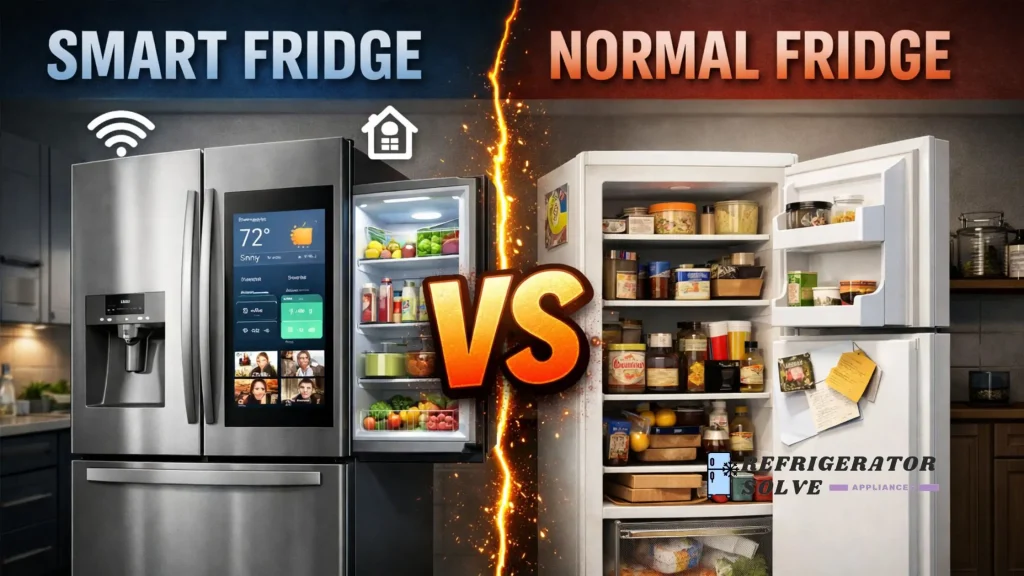
A smart fridge offers connected features like app control, alerts, and usage tracking, while a normal fridge focuses only on basic cooling and storage. The right choice depends on how much control, visibility, and automation you actually use in daily life.
I’ve used both a normal refrigerator and a smart fridge in real home and office settings, not showrooms. Over time, I noticed that the difference isn’t about luxury, it’s about habits, maintenance tolerance, and how much mental load you want your fridge to carry for you.
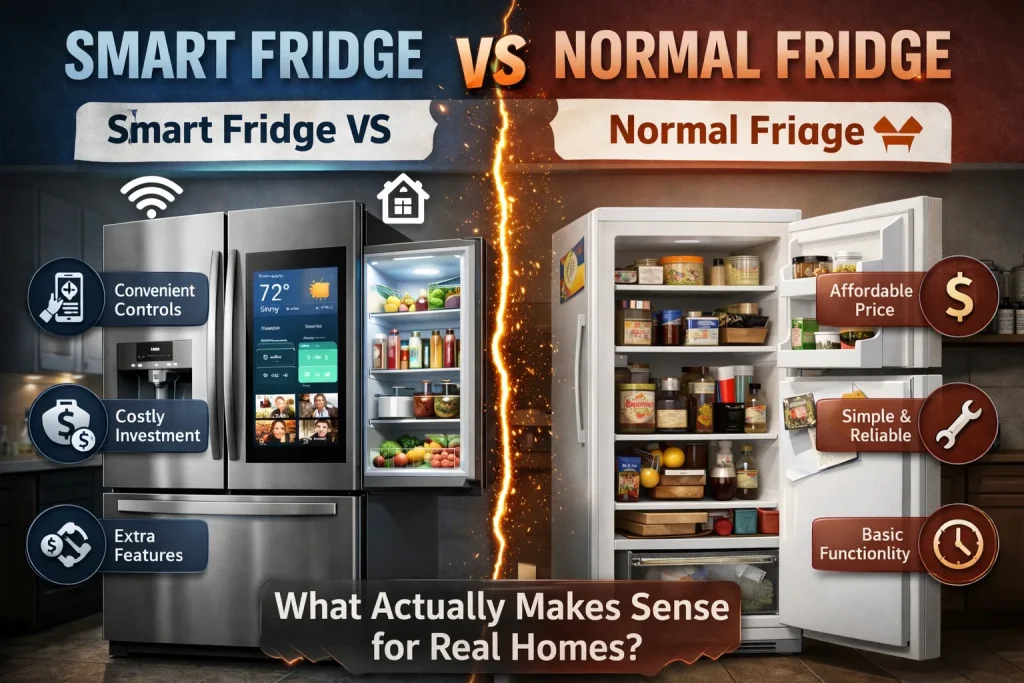
Real User Pain Points
Confusion about whether smart features are useful or just extra
Many people ask if smart fridges actually help or if the features end up ignored after a few weeks.
Higher upfront cost anxiety
Buyers worry they’ll pay more and still use the fridge like a normal one.
Fear of technical problems
Wi-Fi issues, app bugs, or software updates raise concerns, especially for non-tech users.
Energy bill uncertainty
Users aren’t sure if smart fridges save electricity or quietly use more.
Repair and lifespan worries
People wonder if smart components fail earlier than basic mechanical parts.
How Each Pain Point Is Solved
Smart Features vs Real Use
The issue: Touchscreens, cameras, and apps sound useful, but many owners never use them daily.
What actually helps: Practical features like door-open alerts, temperature notifications, and filter reminders.
From my experience, features that work quietly in the background matter more than screens. This aligns with real issues explained in common smart refrigerator problems and solutions, where many users report ignoring flashy options but relying on alerts.
Cost Justification
The issue: Paying more without clear returns feels risky.
How it works in practice: Smart fridges reduce food waste for households that forget items or overbuy.
In my case, expiry reminders alone saved weekly grocery losses, which slowly balanced the higher price. That trade-off is discussed clearly in are smart refrigerators worth it, and it’s very user-dependent.
Technical Reliability
The issue: Fear of software failure or lost connectivity.
Reality check: Most smart fridges function normally even if Wi-Fi drops. Cooling doesn’t stop.
However, app-related issues do exist, as outlined in common problems with smart refrigerators. Knowing this upfront avoids panic.
Energy Usage Clarity
The issue: Smart equals more power, right?
What I observed: Modern smart fridges often include better compressors and energy monitoring.
Normal fridges can be just as efficient, but they don’t show you usage data. That visibility helped me adjust temperature habits.
Repair and Longevity
The issue: More electronics mean more failure points.
Balanced view: Smart fridges can cost more to repair, especially screens or sensors.
This downside is openly explained in smart refrigerator disadvantages, and it’s a valid reason some people stay with normal models.
Country-Specific Context
USA
Larger kitchens and higher food volume make smart features like inventory tracking more useful. Energy costs vary by state, so usage monitoring helps.
UK
Smaller kitchens and flats favor compact, quiet fridges. Normal fridges often suit renters better due to lower repair risk.
Canada
Cold climates and long winters increase electricity awareness. Smart energy tracking helps households manage monthly bills.
Australia
Heat and frequent door opening make temperature alerts valuable. Smart fridges help prevent food spoilage during extreme weather days.
Experience-Based Benefits
From my own use, the biggest improvement wasn’t convenience—it was reduced decision fatigue. I stopped guessing if the door was left open or if the filter needed changing. That mental relief mattered more than the screen or app design.
Supporting Quotes
“Connected appliances are most useful when they reduce maintenance mistakes, not when they add interaction.”
— Dr. Alan Meier, Home Appliance Researcher
“Energy visibility changes user behavior more than efficiency ratings alone.”
— Laura Bennett, Residential Energy Analyst
“The best refrigerator is the one that matches household habits, not feature lists.”
— Michael Torres, Appliance Service Technician
Practical Tips
- Place any fridge away from direct sunlight and heat sources
- Use smart alerts only for temperature and door status
- Keep Wi-Fi optional, not required, for daily use
- Clean door seals regularly to avoid cooling loss
- For normal fridges, use a thermometer to verify actual temperature
FAQ on Smart Fridge vs Normal Fridge
Is a smart fridge harder to use than a normal fridge?
No. Basic cooling works the same. Smart features are optional.
Do smart fridges break more often?
Cooling systems are similar, but electronic parts may need repair earlier.
Can a smart fridge work without internet?
Yes. Internet is only needed for app-based features.
Are normal fridges more reliable long term?
They often cost less to repair and are simpler mechanically.
Do smart fridges really save energy?
They help track usage, but savings depend on user behavior.
Are smart fridges suitable for offices?
Yes, especially for shared spaces needing alerts and monitoring.
Conclusion
The choice between a smart fridge and a normal fridge isn’t about status or trends. It’s about how much help you want managing food, energy, and maintenance. If you value simplicity, a normal fridge still does its job well. If reminders and visibility reduce daily stress for you, a smart fridge can earn its place.
According to energy guidance from the U.S. Department of Energy, refrigerator efficiency and usage habits play a larger role in electricity costs than feature count alone.

Hi, I’m the lead researcher and appliance enthusiast behind RefrigeratorSolve. With years of hands-on experience troubleshooting cooling systems and testing home appliances, I am dedicated to bringing you honest reviews, energy-saving tips, and practical solutions to keep your refrigerator running perfectly.