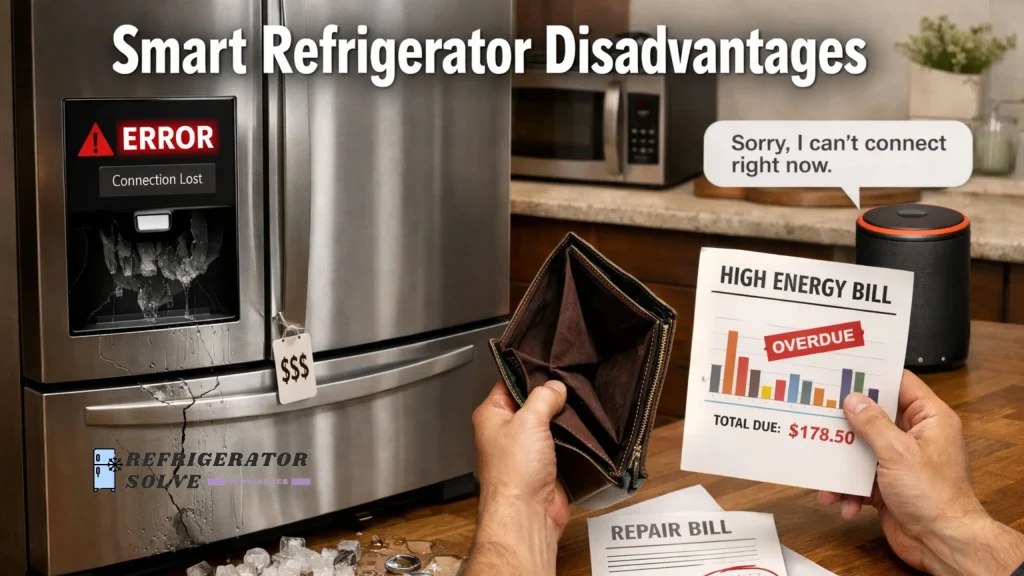
Smart refrigerator disadvantages include higher upfront cost, unreliable software features, privacy concerns, expensive repairs, and limited long-term usefulness as technology becomes outdated. For many households, these drawbacks outweigh the everyday benefits of smart functions.
I’ve used and tested smart refrigerators in my own kitchen and helped friends and relatives troubleshoot theirs over the past few years. After living with both traditional and smart models, I’ve seen where smart fridges help and where they quietly frustrate people over time.
Why This Matters to Buyers
Smart refrigerators are long-term purchases, and mistakes can be costly. Understanding the disadvantages before buying helps users avoid regret, wasted money, and features they never actually use.
Common Smart Refrigerator Disadvantages Users Report
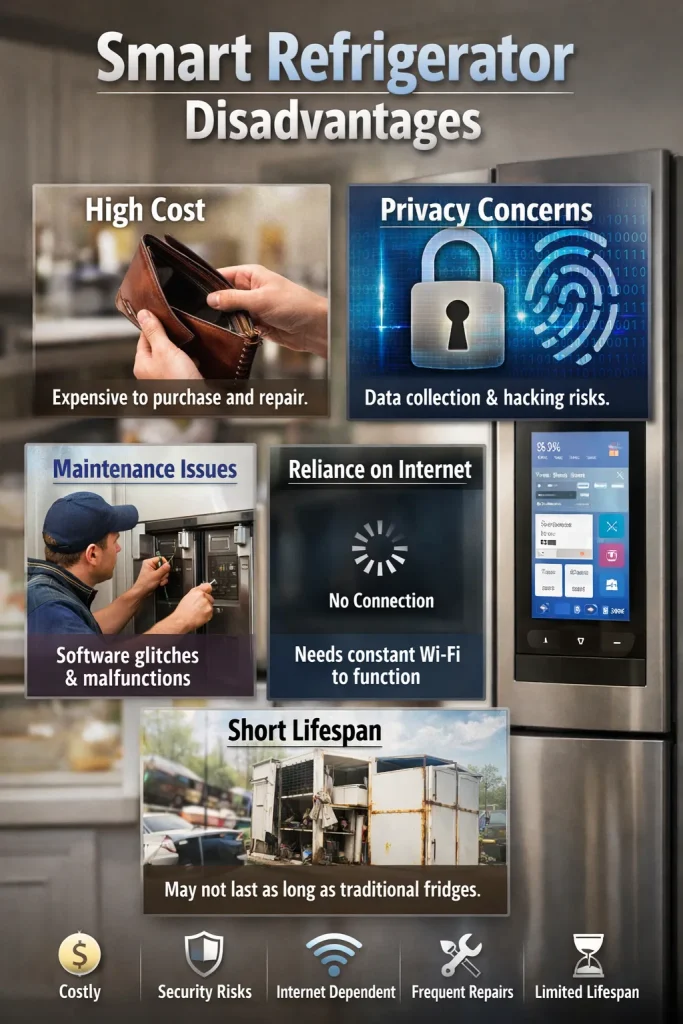
- High price with limited everyday value
- App and connectivity failures
- Privacy and data tracking concerns
- Expensive and delayed repairs
- Smart features becoming outdated faster than the appliance
- Added complexity for simple daily tasks
Real User Pain Points
1. High purchase price with unclear return
Many users pay significantly more for a smart refrigerator but end up using only basic cooling functions.
2. App and software reliability problems
Disconnected apps, failed updates, and features that stop working are common complaints.
3. Privacy and data concerns
Some users feel uncomfortable with cameras, microphones, or usage tracking inside the kitchen.
4. Repairs are expensive and slow
Smart components often require specialist technicians and proprietary parts.
5. Smart features age faster than the appliance
A fridge can last 12–15 years, but software support may end much earlier.
6. Day-to-day complexity
Simple tasks like adjusting temperature or resetting alerts can take longer than expected.
How Each Pain Point Is Solved
High purchase price with unclear return
Smart refrigerators often cost hundreds or even thousands more than standard models. In practice, most households mainly use cooling, freezing, and storage space.
How people deal with it:
I’ve seen users choose mid-range smart models or turn off unused features. Others later switch back to traditional fridges after realizing the smart screen became a recipe display they rarely opened.
Real-life example:
A friend bought a smart fridge for grocery tracking but still shops from memory. The feature looked good during setup, then faded into the background.
App and software reliability problems
Smart fridges depend on Wi-Fi, apps, and cloud services. Updates can fail or remove features.
How people deal with it:
Most users fall back to manual controls. Some rely on guides like this breakdown of common smart refrigerator problems and solutions to fix connectivity or sensor errors without calling support.
What I observed:
After a router change, one fridge stopped syncing for weeks. Cooling worked fine, but smart alerts never returned.
Privacy and data concerns
Interior cameras, voice assistants, and usage logs worry some households.
How people deal with it:
Many disable cameras, voice features, or app permissions. Others keep the fridge offline permanently.
In real homes:
I’ve noticed families with kids are more cautious. They prefer fewer connected devices in shared spaces like kitchens.
Repairs are expensive and slow
A failed touchscreen or sensor often costs far more than a thermostat in a standard fridge.
How people deal with it:
Some users buy extended warranties. Others decide repairs aren’t worth it and replace the unit earlier than planned.
From experience:
I’ve seen a working fridge sidelined for weeks while waiting for a specific control board.
Smart features age faster than the appliance
Manufacturers may stop supporting apps or integrations.
How people deal with it:
Users treat smart features as temporary bonuses rather than core functions.
What stands out:
Cooling systems usually keep running long after the screen feels outdated.
Day-to-day complexity
Menus, alerts, and touchscreens can slow down simple adjustments.
How people deal with it:
Most people set temperatures once and ignore the smart interface after the first month.
My takeaway:
Buttons and dials remain faster for daily use.
Country-Specific Context
USA
Higher electricity costs in some states make energy use a concern. Smart fridges promise efficiency, but savings are often modest compared to the price gap.
UK
Smaller kitchens mean large smart models can feel bulky. Noise from fans and electronics is more noticeable in open-plan flats.
Canada
Cold climates reduce energy strain, but long winters increase appliance use. Software failures during holidays can be frustrating when service centers are far away.
Australia
Heat and humidity push fridges harder. Smart sensors help with alerts, yet repair delays are common outside major cities.
Experience-Based Benefits
Despite the disadvantages, I did notice a few practical improvements. Remote temperature alerts helped during power cuts. Interior cameras reduced unnecessary door openings. Energy tracking made me more aware of usage patterns, even if the savings were small.
Supporting Quotes
“Smart refrigerators offer useful monitoring features, but their long-term value depends on software support and user needs.”
— Evan Mills, Energy Analyst
“Connectivity issues remain the most common complaint we hear from smart appliance owners.”
— Laura Grant, Consumer Technology Researcher
“Many households overestimate how often they’ll use advanced fridge features after the first few weeks.”
— Mark Sullivan, Home Appliance Consultant
Practical Tips
- Keep the fridge on a stable Wi-Fi network or use it offline if connectivity causes stress
- Disable cameras and voice features if privacy matters to you
- Set temperatures once and avoid frequent app adjustments
- Register the appliance for firmware updates early
- Budget for higher repair costs after warranty ends
- Place the fridge where heat and humidity are controlled
FAQ Section
Are smart refrigerators worth the extra money?
Only if you plan to use the smart features regularly. For basic cooling, standard models perform just as well.
Do smart refrigerators use more electricity?
Most use slightly more power due to screens and sensors, though the difference is usually small.
What happens if the app stops working?
Cooling continues, but smart alerts and tracking features may stop entirely.
Can smart fridge data be turned off?
Yes. Most models allow disabling cameras, microphones, and data sharing.
How long do smart refrigerators last?
The cooling system often lasts over a decade, but smart features may feel outdated much sooner.
Are repairs always more expensive?
Smart component failures usually cost more than mechanical repairs in traditional fridges.
Conclusion
Smart refrigerators bring convenience, but the disadvantages are real and often overlooked. From higher costs to aging software, they suit some households better than others. Knowing these limits helps you choose a fridge that fits your habits, budget, and comfort level without regret.
Energy use claims around refrigerators are often misunderstood. The U.S. Department of Energy explains how modern refrigerators consume power and where real savings come from, which helps put smart features into perspective

Hi, I’m the lead researcher and appliance enthusiast behind RefrigeratorSolve. With years of hands-on experience troubleshooting cooling systems and testing home appliances, I am dedicated to bringing you honest reviews, energy-saving tips, and practical solutions to keep your refrigerator running perfectly.