A smart fridge software glitch usually happens due to outdated firmware, failed updates, Wi-Fi sync errors, or temporary system bugs. In most cases, restarting the fridge, updating the software, and resetting network settings can fix the issue without professional service.
What Is a Smart Fridge Software Glitch?
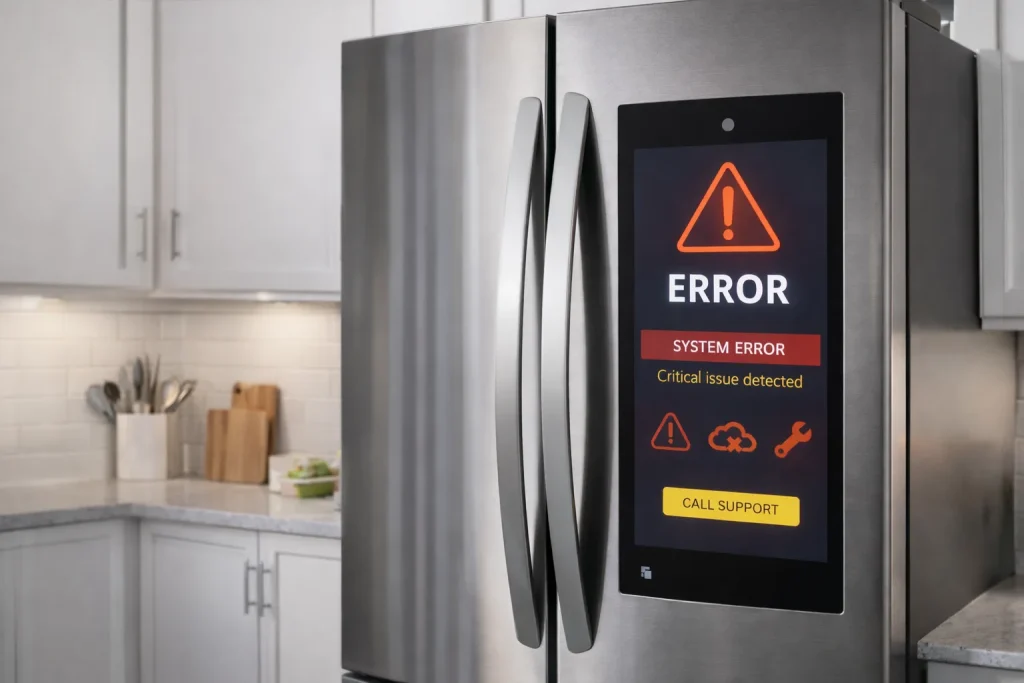
A smart fridge software glitch occurs when the internal operating system or connected app doesn’t function as intended. This can cause the screen to freeze, features to stop responding, apps to crash, or Wi-Fi connections to fail repeatedly.
From my experience, most glitches are software-related—not hardware failures, which means they’re often fixable at home.
Common Signs of a Smart Fridge Software Glitch
You may be dealing with a software glitch if you notice:
- Touchscreen freezing or lagging
- Smart fridge app not syncing
- Wi-Fi disconnecting randomly
- Features disappearing after an update
- Error codes without clear explanations
These issues often appear suddenly, especially after updates or network changes.
Main Causes of Smart Fridge Software Glitches
1. Failed or Incomplete Firmware Update
If an update is interrupted, the system may not load correctly.
Why it happens:
- Power outage during update
- Weak Wi-Fi signal
- Forced restart
2. App and Firmware Version Mismatch
When the mobile app updates but the fridge software doesn’t, compatibility issues occur.
Result:
- App crashes
- Controls not responding
- Features missing
3. Network Sync Errors
Smart fridges constantly sync data with cloud servers.
Problems arise when:
- Router changes settings
- IP address conflicts occur
- Mesh Wi-Fi switches nodes
4. Temporary System Cache Overload
Like phones, smart fridges store cache data.
Symptoms:
- Sluggish performance
- Random freezes
- Delayed responses
Step-by-Step Fix for Smart Fridge Software Glitches
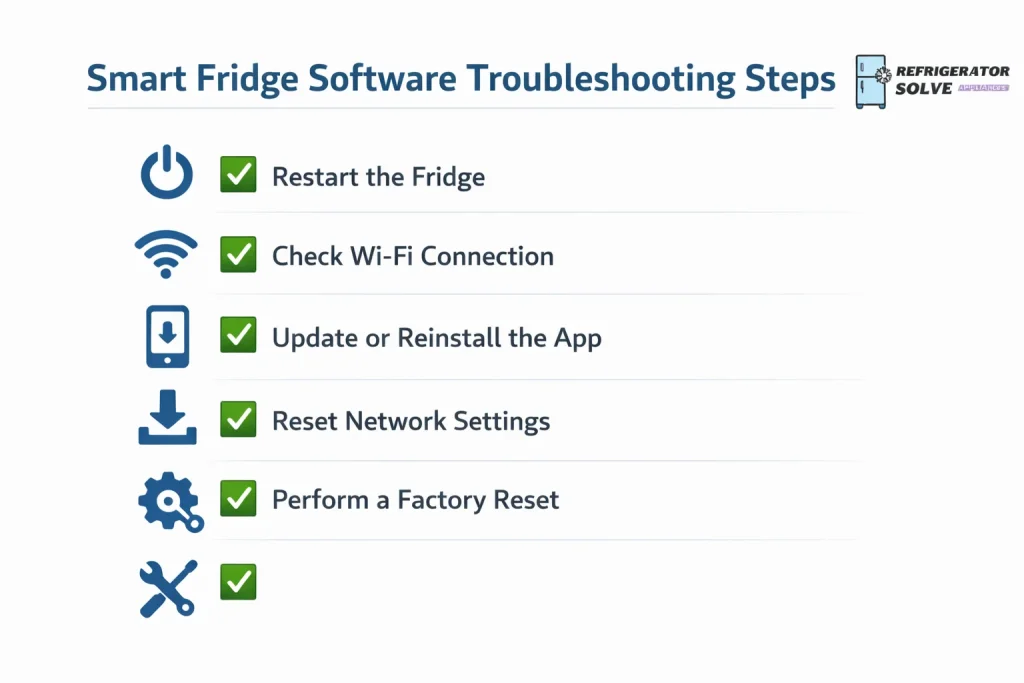
Follow these steps in order for best results:
- Power off the fridge for 5–10 minutes
- Restart your Wi-Fi router
- Check and install pending firmware updates
- Update the mobile app
- Log out and log back into the app
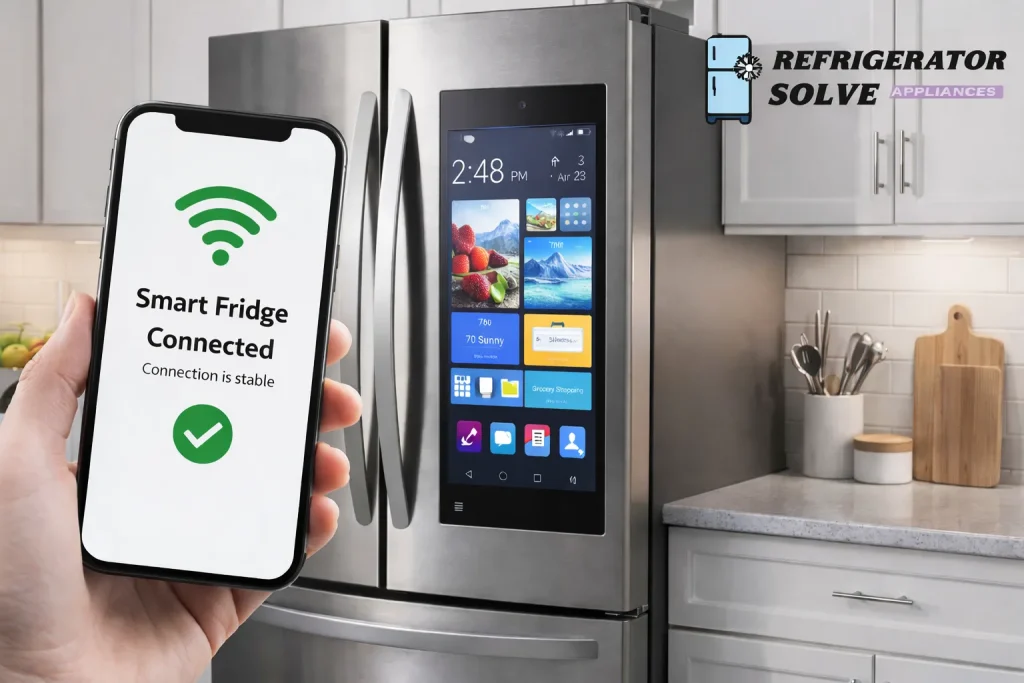
- Reconnect the fridge to Wi-Fi
- Monitor performance for 24 hours
Brand-Specific Software Glitch Tips
Samsung Smart Refrigerator
- Use SmartThings app
- Enable automatic updates
- Perform a soft reset from settings
LG Smart Refrigerator
- Use LG ThinQ app
- Clear app cache
- Re-register the appliance if glitches persist
GE / Whirlpool / Bosch
- Check regional server status
- Reconnect appliance after firmware updates
Pros and Cons of Smart Fridge Software Systems
| Pros | Cons |
|---|---|
| Advanced automation | Software bugs possible |
| Remote diagnostics | Update dependency |
| Smart alerts | Wi-Fi reliant |
| Energy insights | Learning curve |
Expert Opinion
In real-world use, I’ve found that most smart fridge software glitches are temporary and linked to updates or connectivity issues. A calm, step-by-step reset approach solves the problem in the majority of cases—without replacing parts or calling a technician.
— Written by Daniel Carter, Smart Appliance Troubleshooting Specialist
FAQs
Can a software glitch damage my smart fridge?
No. Software glitches rarely cause physical damage, but they can limit functionality until fixed.
Should I factory reset my smart fridge?
Only if basic troubleshooting fails. Factory resets erase settings and should be a last resort.
How often should smart fridge software update?
Updates are usually released a few times per year, depending on the brand.
Do software glitches happen after power outages?
Yes. Sudden power loss during system operations can trigger glitches.
Conclusion
A smart fridge software glitch can be frustrating, but it’s rarely permanent. Most problems stem from updates, network sync issues, or temporary system overloads. By restarting devices, keeping software updated, and stabilizing your Wi-Fi connection, you can restore normal operation quickly.
Related Resource:
For advanced diagnostics and official firmware guidance, visit your refrigerator manufacturer’s official support documentation.

Hi, I’m the lead researcher and appliance enthusiast behind RefrigeratorSolve. With years of hands-on experience troubleshooting cooling systems and testing home appliances, I am dedicated to bringing you honest reviews, energy-saving tips, and practical solutions to keep your refrigerator running perfectly.