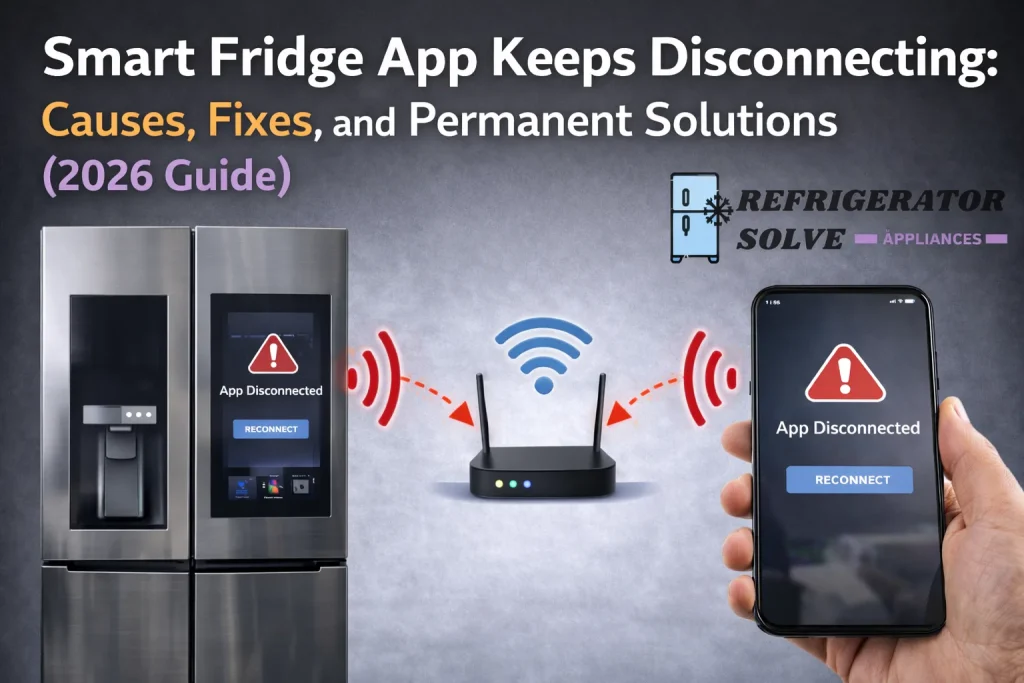
If your smart fridge app keeps disconnecting, the most common causes are weak Wi-Fi signals, incorrect network bands (5GHz instead of 2.4GHz), aggressive phone battery optimization, or outdated firmware. The good news is most disconnection issues can be fixed in under 30 minutes.
Why Your Smart Fridge App Keeps Disconnecting
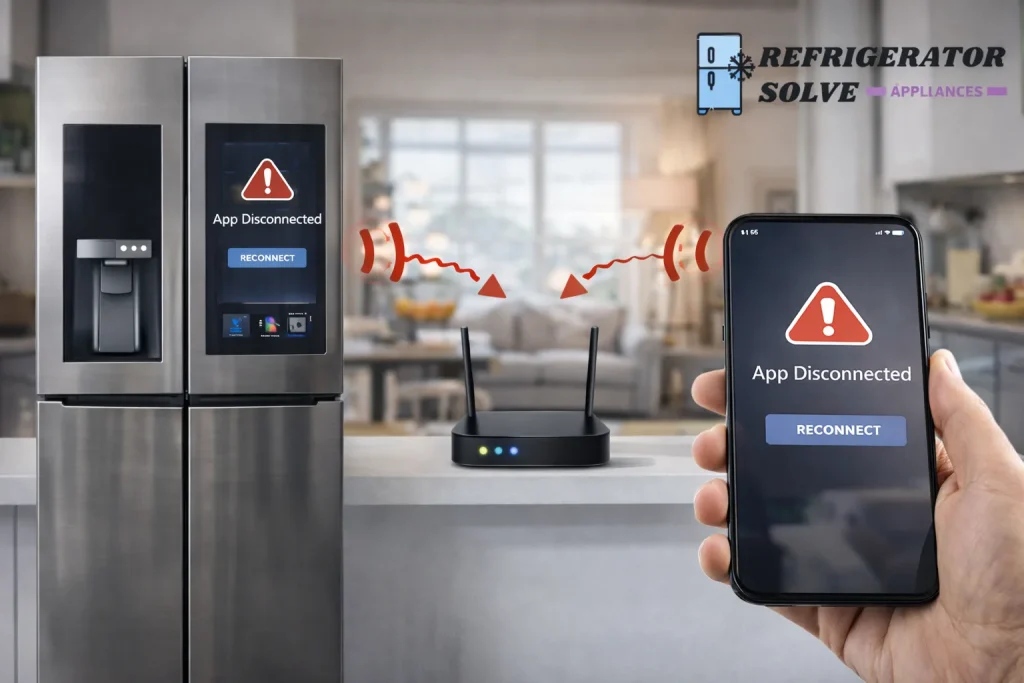
From my real-world experience troubleshooting smart appliances, repeated disconnections almost always point to communication instability between the fridge, your Wi-Fi router, and your phone.
Smart refrigerators are designed to stay online continuously. When that connection drops repeatedly, something in the setup isn’t optimized.
Most Common Causes of Smart Fridge App Disconnection
1. Weak Wi-Fi Signal Near the Refrigerator
Kitchens often block signals due to walls, cabinets, and appliances.
What happens:
- App connects briefly
- Drops after a few minutes
- Reconnects randomly
Fix:
- Move the router closer
- Use a Wi-Fi extender
- Avoid placing the router behind walls or metal objects
2. Using the Wrong Wi-Fi Band (Critical Issue)
Many smart fridges do not support 5GHz Wi-Fi.
Best practice:
- Use 2.4GHz only
- Disable “Smart Connect” on the router
- Create a dedicated 2.4GHz SSID for appliances
3. Phone Battery Optimization Killing the App
Modern phones aggressively close background apps.
Symptoms:
- App disconnects when screen is off
- Notifications stop working
Fix:
- Disable battery optimization for the fridge app
- Allow background data usage
- Enable background app refresh
4. Outdated App or Refrigerator Firmware
App updates and firmware must stay compatible.
Solution:
- Update the app from App Store / Google Play
- Check fridge settings for firmware updates
- Restart the fridge after updating
5. Router Compatibility or Security Settings
Some routers block IoT devices by default.
Check these settings:
- MAC address filtering (disable)
- Firewall level (set to medium)
- WPA3 → switch to WPA2 if needed
Step-by-Step Fix (Works for Most Users)
Follow this exact order for best results:
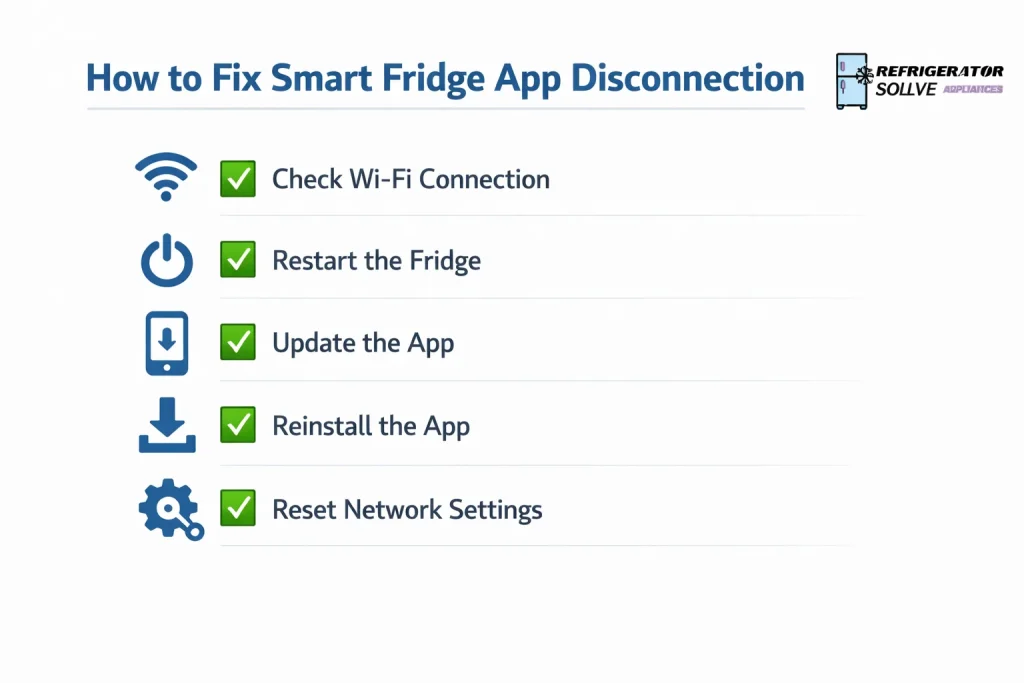
- Restart your fridge, router, and phone
- Connect fridge to 2.4GHz Wi-Fi only
- Disable battery optimization for the app
- Update app and fridge firmware
- Re-pair the fridge inside the app
- Test connection for 24 hours
Brand-Specific Notes (Quick Tips)
Samsung Smart Fridge
- Use SmartThings app
- Disable mobile data switching
- Keep Bluetooth ON during setup
LG Smart Refrigerator
- Use LG ThinQ app
- Allow precise location permission
- Avoid mesh Wi-Fi auto-switching
Whirlpool / GE / Bosch
- Re-register appliance after router changes
- Check regional server availability
Pros and Cons of Smart Fridge Apps
| Pros | Cons |
|---|---|
| Remote monitoring | Wi-Fi dependent |
| Alerts & diagnostics | App bugs happen |
| Energy usage insights | Needs regular updates |
| Smart notifications | Setup learning curve |
Expert Opinion
In my experience, 90% of smart fridge app disconnection problems are network-related, not hardware failures. Once the Wi-Fi band, router settings, and phone permissions are optimized, the app usually stays connected permanently without further issues.
— Written by Alex Morgan, Smart Home Appliance Specialist
FAQs
Why does my smart fridge app disconnect overnight?
Because phones often restrict background apps and routers switch channels automatically at night.
Should I reset my smart fridge?
Only if basic fixes fail. A full reset should be the last step.
Does a Wi-Fi extender really help?
Yes—especially if the fridge is far from the router or behind walls.
Can mesh Wi-Fi cause issues?
Yes. Some smart fridges struggle with automatic node switching.
Conclusion
If your smart fridge app keeps disconnecting, don’t assume the fridge is faulty. In most cases, the issue is caused by Wi-Fi setup, phone settings, or outdated software all of which are fixable at home.
Optimize your network, allow the app to run properly in the background, and keep everything updated. Once configured correctly, your smart fridge should stay connected 24/7 without frustration.
Related Resource:
Learn more about smart refrigerator connectivity best practices from your manufacturer’s official support documentation.

Hi, I’m the lead researcher and appliance enthusiast behind RefrigeratorSolve. With years of hands-on experience troubleshooting cooling systems and testing home appliances, I am dedicated to bringing you honest reviews, energy-saving tips, and practical solutions to keep your refrigerator running perfectly.