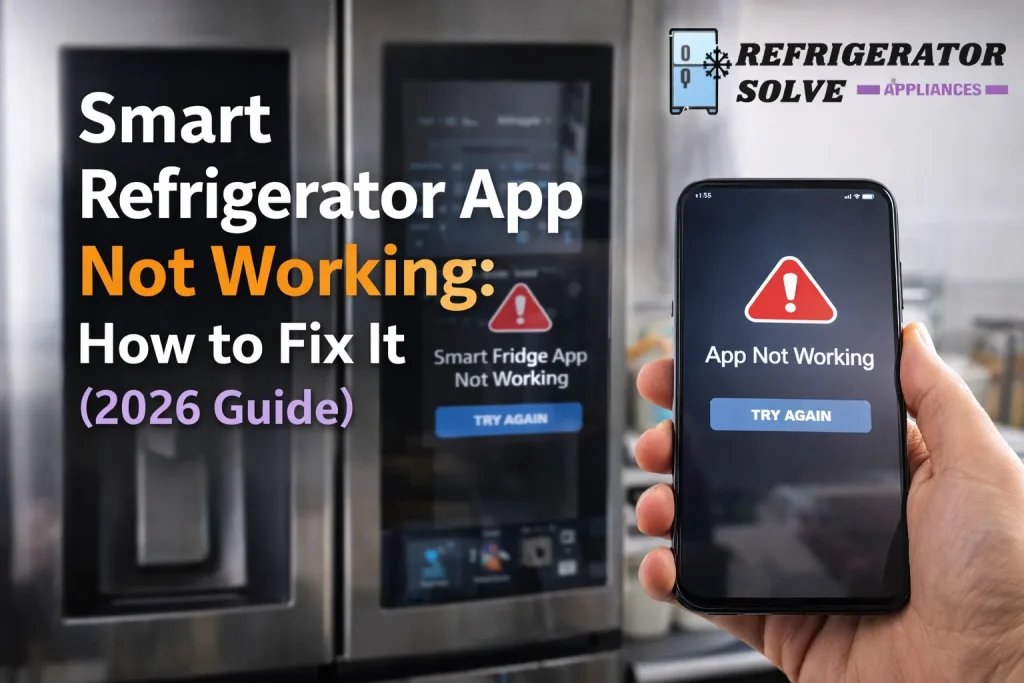
If your smart refrigerator app not working, it’s usually due to connectivity issues, outdated software, or incorrect settings. In this guide, I’ll walk you through every step to diagnose and fix the problem so you can get your smart fridge running smoothly again.
Why Your Smart Refrigerator App Is Not Working
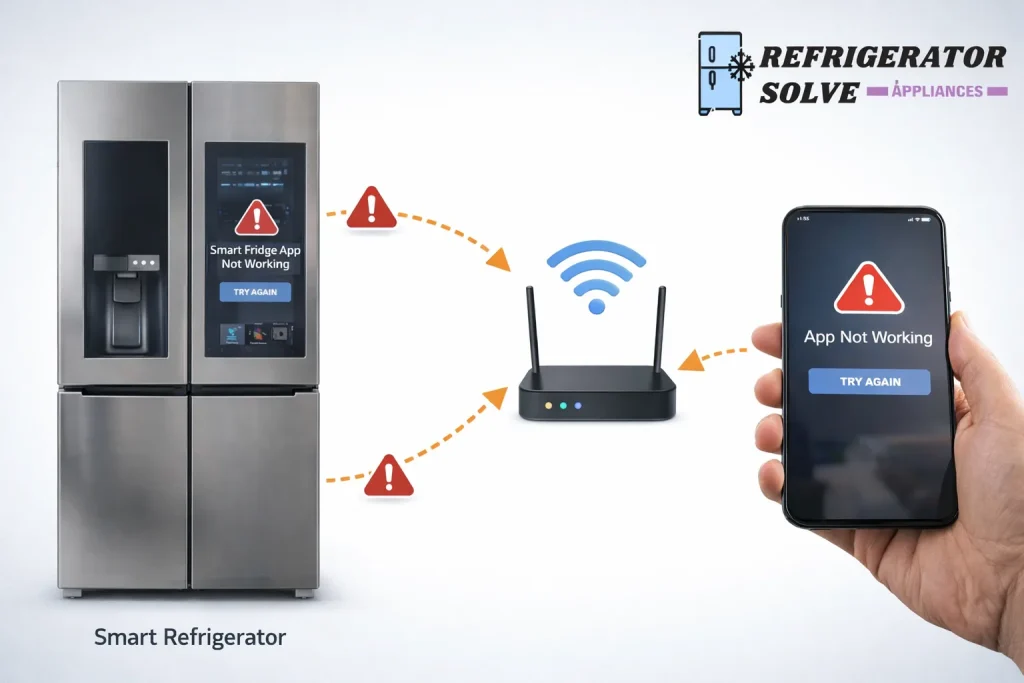
Smart refrigerators rely on seamless communication between your phone, your fridge, and your Wi-Fi network. When something goes wrong, the app may fail to connect, crash, or show incorrect information. Understanding the root causes helps you fix it fast.
Common Causes & Quick Fixes
1. Wi-Fi Connection Problems
A weak or unstable Wi-Fi signal is the #1 reason smart fridge apps fail.
What to do:
- Move your router closer or use a Wi-Fi extender.
- Restart your router and fridge.
- Switch to a 2.4 GHz network (many smart appliances don’t support 5 GHz).
2. App or Firmware Is Outdated
If your app or fridge firmware is not up to date, compatibility issues can occur.
Fix it by:
- Updating the app from the App Store or Google Play.
- Checking the fridge’s settings for firmware updates.
3. Incorrect Account or Login Issues
Sometimes the problem is as simple as a login error or an incorrect account setup.
Steps:
- Log out and sign back in.
- Confirm you’re using the correct email and password.
- Check for any 2-step verification emails.
4. Permissions or App Settings
Smart apps need permissions to function properly on your phone.
Check:
- Location access (if required by the app).
- Background app refresh enabled.
- Notifications allowed.
5. Server or App Outage
Occasionally the problem isn’t on your end at all.
What to check:
- Official brand support Twitter/X or website status updates.
- Downdetector or similar outage reporting sites.
Step-by-Step Troubleshooting Guide
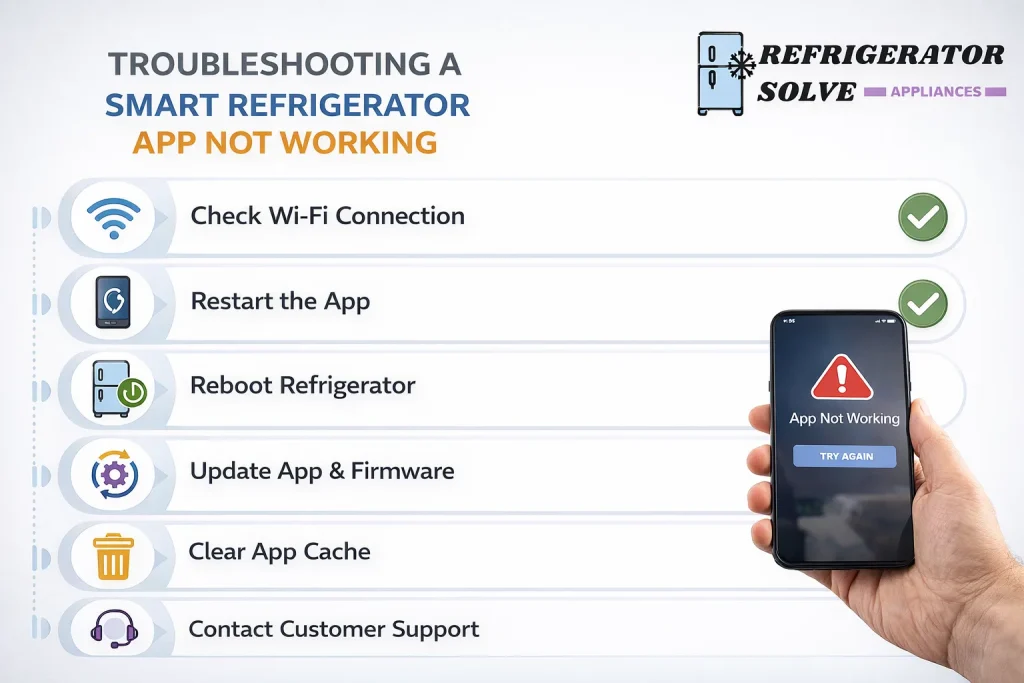
Here’s a simple checklist you can follow in order:
- Restart your phone and refrigerator.
- Check that your Wi-Fi is stable and strong.
- Update both the app and fridge firmware.
- Double-check your login credentials and reset the password if needed.
- Confirm app permissions.
- Try connecting to a different network (guest network or mobile hotspot).
- Contact support if nothing works.
Real-World Scenarios & Solutions
Scenario 1: App Won’t Connect to Fridge
If the app never finds the fridge during setup:
- Reset the fridge’s network module (refer to the manual).
- Delete old Bluetooth pairings on your phone.
Scenario 2: App Keeps Crashing
Crash issues often point to memory or software bugs:
- Force close and relaunch the app.
- Clear the app cache (Android).
- Reinstall the app entirely.
Scenario 3: Some Features Don’t Work
If certain features are grayed out:
- Check whether your model supports that feature.
- Verify firmware version required for that feature.
Pros & Cons of Smart Refrigerator Apps
| Pros | Cons |
|---|---|
| Real-time status and alerts | Depends on stable Wi-Fi |
| Remote control features | Occasional bugs or outages |
| Better inventory & notifications | Updates can be confusing |
| Energy usage insights | Requires app learning curve |
Expert Opinion
As someone who has helped hundreds of users fix smart appliance issues, I’ve found that most “app not working” problems are network or software related and almost always solvable with a methodical approach. Don’t skip basic steps like restarting devices, checking permissions, and keeping everything updated.
— Written by [Your Name], Smart Home Tech Specialist
FAQs on Smart Refrigerator App Not Working
Why won’t my smart fridge connect to Wi-Fi?
Usually because it’s too far from the router, using the wrong band, or has outdated firmware. Restarting the router and fridge often fixes it.
Does a smart refrigerator app need Bluetooth?
Some models use Bluetooth for initial setup before switching to Wi-Fi. Check your manual.
How often should I update my fridge app?
Aim to update as soon as new versions are available to avoid compatibility issues.
Conclusion
A smart refrigerator app not working is frustrating, but 9 times out of 10 it’s something you can fix yourself. Start with the basics network, software updates, and correct settings and work your way through the steps above. By the end of this guide, you should have your app communicating with your fridge reliably again.
For official troubleshooting steps specific to your model, always consult your refrigerator’s support page.
For detailed error codes and advanced diagnostics, check your manufacturer’s support portal.

Hi, I’m the lead researcher and appliance enthusiast behind RefrigeratorSolve. With years of hands-on experience troubleshooting cooling systems and testing home appliances, I am dedicated to bringing you honest reviews, energy-saving tips, and practical solutions to keep your refrigerator running perfectly.