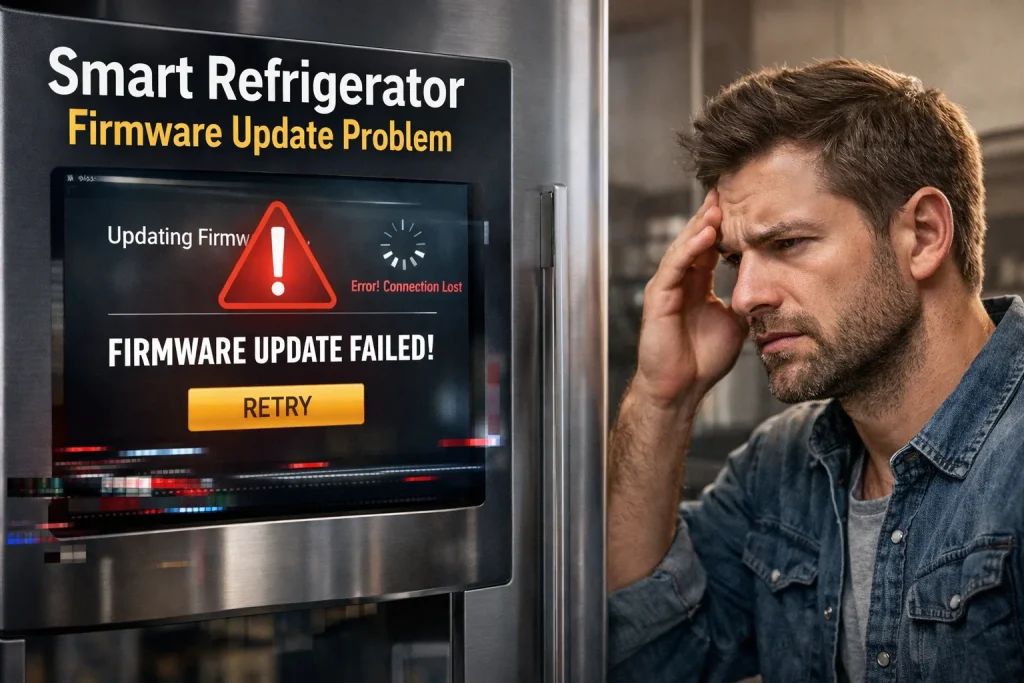
Smart refrigerator firmware update problems usually occur due to unstable Wi-Fi, interrupted power, incompatible app versions, or insufficient storage during the update process.
In most cases, ensuring a stable internet connection and keeping both the app and refrigerator software updated resolves the issue.
However, failed updates can temporarily disable smart features until properly completed.
Firmware updates are essential for smart refrigerators because they improve performance, fix bugs, and enhance security. When an update fails, users may experience app errors, connectivity issues, or missing features—even though the fridge still cools normally.
This article explains the most common smart refrigerator firmware update problems, why they happen, and how to fix them safely. You’ll also learn when an update failure is harmless and when it signals a deeper reliability issue.
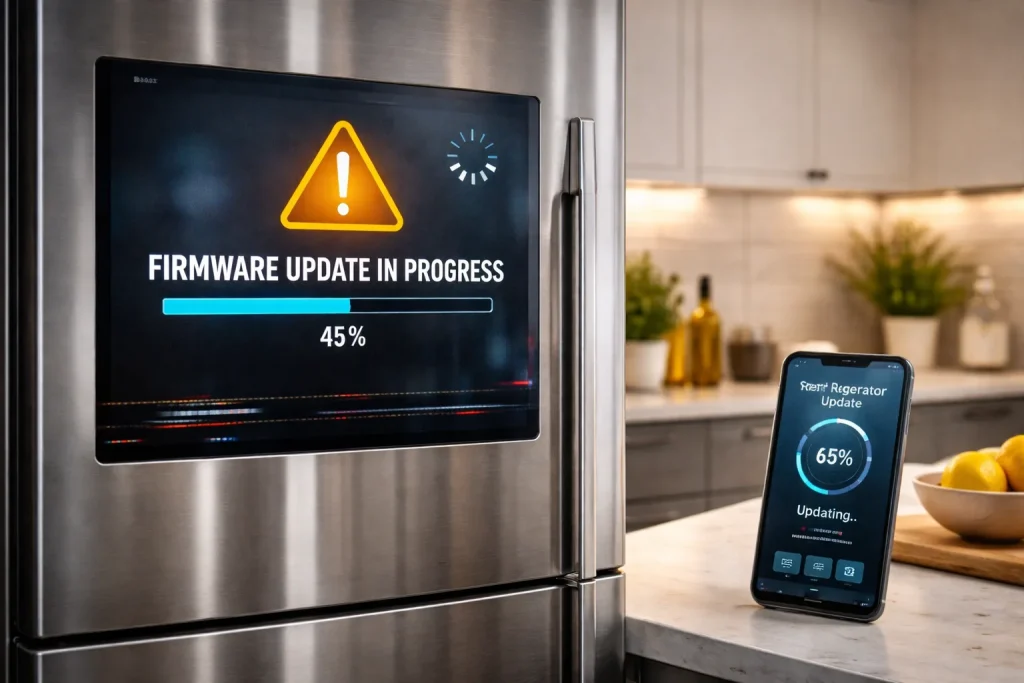
Why This Topic Matters
Firmware update issues are more serious than most users realize.
- Failed updates can disable Wi-Fi or app connectivity
- Incomplete updates may cause system instability
- Users often interrupt updates without knowing the risk
- Many mistake firmware problems for hardware failure
Manufacturers confirm that most update-related issues are preventable with proper setup and patience.
Key Facts / Observations
- Firmware controls smart features, not basic cooling
- Updates require stable Wi-Fi and power
- Interruptions are the leading cause of failure
- App and firmware versions must match
“Smart appliance firmware updates fail most often due to connectivity interruptions, not defective electronics.”
— Home Appliance Software Engineer
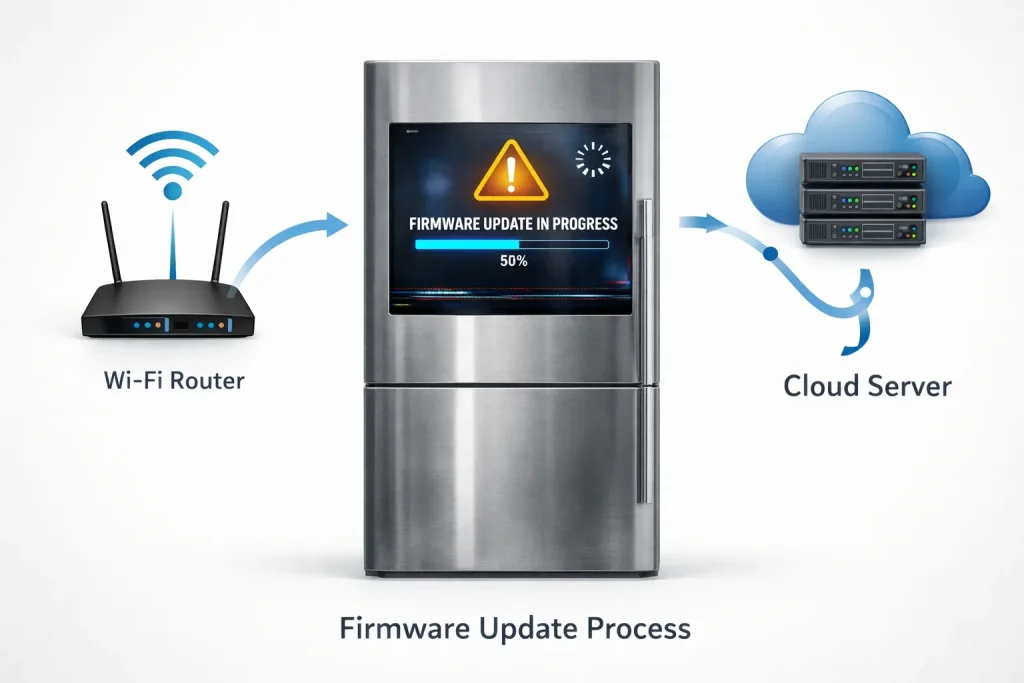
Main Content Sections
What Is Firmware in a Smart Refrigerator?
Firmware is the internal software that controls:
- Wi-Fi and app communication
- Touchscreen and sensors
- Notifications and diagnostics
Without updated firmware, smart features may malfunction or stop working entirely.
Why Do Smart Refrigerator Firmware Updates Fail?
Unstable Wi-Fi Connection
Firmware updates require continuous internet access.
Fix:
- Use a stable 2.4 GHz Wi-Fi network
- Avoid updating during peak internet usage
Related: smart refrigerator wi Fi connection problems
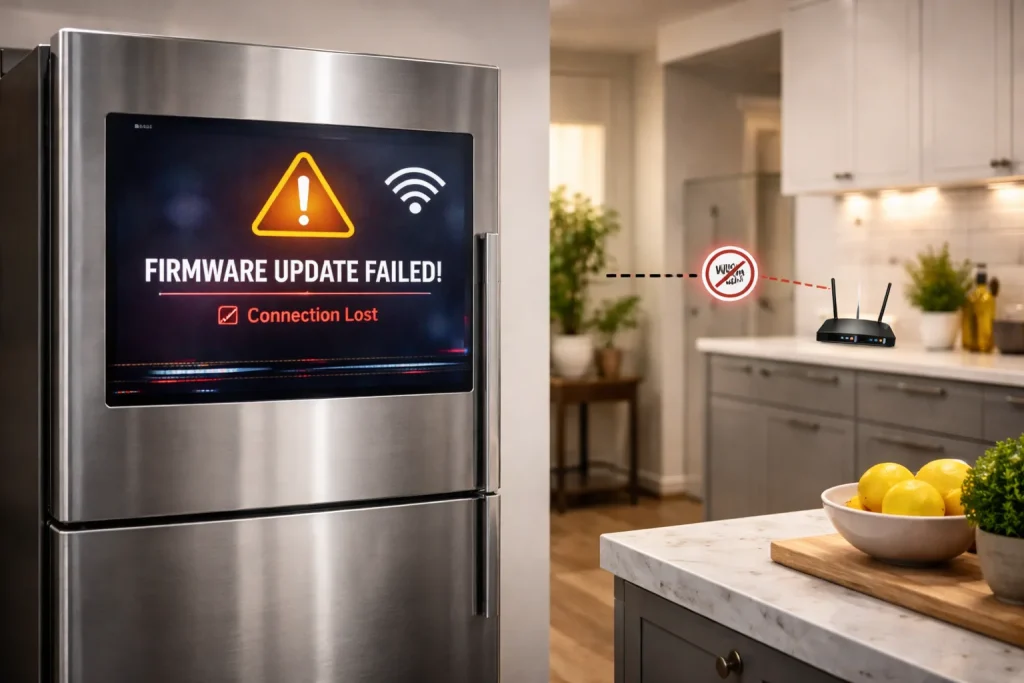
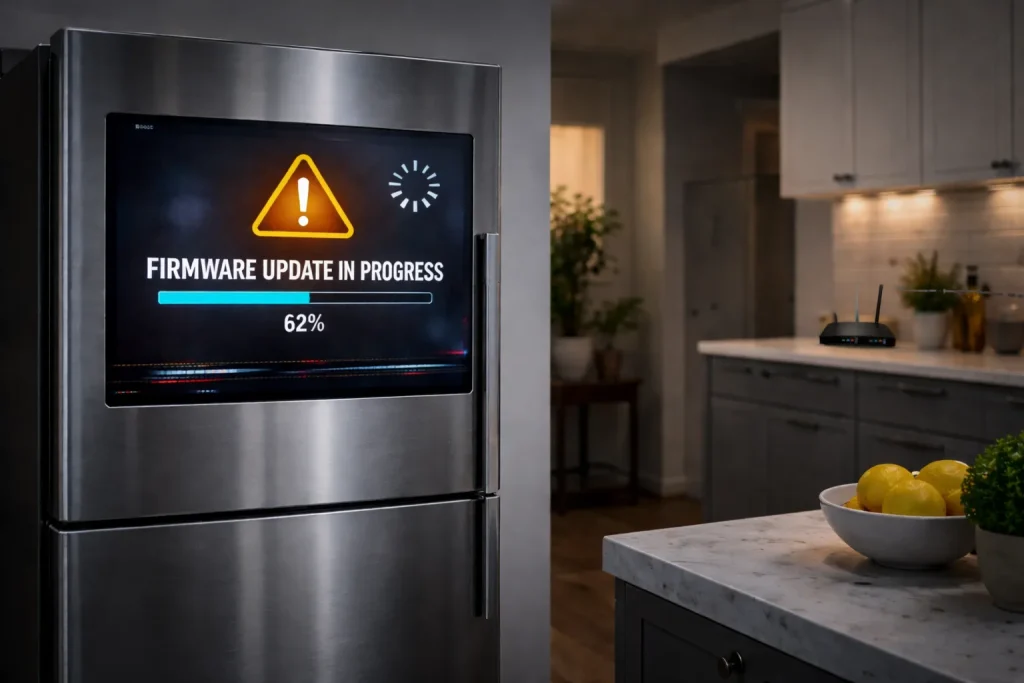
Power Interruption During Update
Power loss mid-update can corrupt firmware.
Fix:
- Never unplug the fridge during an update
- Avoid updates during storms or outages
Outdated or Buggy Mobile App
An old app version may not support newer firmware.
Fix:
- Update the refrigerator app first
- Restart the app before retrying
Related: smart refrigerator app setup issues
Insufficient Internal Storage
Some updates require temporary storage space.
Fix:
- Restart the fridge to clear memory
- Complete previous pending updates
Server or Manufacturer-Side Issues
Sometimes the problem isn’t your fridge.
Fix:
- Wait 24–48 hours and retry
- Check manufacturer support notices
Step-by-Step: Safely Updating Smart Fridge Firmware
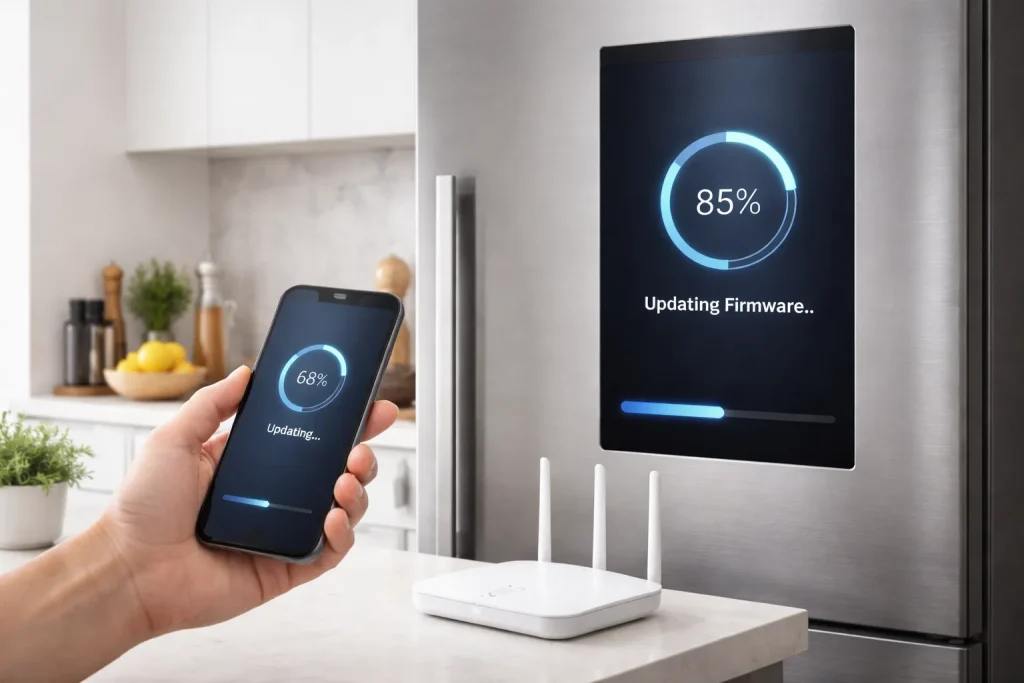
- Connect fridge to stable Wi-Fi
- Ensure continuous power supply
- Update the mobile app
- Start firmware update
- Do not open the door repeatedly
- Wait until update completes fully
Pros & Cons of Firmware Updates
| Pros | Cons |
|---|---|
| Fixes bugs and errors | Can fail with weak Wi-Fi |
| Improves app stability | Takes time |
| Adds new features | Risk if interrupted |
Expert Take / Recommendation
Firmware updates should be treated like system upgrades, not background tasks. Always ensure stable power and internet before starting. If an update fails once, wait and retry—repeated forced attempts can worsen the issue. Contact manufacturer support if smart features remain disabled after multiple failures.
Common Mistakes to Avoid
- Unplugging the fridge mid-update → Always wait until completion
- Using unstable Wi-Fi → Switch to a stronger network
- Ignoring app updates → Update app first
- Repeated forced restarts → Can corrupt firmware
Who This Is Best For / Not Ideal For
- Best For:
- Users who rely on smart features
- App-controlled refrigerators
- Wi-Fi enabled households
- Not Ideal For:
- Homes with frequent power outages
- Users who don’t need smart functions
- Unstable internet environments
FAQs
Can a failed firmware update damage my refrigerator?
Usually no. Cooling functions remain intact, but smart features may stop working temporarily.
How long does a smart fridge firmware update take?
Most updates take 5–30 minutes depending on model and internet speed.
Should I reset my fridge after a failed update?
Only if instructed by the manufacturer. Forced resets can worsen firmware issues.
Why does my fridge keep asking for updates?
The previous update may not have completed successfully.
Conclusion
Smart refrigerator firmware update problems are common but rarely dangerous. Most issues stem from Wi-Fi instability, power interruptions, or outdated apps. By preparing properly and allowing updates to complete uninterrupted, you can keep smart features stable and avoid unnecessary service calls.
Relevant Topics: Can you check for solve another problems
- Smart Refrigerator Problems and Solutions
- Smart Fridge Not Connecting to Wi-Fi
- Smart Fridge Bluetooth Not Working
- Smart Fridge Installation Problems

Hi, I’m the lead researcher and appliance enthusiast behind RefrigeratorSolve. With years of hands-on experience troubleshooting cooling systems and testing home appliances, I am dedicated to bringing you honest reviews, energy-saving tips, and practical solutions to keep your refrigerator running perfectly.