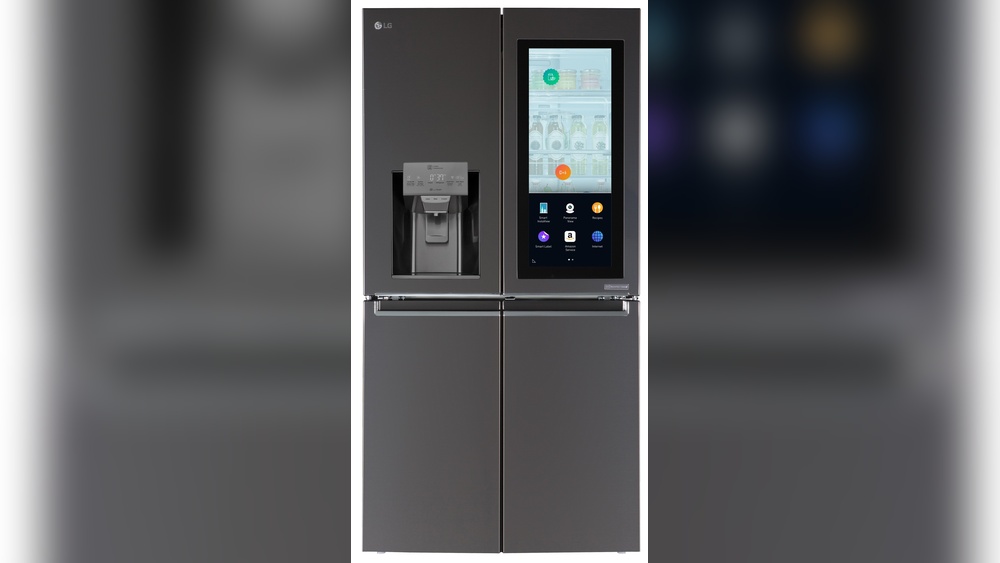
Imagine having a refrigerator that not only keeps your food fresh but also stays connected to your phone. That’s exactly what the LG Smart Refrigerator with Wi-Fi offers.
With this smart appliance, you can control temperatures, get alerts if the door is left open, and even check your fridge’s status while you’re away. If you want to make your kitchen smarter and your life easier, understanding what an LG Smart Refrigerator Wi-Fi is and how it works is the first step.
Keep reading to discover how this technology can transform your everyday routine.

Credit: bestron.com
Lg Smart Refrigerator Wifi Basics
The LG Smart Refrigerator WiFi Basics introduce a new way to manage your kitchen. This technology connects your fridge to the internet. It allows you to control and monitor it using a smartphone app. Smart features help keep your food fresh and save energy. Understanding the basics will help you decide if it fits your needs.
What Is Lg Smart Refrigerator Wifi
LG Smart Refrigerator WiFi means your fridge can connect to the internet. It uses built-in WiFi to link with the LG ThinQ app. This connection lets you control the fridge remotely. You can check temperatures, get alerts, and even change settings. It makes managing your fridge easier and more convenient.
How Wifi Enhances Your Fridge
WiFi adds smart functions to your refrigerator. You get notifications if the door stays open too long. You can adjust cooling settings from anywhere using your phone. The app can track energy use to help save money. It can also send alerts for maintenance or problems. This makes your fridge more efficient and user-friendly.
Compatible Models
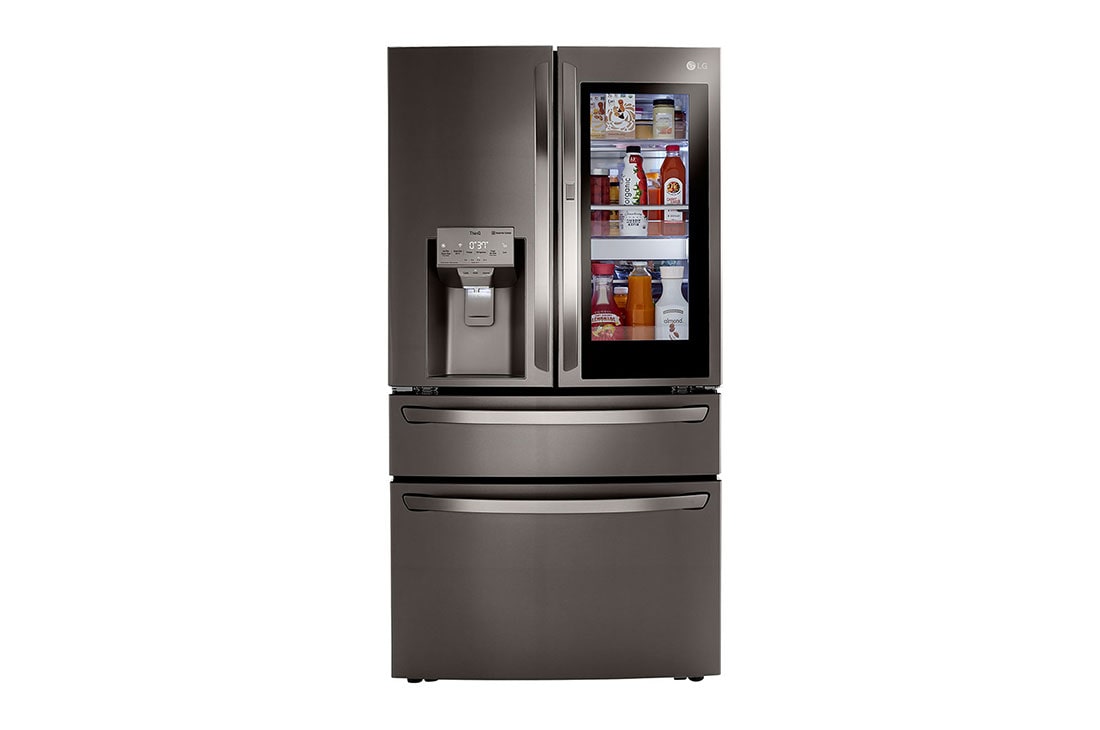
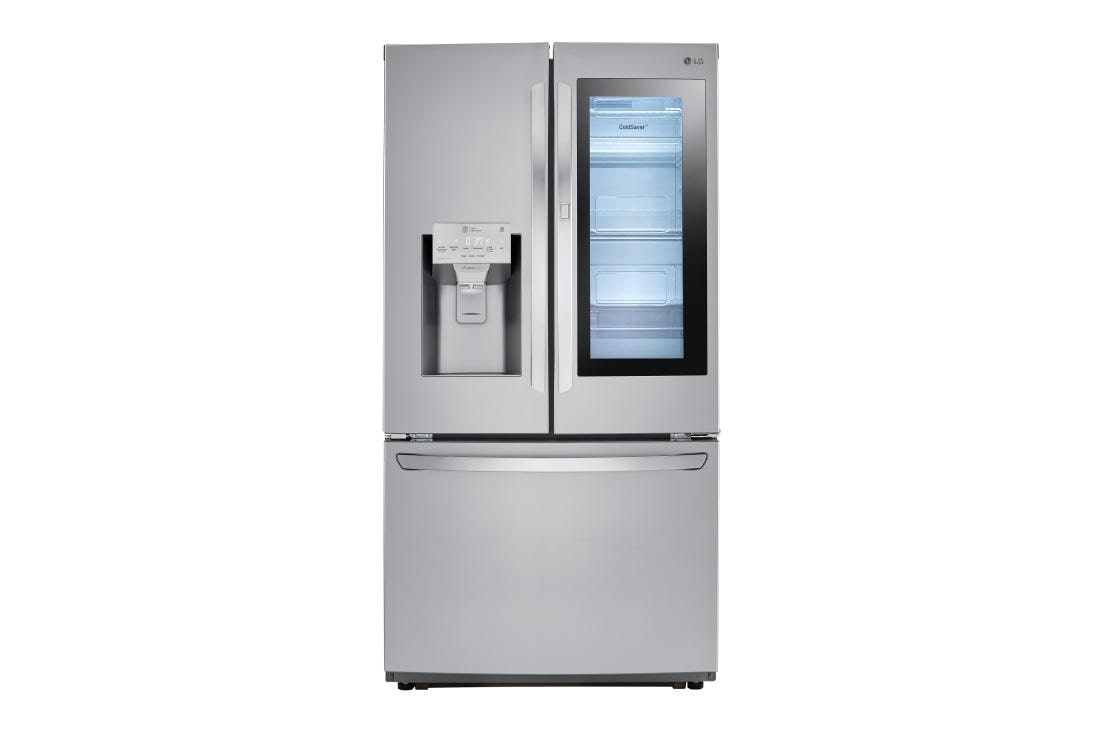
Many LG refrigerator models support WiFi features. Side-by-side, French door, and smart InstaView models often include WiFi. Check the product description or LG’s website for exact compatibility. Most newer LG smart fridges come with built-in WiFi. Compatibility ensures you can use the ThinQ app to control your fridge.
Key Features
The LG Smart Refrigerator with WiFi offers several smart features that make daily life easier. These features help you control and monitor your fridge remotely. They improve convenience and help maintain food freshness. The smart technology also helps save energy and reduces the risk of breakdowns.
Remote Temperature Control
You can adjust the fridge temperature from your smartphone. This lets you keep food fresh without opening the door. It is useful when you are away from home. You can quickly cool down or warm up the fridge as needed.
Door Alerts And Notifications
The fridge sends alerts if the door is left open. This prevents food from spoiling due to warm air. You also get notifications for power outages or other issues. This keeps you informed and helps protect your groceries.
Energy Usage Monitoring
The smart fridge tracks how much energy it uses daily. You can view energy consumption on the app anytime. This helps you understand your electricity use and save money. You can also adjust settings to make the fridge more efficient.
Smart Diagnosis And Maintenance
The fridge can detect problems early and notify you. Smart Diagnosis helps identify issues without a technician visit. You get simple troubleshooting tips through the app. This saves time and avoids costly repairs by fixing problems quickly.
Lg Thinq App
The LG ThinQ App enhances your LG Smart Refrigerator WiFi experience. It lets you control and monitor your fridge from anywhere using your smartphone. The app connects your fridge to your home Wi-Fi, giving real-time updates and alerts. You can adjust settings, check temperatures, and get maintenance notifications with ease. This app brings convenience and smart control right to your fingertips.
App Installation And Setup
Download the LG ThinQ App from the Apple App Store or Google Play Store. Open the app and create an LG account or sign in if you already have one. Follow the on-screen instructions to connect your LG Smart Refrigerator to your home Wi-Fi network. The app will guide you through pairing your fridge step-by-step. Setup usually takes just a few minutes.
Core Free Features
The LG ThinQ App offers many free features for your smart fridge. Control the temperature remotely and receive alerts if the door is left open. Monitor energy usage and get reminders for regular maintenance. Use the Smart Diagnosis feature to troubleshoot problems quickly without needing a technician. These tools help keep your fridge running smoothly without extra cost.
Subscription Options
LG offers optional subscriptions for extra benefits beyond the free app features. “LG Subscribe” allows leasing of premium appliances with expert care and maintenance included. Some advanced care plans and premium content may also require monthly fees. These subscriptions add convenience and extended service, but the core app functions stay free to use.
App Compatibility
The LG ThinQ App works with most Android and iOS smartphones and tablets. Ensure your device runs the latest operating system for the best experience. The app supports various LG smart appliances, including refrigerators, washers, and ovens. Regular updates improve app stability and add new features, keeping your smart home connected and efficient.
Connecting Your Fridge To Wifi
Connecting your LG Smart Refrigerator to WiFi opens many useful features. It lets you control and monitor your fridge from your phone. You can adjust temperatures, get alerts, and check energy use easily. The connection process is simple and quick. This guide helps you connect your fridge step-by-step, fix connection issues, and keep your data safe.
Step-by-step Connection Process
Start by turning on your fridge’s WiFi feature in the settings menu. Download the LG ThinQ app on your smartphone. Open the app and create an account or log in. Select “Add Device” and choose your refrigerator model. Follow the app’s instructions to connect to your home WiFi network. Enter your WiFi password carefully. Wait for the app to confirm the connection. Your fridge is now ready to use with smart features.
Troubleshooting Connection Issues
Check that your WiFi signal is strong near the fridge. Restart your router and fridge if connection fails. Make sure your phone is on the same WiFi network. Update the LG ThinQ app to the latest version. Reset the fridge’s network settings if problems continue. Consult the user manual or LG support for persistent issues. Small fixes often solve most connection problems quickly.
Security Considerations
Use a strong password for your WiFi network to protect your fridge. Keep the LG ThinQ app updated for security patches. Avoid using public or unsecured WiFi networks for connection. Enable two-factor authentication on your LG account if available. Regularly check the app for any unusual activity. These steps help secure your smart fridge and personal data from risks.
Benefits Of Wifi Connectivity
WiFi connectivity in LG Smart Refrigerators brings many benefits to everyday kitchen life. It connects your fridge to the internet, allowing smarter and easier management. This connection helps save time, energy, and effort. Here are the key benefits of having WiFi in your LG Smart Refrigerator.
Improved Kitchen Efficiency
WiFi allows your fridge to communicate with other smart devices. You can control temperature settings from your phone. This feature helps keep food fresh longer. It also reduces food waste by keeping ideal conditions. Alerts notify you if the door is left open. These small improvements make your kitchen run smoothly.
Remote Monitoring And Control
With WiFi, you can check your fridge from anywhere. The LG ThinQ app shows current temperature and status. You can adjust settings even when away from home. This control helps avoid spoiled food and saves trips. It also sends alerts for maintenance issues or power outages. Remote access gives peace of mind about your kitchen.
Energy Savings
WiFi connectivity helps optimize energy use. The fridge learns usage patterns and adjusts settings automatically. You can track energy consumption through the app. This data helps reduce electricity bills by avoiding waste. Smart energy use also helps the environment. Saving energy is good for your wallet and planet.
Convenience And Peace Of Mind
WiFi adds convenience to daily life. You can create shopping lists or check contents remotely. Notifications alert you about expired items or needed maintenance. The fridge can even suggest recipes based on what you have. This smart help reduces stress and saves time. It keeps your kitchen organized and worry-free.
Credit: www.lg.com
Advanced Smart Features
The LG Smart Refrigerator with WiFi offers advanced smart features that make daily life easier. These features allow seamless control, monitoring, and maintenance from your smartphone. You can manage the fridge remotely and receive important updates instantly.
Smart technology in the refrigerator improves convenience and helps save energy. It also supports better food management and appliance care. Below are some key advanced features of LG Smart Refrigerators.
Voice Assistant Integration
The fridge works with popular voice assistants like Google Assistant and Alexa. You can ask it to check the temperature or adjust settings. Voice commands make hands-free control simple and fast. This integration adds convenience to your kitchen routine.
Firmware Updates
LG provides regular firmware updates to improve performance. These updates happen automatically over WiFi. They fix bugs and add new functions without user effort. Keeping your refrigerator updated ensures it runs smoothly and securely.
Custom Notifications
The fridge sends alerts directly to your phone. Notifications include door left open, temperature changes, or filter replacement reminders. Custom alerts help prevent food spoilage and maintain efficiency. You stay informed even when away from home.
Care Plans And Premium Services
LG offers optional care plans for extended support. These services include expert maintenance and faster repairs. Premium options may also provide enhanced app features. Care plans give peace of mind and prolong your fridge’s lifespan.
User Tips And Best Practices
The LG Smart Refrigerator with WiFi offers many smart features to simplify daily life. Users can control settings, monitor the fridge, and receive alerts right from their phone. To get the best experience, follow some user tips and best practices. These help keep the fridge running smoothly and ensure all features work well.
Maximizing Feature Usage
Explore the LG ThinQ app to control your fridge remotely. Adjust temperature settings based on your needs. Use alerts to know if the door is left open. Check energy usage to save on bills. Take advantage of recipe suggestions and inventory tracking. Regularly update the app for new features and fixes. Customize notifications to avoid missing important updates.
Maintaining Wifi Connection
Place your fridge near a strong WiFi signal. Avoid obstacles that block the wireless signal. Restart your router if connection drops. Keep your fridge software up to date. Use a stable internet network with sufficient speed. Connect only to secure home networks. Reconnect the fridge to WiFi after power outages.
Security Tips
Change your WiFi password regularly for safety. Use strong, unique passwords for your LG ThinQ account. Avoid sharing login details with others. Enable two-factor authentication if available. Monitor connected devices in your home network. Update your fridge’s firmware to patch vulnerabilities. Turn off remote access when not needed.
Credit: www.lg.com
Frequently Asked Questions
Why Should I Connect My Lg Fridge To Wi-fi?
Connecting your LG fridge to Wi-Fi lets you adjust settings remotely, receive alerts, monitor energy use, and ensure optimal performance anytime.
Is There A Monthly Fee For Lg Thinq?
No, LG ThinQ’s core app and basic smart features are free. Optional subscriptions like LG Subscribe may have monthly fees.
What Is The Wi-fi For On My Lg Refrigerator?
The Wi-Fi on your LG refrigerator connects it to the LG ThinQ app. It lets you control settings, receive alerts, and monitor remotely. This improves convenience and helps manage energy use efficiently from your smartphone.
Why Would I Connect My Fridge To Wi-fi?
Connecting your fridge to Wi-Fi lets you monitor temperature, receive alerts, control settings remotely, and save energy efficiently.
Conclusion
The LG Smart Refrigerator with Wi-Fi offers easy control from your phone. You can adjust temperatures and get alerts if the door stays open. It helps you monitor energy use and fridge status anytime. The LG ThinQ app connects your fridge to smart features at no extra cost.
Some advanced services may need a subscription, but basic control is free. This smart fridge adds convenience and peace of mind to your kitchen. Simple, useful, and designed for everyday life.

Hi, I’m the lead researcher and appliance enthusiast behind RefrigeratorSolve. With years of hands-on experience troubleshooting cooling systems and testing home appliances, I am dedicated to bringing you honest reviews, energy-saving tips, and practical solutions to keep your refrigerator running perfectly.