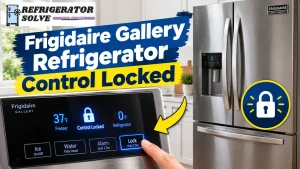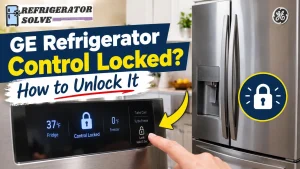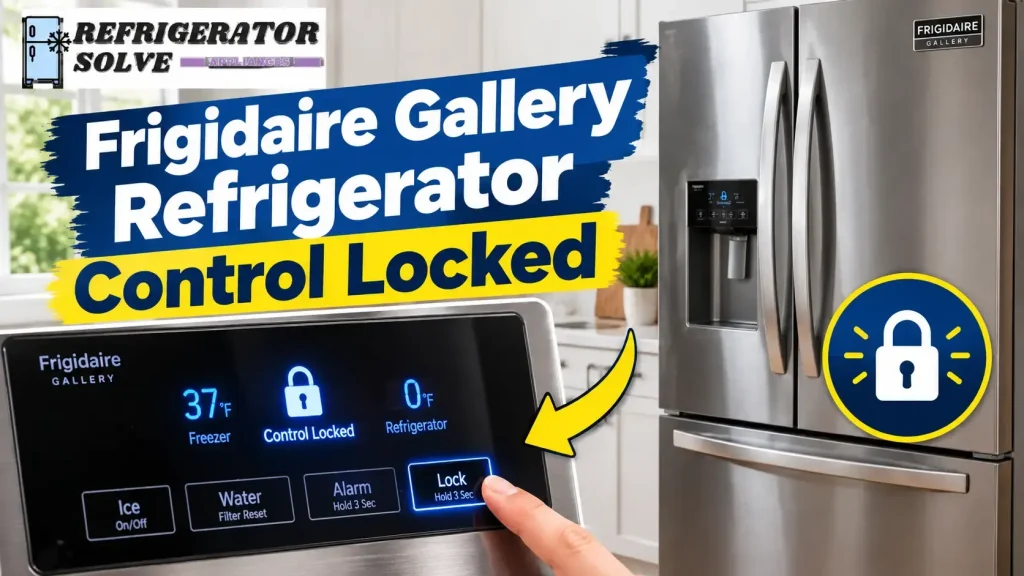
If your Frigidaire Gallery refrigerator control is locked, press and hold the Control Lock button for about 3 seconds to unlock it on models that use this procedure. The lock indicator should turn off or the display should return to normal. If the panel stays locked, check your refrigerator’s model-specific instructions before trying a reset.
A locked control panel can be frustrating, especially when you need cold water or ice and the buttons will not respond. The good news is that the Control Lock feature is designed to prevent accidental changes, so the problem may not indicate a broken refrigerator.
In this guide, you will learn how to unlock a Frigidaire Gallery refrigerator, understand why the lock indicator may flash or beep, and troubleshoot the problem if the usual method does not work.
How to Unlock a Frigidaire Gallery Refrigerator Control Panel
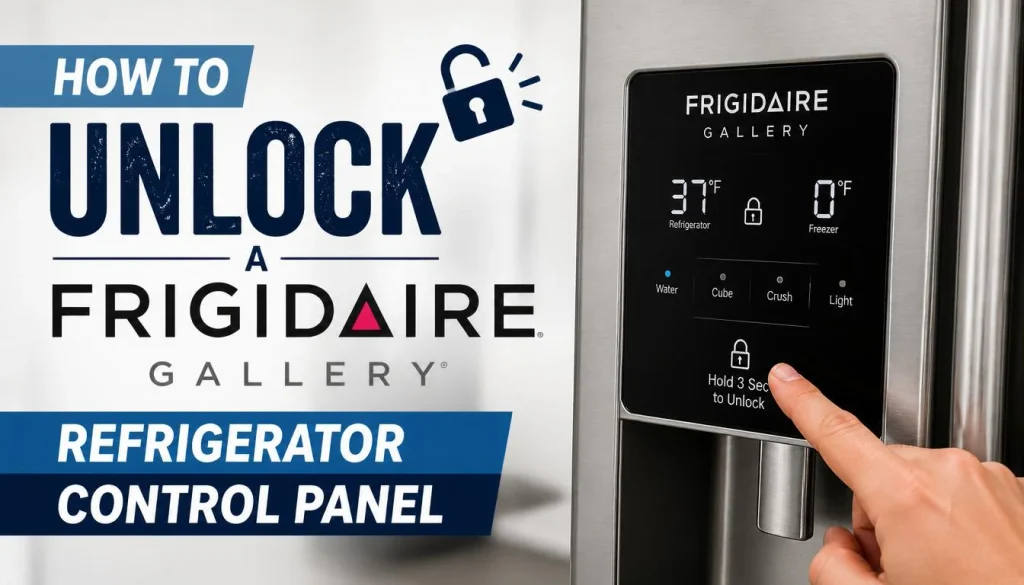
For many Frigidaire Gallery refrigerators, unlocking the control panel is straightforward. Follow these steps before attempting more complicated troubleshooting.
Step 1: Locate the Control Lock Button
Look at the refrigerator’s exterior display or dispenser control panel. Depending on your model, the button may be labeled Control Lock, Lock, or shown with a padlock symbol.
Some models have a dedicated button, while others use a touch-sensitive icon. The exact layout can vary, so do not assume that every Frigidaire Gallery refrigerator uses the same controls.
If you cannot identify the correct button, consult your Frigidaire refrigerator owner’s manual and product support resources.
Step 2: Press and Hold the Lock Button for 3 Seconds
Once you have found the correct control, press and hold it for approximately three seconds.
On compatible models, this should deactivate Control Lock. You may notice the lock indicator disappear or the display return to its normal state.
Do not press several buttons at once or use excessive force. Touch-sensitive controls generally respond to a deliberate touch rather than a hard press.
Step 3: Check Whether the Lock Indicator Turns Off
Look at the display after releasing the button.
If the lock indicator disappears, try adjusting a temperature setting or selecting the water dispenser. On models that disable dispensing while locked, water and ice functions should become available again once the lock is released, provided there are no other problems.
If the indicator continues flashing or the control panel remains unresponsive, move to the troubleshooting steps below.
Step 4: Test the Water and Ice Dispenser
Try dispensing a small amount of water or selecting an ice option, if your refrigerator has these features.
If the controls work normally, the issue was likely the lock setting. If the panel unlocks but water or ice still does not dispense, there may be a separate issue with the water supply, filter, ice maker, or dispenser.
Frigidaire provides additional guidance for refrigerators that are not dispensing water and refrigerators that are not making or dispensing ice.
What Does Control Locked Mean on a Frigidaire Gallery Refrigerator?
Control Lock is a feature that prevents unintended changes to the refrigerator’s controls. Depending on the model, it can disable display adjustments and stop the water and ice dispensers from operating.
This feature is useful when someone accidentally touches the panel while cleaning it, when children play near the dispenser, or when you want to prevent unintentional control changes.
When Control Lock is active, you may notice one or more of the following symptoms:
- The display shows a lock icon or a Control Locked message.
- The lock indicator flashes when you interact with the panel.
- An audible tone sounds when you press a disabled control.
- The temperature settings cannot be changed.
- The water or ice dispenser does not respond.
These behaviors are documented in Frigidaire Gallery owner’s manuals, although the exact indicators and controls differ by model.
Important: A locked display does not automatically mean that the refrigerator has stopped cooling. Control Lock primarily restricts user interaction with the control panel and, on applicable models, the dispenser functions.
Why Is My Frigidaire Gallery Refrigerator Control Locked?
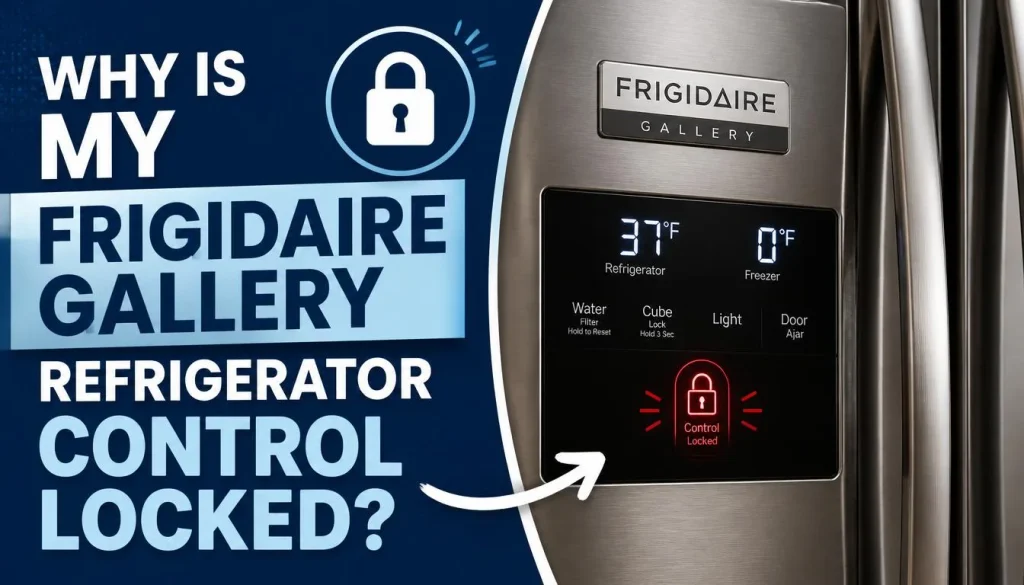
There are several reasons the control panel may be locked. Identifying what happened before the issue started can help you choose the right solution.
The Control Lock Was Activated Accidentally
One of the simplest explanations is that someone activated the lock without realizing it.
This can happen while wiping the control panel, reaching for the dispenser, or pressing nearby buttons.
What to do: Find the Lock or Control Lock button and hold it for approximately three seconds if that is the procedure specified for your model. Check whether the indicator turns off.
The Refrigerator Uses a Different Control Panel Design
Not every Frigidaire Gallery refrigerator has the same display layout. Some have a dedicated Control Lock button, while others use different touch controls or display arrangements.
Trying to follow instructions for a different refrigerator can lead to confusion.
What to do: Locate your model number and use the matching owner’s manual. Frigidaire explains where to find your appliance’s model and serial number.
For many French-door and side-by-side refrigerators, the model number is found on a label along the upper right interior wall of the fresh-food compartment. Other refrigerator designs may have the label in a different location.
The Control Panel Is Not Responding Properly
Sometimes, the problem is not the lock setting itself. A display that remains frozen, ignores every button, or behaves unusually may have a temporary electronic issue or a component fault.
What to do: First, confirm that you are using the correct unlock procedure. If the controls remain unresponsive after that, follow the troubleshooting steps below instead of repeatedly pressing buttons.
Frigidaire Gallery Refrigerator Control Lock Won’t Turn Off: Troubleshooting
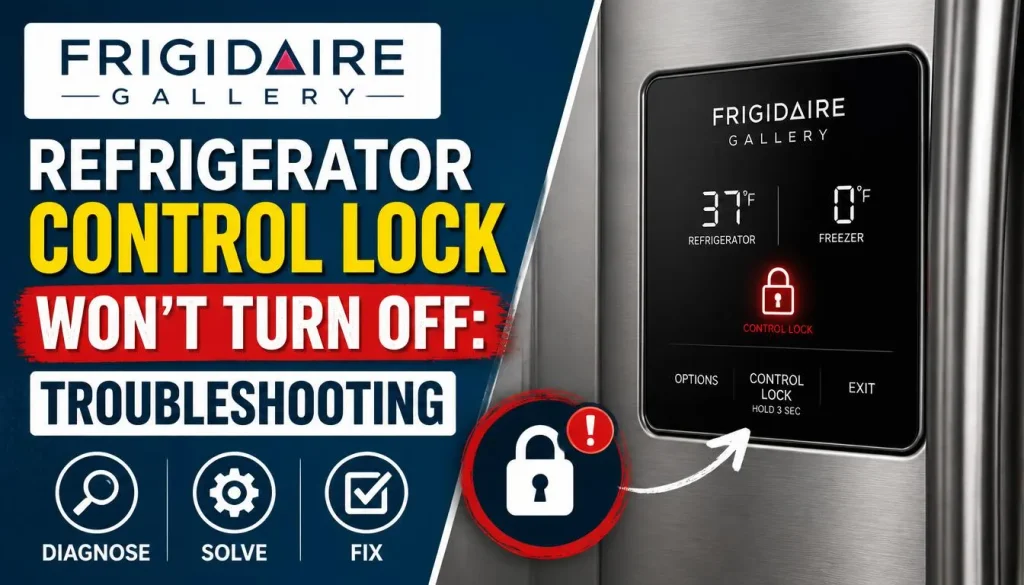
If you have tried the usual unlock procedure and the panel still appears locked, work through these checks in order.
1. Make Sure You Are Using the Correct Button
Look carefully at the panel to distinguish Control Lock from other features.
Refrigerators may have separate buttons for the dispenser light, ice maker, temperature settings, and other functions. Pressing the wrong control will not necessarily release the lock.
If your model’s display differs from the instructions you found online, check the owner’s manual rather than experimenting with button combinations.
2. Clean and Dry the Touch Control Area
Moisture, fingerprints, and residue can interfere with touch-sensitive controls on some refrigerators.
Use a soft, clean cloth to wipe the exterior control area. If needed, follow the cleaning instructions in your owner’s manual.
Avoid spraying cleaner directly onto the display or allowing liquid to enter the control panel. Dry the surface completely before trying the unlock procedure again.
3. Check Whether the Entire Display Is Unresponsive
Try to determine whether only the lock function is active or whether the entire control panel has stopped responding.
For example:
- The lock icon remains visible, but the display otherwise works: The Control Lock feature may still be enabled.
- No buttons respond and the display appears frozen: The panel may have an electronic or power-related problem.
- The panel unlocks, but the dispenser remains inactive: The dispenser may have a separate issue.
This distinction matters because resetting a control panel will not fix every mechanical, electrical, or water-supply problem.
If your refrigerator has a broader touchscreen issue, you can also read our guide to smart fridge touch screen problems and their possible fixes. The troubleshooting steps there cover general display and touch-response issues; model-specific Frigidaire instructions should still take priority.
4. Consider a Power Cycle Only If the Panel Remains Unresponsive
If the correct unlock procedure fails and the entire display is unresponsive, a power cycle may be worth considering.
Before doing this, check the owner’s manual for your exact model. Frigidaire’s refrigerator error codes and alarms guide describes power-reset procedures for certain electronic issues, but these are not necessary for every locked control panel.
If the manual permits a power reset:
- Turn off or disconnect power using the method specified for your refrigerator.
- If you must unplug the refrigerator, do so only when the plug is safely accessible. Do not pull the appliance out or handle electrical connections unsafely.
- Wait for the period specified in the manual.
- Restore power and allow the display to start up.
- Try the model-specific unlock procedure again.
Be aware that a power cycle may clear some settings or trigger alerts. It may also fail to resolve a hardware fault.
Do not repeatedly reset the refrigerator if the display remains unresponsive. If the panel still does not work, contact Frigidaire support or a qualified appliance technician.
5. Check for Other Warning Signs
If the control lock problem appears alongside an error code, unusual display behavior, or a cooling problem, do not assume the lock is the only issue.
Look for warning messages and note any changes in refrigerator temperature.
Consult the model’s troubleshooting guide or Frigidaire Product Support for the appropriate next steps. A persistent electronic problem may require professional diagnosis.
Frigidaire Gallery Water or Ice Dispenser Still Not Working After Unlocking
If you successfully unlock the panel but still cannot get water or ice, the problem may be unrelated to Control Lock.
Check the Water Dispenser
Start by confirming that the lock indicator is off and the dispenser controls are responding.
If there is still no water, check the following:
- Confirm that the refrigerator has an active water supply.
- Check whether the water filter is installed correctly.
- Inspect the filter for signs of damage or blockage.
- If you recently replaced the filter, verify that it was installed and flushed according to the instructions.
Frigidaire recommends checking the lock setting, water supply, and filter installation when a refrigerator does not dispense water. Follow the manufacturer’s troubleshooting instructions for your particular model.
You can find the full procedure in the official Frigidaire refrigerator no-water guide.
Check the Ice Dispenser
If water works but ice does not, make sure the ice maker is switched on and that there is ice in the bin.
Also check whether the refrigerator doors are fully closed. Ice can become jammed in the dispenser or around the ice-bin mechanism, preventing normal operation.
Do not force a jammed mechanism. Follow your model’s manual for safe inspection and removal of the ice bin.
For more detailed troubleshooting, see our guide on how to troubleshoot a refrigerator ice maker.
If the ice maker still does not work after you have checked the control lock and basic settings, continue with the appropriate ice-maker troubleshooting steps rather than repeatedly locking and unlocking the panel.
Does Control Lock Stop a Frigidaire Gallery Refrigerator From Cooling?
Normally, no. On models where Control Lock is designed to restrict the display and dispenser, it does not mean that the refrigerator’s cooling system has been switched off.
The purpose of the feature is to prevent accidental changes to settings and, on applicable models, prevent the use of the water and ice dispensers.
However, if the refrigerator is getting warm, the freezer is thawing, or the display shows an error, treat that as a separate concern. Check the temperature settings and warning indicators, and consult the owner’s manual.
Do not assume that unlocking the panel will solve a cooling problem. If food is no longer staying cold, address the temperature issue promptly and follow appropriate food-safety guidance.
How to Find the Correct Frigidaire Gallery Unlock Instructions
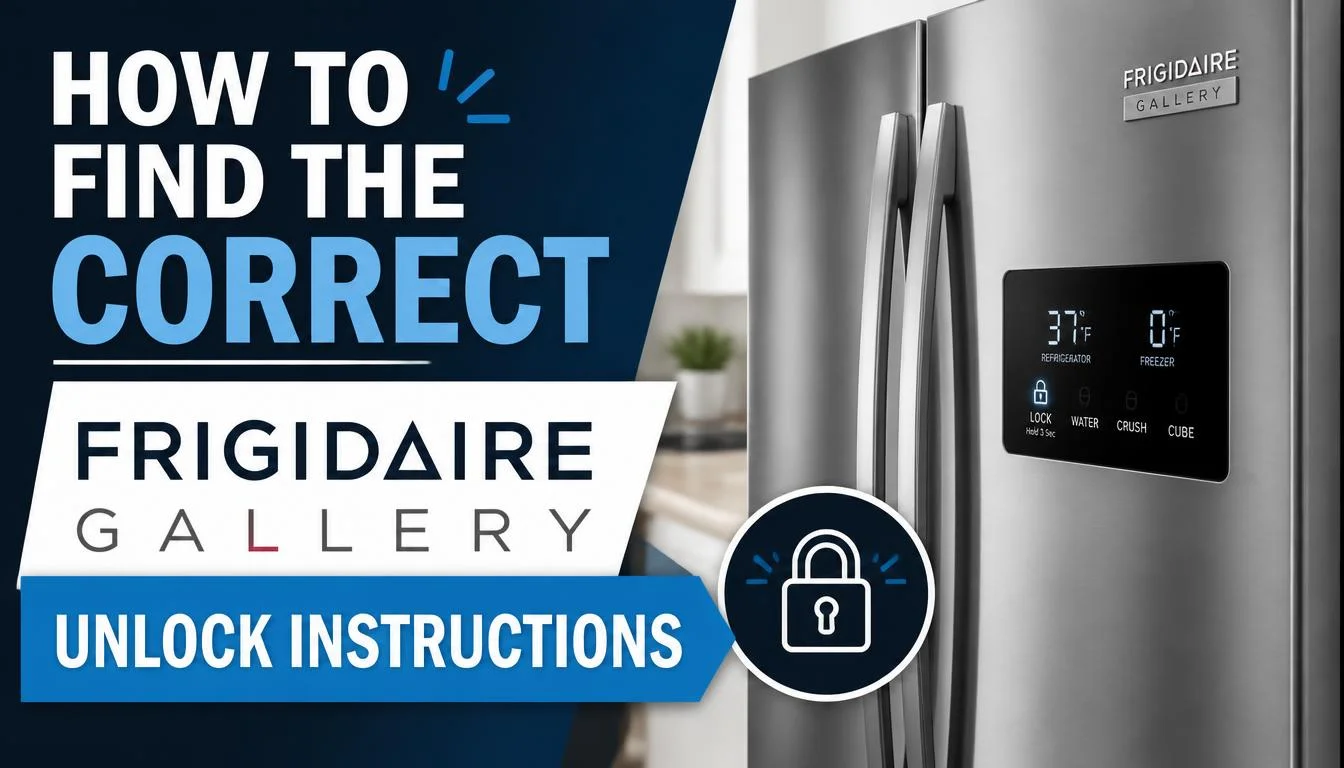
If the lock button is missing or the three-second method does not work, the most reliable option is to identify your exact refrigerator model.
Find the Model Number
Open the refrigerator door and look for the model information label. The label location depends on the refrigerator’s design.
Write down the complete model number. Similar model names can have different control layouts and instructions.
Open the Matching Owner’s Manual
Visit Frigidaire Product Support and enter the model number. Open the corresponding owner’s guide and search for terms such as:
- Control Lock
- Control Locked
- Lock Controls
- Dispenser Controls
Follow the instructions for your specific model instead of relying on a guide written for a different refrigerator.
This is particularly important if your refrigerator has a different display arrangement, a separate dispenser panel, or additional electronic controls.
When Should You Contact Frigidaire Support?
Basic troubleshooting should resolve many cases where Control Lock was accidentally enabled. Professional help may be needed when the display remains unresponsive or the problem keeps returning.
Contact Frigidaire or a qualified technician if:
- The control panel remains locked despite following the correct model-specific procedure.
- None of the display buttons respond.
- The refrigerator shows a persistent error code.
- The controls stop responding repeatedly after a reset.
- The refrigerator is also experiencing cooling problems.
Before contacting support, keep your model number, any displayed error code, and a description of the steps you have already tried. This information can help narrow down the problem.
Use the official Frigidaire support page to find the appropriate manuals, troubleshooting resources, and service options.
Frequently Asked Questions
How do I unlock my Frigidaire Gallery refrigerator?
On many models, you can unlock the refrigerator by pressing and holding the Control Lock button for about three seconds. Check the model’s owner’s manual if your panel uses a different layout or the indicator does not turn off.
Why is my Frigidaire Gallery refrigerator control lock flashing and beeping?
Some Gallery models use a flashing Control Locked indicator and an audible tone when the controls are locked and someone attempts to use them. Try the correct unlock procedure for your model. If the beeping continues after unlocking, check the display for other alerts or error codes.
Why won’t my Frigidaire Gallery refrigerator unlock?
Possible reasons include using the wrong button, following instructions for a different model, a touch panel that is not responding, or an electronic fault. Confirm the correct procedure first, then troubleshoot the display if it remains unresponsive.
Do I need to unplug my refrigerator to unlock the controls?
Usually, no. The normal method is to use the Control Lock button or the procedure specified in the owner’s manual. Consider a power cycle only if the panel is unresponsive and your model’s instructions support that step.
Why is my water dispenser still locked after unlocking the refrigerator?
Confirm that Control Lock has actually turned off. If the dispenser still does not work, check the water supply and filter. The dispenser may have a separate problem that requires additional troubleshooting.
Can I change the temperature while Control Lock is on?
On models where Control Lock disables display adjustments, you cannot change temperature settings until the control panel is unlocked. The exact behavior depends on the model.
Final Thoughts
A locked Frigidaire Gallery refrigerator control panel does not necessarily mean something is broken. In many cases, pressing and holding the Control Lock button for about three seconds is enough to restore normal operation.
If the lock stays on, confirm that you are using the correct button and follow the instructions for your exact model. If the panel remains unresponsive, the dispenser still fails after unlocking, or other warning signs appear, investigate those symptoms separately.
The key is to distinguish a normal control-lock setting from a genuine display or dispenser problem. That will help you avoid unnecessary resets and determine when professional service is needed.

Hi, I’m the lead researcher and appliance enthusiast behind RefrigeratorSolve. With years of hands-on experience troubleshooting cooling systems and testing home appliances, I am dedicated to bringing you honest reviews, energy-saving tips, and practical solutions to keep your refrigerator running perfectly.