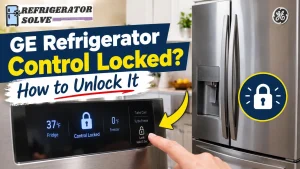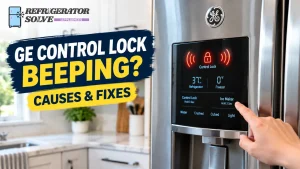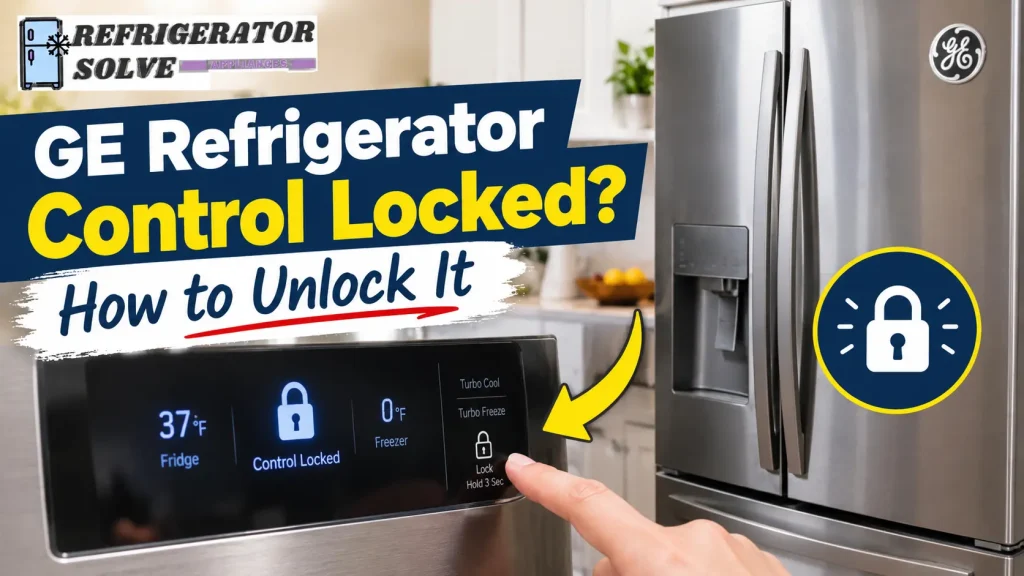
Is your GE refrigerator control panel locked, and you cannot change the temperature or use the dispenser? In many cases, you can fix this by pressing and holding the correct Lock or Control Lock button for about three seconds. However, the exact procedure depends on your GE refrigerator model.
Before trying a reset or assuming a component has failed, check the control panel for a lock indicator and identify which controls are affected. The steps below will help you unlock the panel, troubleshoot buttons that do not respond, and determine when your refrigerator needs professional service.
Quick Answer: How Do You Unlock a GE Refrigerator Control Panel?
To unlock a GE refrigerator control panel:
- Locate the button labeled Lock, Control Lock, Lock Controls, or a similar designation.
- Press and hold the appropriate button for approximately three seconds if your model uses this procedure.
- Check whether the lock indicator turns off or the display changes.
- Test the temperature controls and dispenser, if equipped.
- If the panel remains locked, check your refrigerator’s owner’s manual for the correct button combination.
Some GE refrigerators use different control layouts or locking procedures. For example, certain four-door models have a separate lock for the convertible temperature-controlled drawer. Follow the instructions for your particular model rather than trying random button combinations.
Why Is My GE Refrigerator Control Locked?
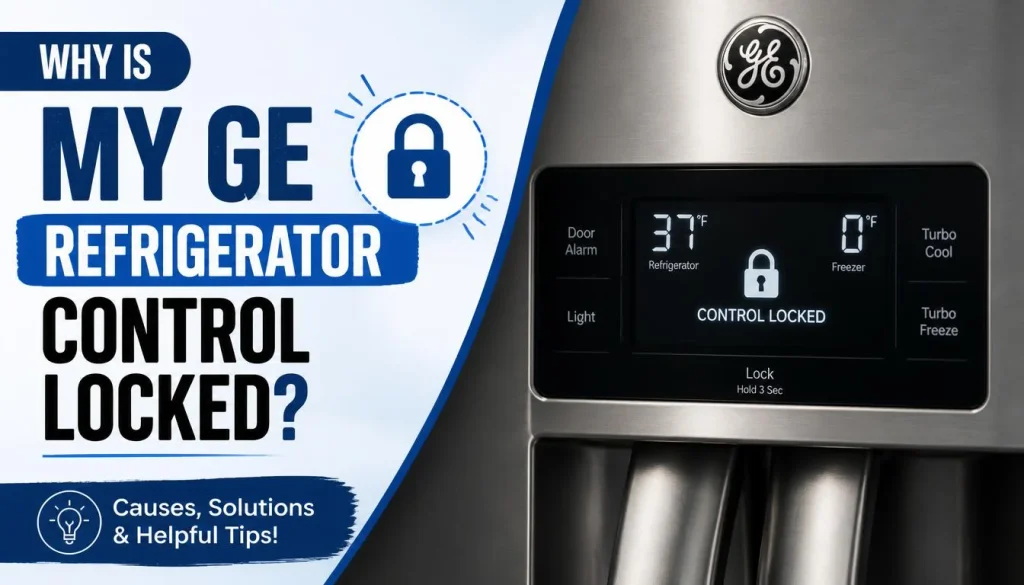
A locked control panel does not automatically mean your refrigerator is broken. The control lock feature is designed to prevent accidental button presses and unintended changes to refrigerator settings.
Here are the most common possibilities.
The Control Lock Feature Is Activated
The most common explanation is that someone activated the control lock accidentally or intentionally. A child pressing buttons, routine cleaning, or an accidental touch can sometimes activate this feature.
When the lock is enabled, the refrigerator may display a lock symbol, illuminate a control-lock indicator, or ignore certain button presses.
If the refrigerator is maintaining its temperature normally but will not accept changes through the panel, check the lock setting first.
Your GE Refrigerator Uses a Different Unlock Procedure
GE refrigerators do not all have identical control panels. Some models have a dedicated Lock button, while others use a differently labeled control or a model-specific procedure.
If holding the apparent lock button does nothing, do not assume the control board has failed. Find the model number and consult the official GE Appliances manuals and support page for the correct instructions.
The Dispenser Control Panel Is Not Responding
On refrigerators with a water and ice dispenser, the dispenser panel may have its own lockout feature. This can make the dispenser appear broken when the controls are simply locked.
If the refrigerator display works but the water or ice dispenser does not respond, check the dispenser lock separately.
GE Appliances provides additional steps in its official guide to troubleshooting a refrigerator dispenser control panel that is not working.
The Touch Panel Is Not Responding
A panel that remains unresponsive after you try the correct unlock procedure may have another problem. Possible causes include a temporary control issue, a power interruption, or a hardware fault.
A wet or dirty touch surface may also interfere with some touchscreen controls. Clean the panel gently with a soft cloth, following the care instructions in your owner’s manual, before testing it again.
How to Unlock a GE Refrigerator Control Panel
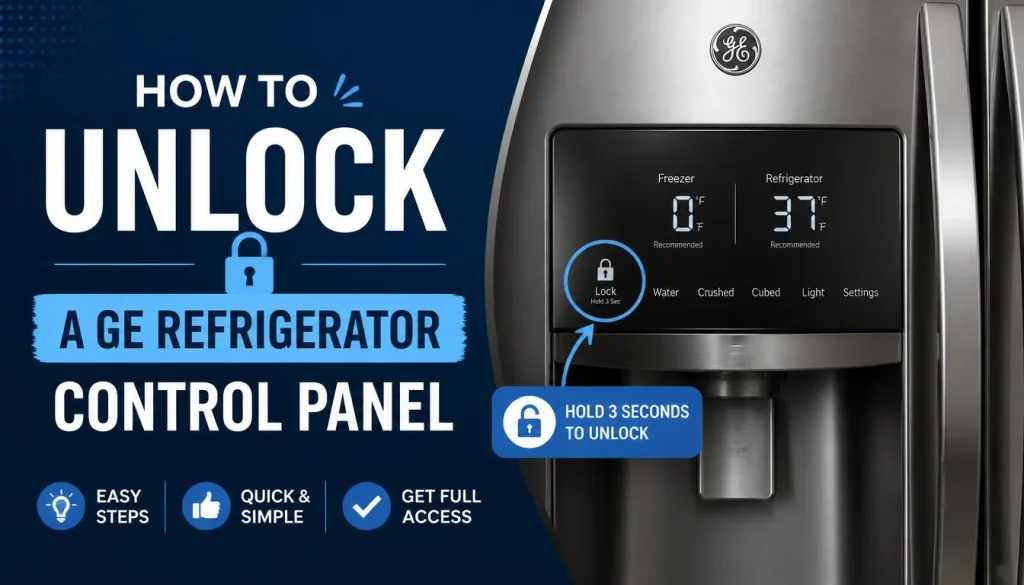
Follow these steps in order. Start with the normal unlocking procedure before attempting a power reset.
Step 1: Identify Your GE Refrigerator’s Control Panel
Look at the refrigerator’s exterior dispenser panel or the control area inside the fresh-food compartment, depending on your model.
Check for labels such as:
- Lock
- Control Lock
- Lock Controls
- Activate Lock
- A padlock symbol
Some models display the lock status through an indicator light or a symbol on the screen. Others may have a different arrangement of buttons.
Do not press unrelated controls repeatedly. Identify the correct lock control first.
Step 2: Press and Hold the Correct Lock Button
If your model has a dedicated Lock or Control Lock button, press and hold it for approximately three seconds.
Keep your finger on the button for the full interval instead of tapping it repeatedly.
Some GE refrigerator manuals specify a three-second hold to lock or unlock the controls. The GE refrigerator control instructions in this official manual illustrate this procedure for applicable models.
Your own refrigerator’s instructions take priority if they specify a different method.
Step 3: Check Whether the Lock Indicator Turns Off
After releasing the button, look at the display.
Depending on your model, successful unlocking may cause the lock indicator to turn off, allow the temperature settings to appear, or make the controls respond again.
If the indicator remains illuminated, repeat the procedure once after confirming that you used the correct button.
If nothing changes, move to the troubleshooting steps below rather than continuing to press buttons at random.
Step 4: Test the Refrigerator Controls
Try changing a temperature setting using the normal controls. If your refrigerator has an external dispenser, test its buttons as well.
Confirm that the controls respond as expected.
Remember that unlocking the panel does not necessarily solve every dispenser problem. The water supply, filter, ice maker, or another component may have a separate issue.
Step 5: Check for a Separate Convertible Drawer Lock
Some GE four-door refrigerators have a convertible drawer with its own temperature controls.
According to GE Appliances, the temperature setting on certain models is locked by default. To unlock that drawer, press and hold its Control Lock button for three seconds.
The button is located on the front of the drawer and is visible when the drawer is open.
For model-specific details, see GE’s official guide to the four-door refrigerator convertible drawer.
This procedure applies to the relevant convertible-drawer models, not every GE refrigerator.
GE Refrigerator Control Locked and Buttons Not Working? Try These Fixes
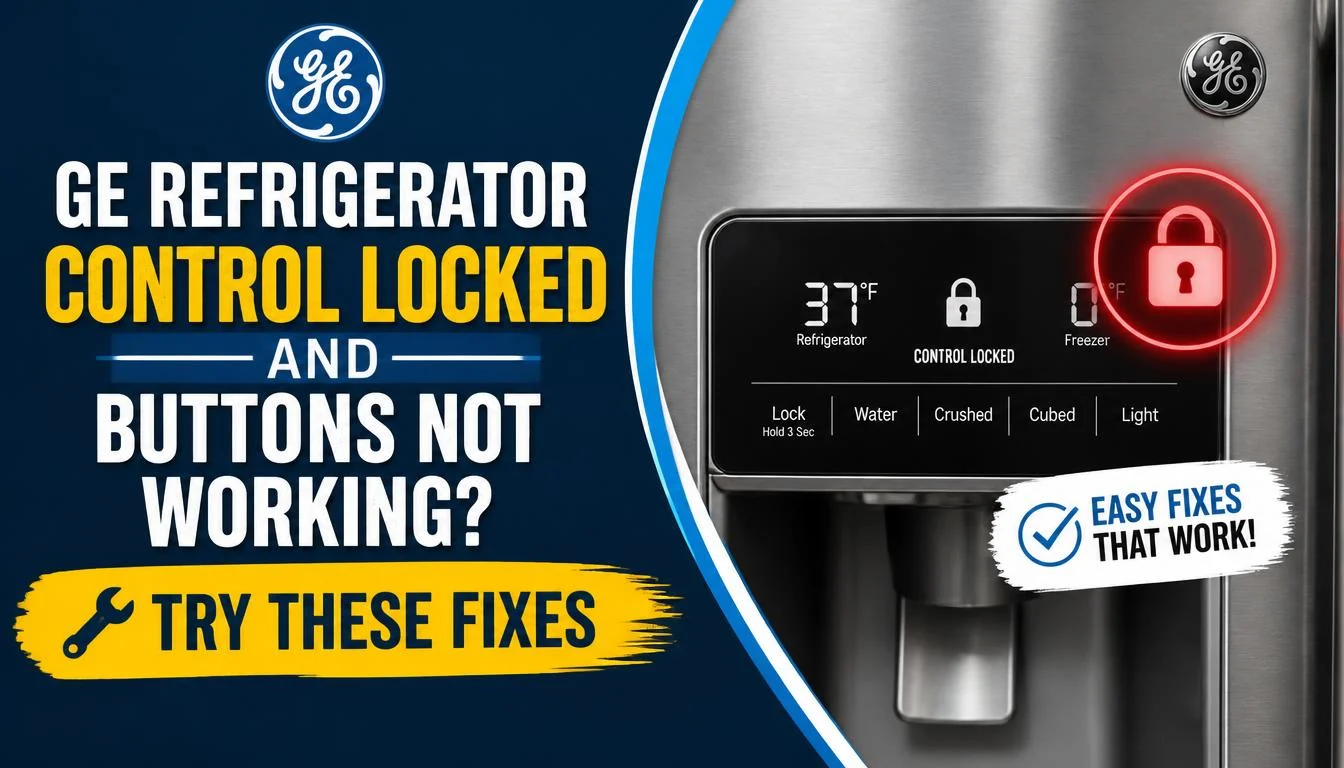
If the standard unlocking procedure does not work, use the following checks to narrow down the problem.
1. Confirm That You Are Using the Correct Button
Look closely at the control labels and consult the owner’s manual. The correct button may not be the one you first assumed was responsible for unlocking the panel.
If your refrigerator has separate refrigerator, freezer, dispenser, or drawer controls, identify which section is locked.
This simple check can prevent unnecessary resetting or repairs.
2. Clean and Dry the Control Panel
If your panel uses touch-sensitive buttons, gently remove fingerprints, moisture, and residue with a soft cloth.
Do not spray cleaning liquid directly onto the display or allow moisture to enter the control panel. Avoid abrasive cleaners and follow the manufacturer’s instructions for the screen or surface.
Once the panel is clean and dry, try the correct unlocking procedure again.
3. Check Whether the Panel Has Power
Look at the display and other normal operating indicators.
If the display is completely blank, flickering, or behaving differently from usual, the problem may extend beyond the control lock.
Check whether the refrigerator has power and whether a relevant household circuit breaker has tripped. Do not remove electrical covers or work on internal wiring to investigate the problem.
If the refrigerator has no power or the display remains blank, the owner’s manual can help you determine the appropriate next check.
4. Try a Brief Power Reset When Appropriate
GE Appliances recommends a brief power reset for certain nonresponsive dispenser control panels.
If the normal unlock method fails, your model’s instructions permit a reset, and there are no signs of electrical damage, disconnect power for 30 seconds and restore it. Depending on your setup, this may mean unplugging the refrigerator or switching off its circuit breaker.
Read the owner’s manual first, and only handle an accessible plug with dry hands. Do not pull on the cord, touch exposed wiring, or attempt a reset if you suspect electrical damage.
After power is restored, allow the refrigerator to restart and check the display again. You may need to restore settings according to the manual.
A reset can clear a temporary control issue, but it will not repair a defective control panel or wiring fault.
5. Check the Water Supply if the Dispenser Still Does Not Work
If you successfully unlock the panel but still cannot get water or ice, investigate the dispenser problem separately.
Check whether the water supply valve is open and whether the water filter requires attention. Some models may need additional checks if the dispenser remains unresponsive.
For further instructions, use GE’s guide to a refrigerator dispenser control panel that is not working.
Do not replace a control board simply because the dispenser does not work. First identify whether the problem is with the lock, power, water supply, filter, or another component.
GE Refrigerator Control Panel Not Working After Installation
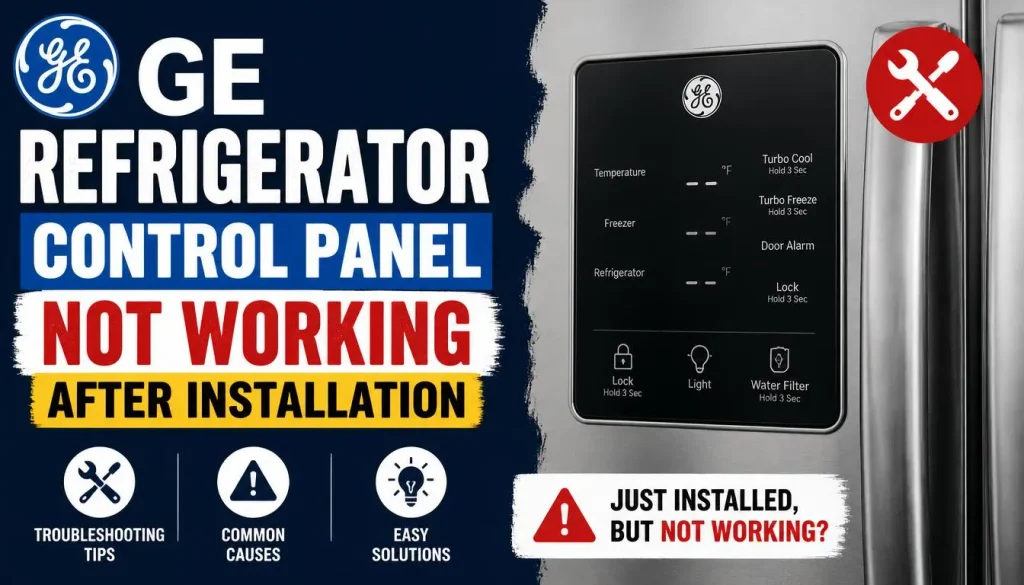
A newly installed refrigerator may have a nonresponsive dispenser panel for reasons unrelated to a permanently defective component.
GE Appliances identifies several checks for this situation.
Check for a Temporary Control Lockup
On some new refrigerators, static electricity generated while removing the protective plastic covering from the dispenser can temporarily cause the control panel to stop responding.
GE recommends a 30-second power reset for this specific situation. Follow the manufacturer’s instructions for your model before disconnecting power.
Check the Door Wiring if the Doors Were Removed
Some refrigerators have electrical connections that must be reconnected when their doors are removed during installation.
If the control panel stopped working after the doors were removed, the door wiring harness may need to be checked.
Do not take apart the control panel or reconnect internal wiring while the appliance is powered. Contact the installer or a qualified technician if the required connection is not readily accessible through the manufacturer’s approved installation procedure.
Confirm That the Water Supply Is Turned On
If the refrigerator’s display works but the water dispenser does not deliver water, check the water supply shut-off valve.
This does not usually explain a lock indicator by itself, but it can account for a dispenser problem that remains after the controls are unlocked.
What If Your GE Refrigerator Control Lock Won’t Turn Off?
When the control lock remains active, the next step depends on what the refrigerator is doing.
The Lock Icon Stays On
Confirm that you have followed the instructions for the correct model and control panel.
Try the prescribed procedure once more. If the icon stays on, consult the manual or contact GE Appliances support rather than testing undocumented button combinations.
The Display Is Blank or Flickering
A blank or unstable display may indicate a power or control problem rather than a normal lock condition.
Check the household power supply and circuit breaker when safe to do so. If the display does not return to normal, the refrigerator may require professional diagnosis.
Some Buttons Work but Others Do Not
If certain buttons respond while others remain inactive, verify which functions are intended to be disabled by the control lock on your model.
If the lock has been cleared but specific controls remain unresponsive, the issue may involve the touch panel, individual controls, or another component.
The Control Lock Keeps Turning On
If the panel repeatedly locks after you unlock it, consult the owner’s manual to establish whether that behavior is normal for your model.
Observe when it happens: immediately after unlocking, after closing a door, or after a power interruption. This information can help GE support or a technician identify the cause.
Do not assume that every GE refrigerator is designed to relock automatically.
Does a Locked GE Refrigerator Control Panel Stop Cooling?
Usually, the control lock is intended to prevent unwanted changes to settings rather than stop normal refrigeration. However, behavior can vary by model, and some appliances have additional operating modes.
If the control panel is locked but the refrigerator and freezer remain cold, concentrate first on unlocking the controls correctly.
If the refrigerator is also getting warm, do not assume that unlocking the panel will solve the cooling problem. Check the displayed temperature, confirm that the doors close properly, and follow the relevant troubleshooting guidance.
You can also read our guide to why a refrigerator may not cool even when the freezer works if you are experiencing that separate symptom.
If you suspect that food has become too warm, assess its safety rather than relying only on the display or the fact that the refrigerator is running.
How to Find the Correct Unlock Instructions for Your GE Model
When the usual procedure does not work, identifying your refrigerator is more useful than trying a series of button combinations.
Find the model number. Look for the model and serial number label in the location specified in your owner’s manual. The label’s position varies by model.
Search the official support page. Visit GE Appliances Owner Support and look for the manual or support information associated with your refrigerator.
Follow the model-specific instructions. Check the section covering control lock, dispenser controls, temperature settings, or troubleshooting. Make sure the instructions apply to your exact model.
If the panel remains unresponsive after you follow the correct procedure, contact GE Appliances support or a qualified appliance technician. Persistent faults may require diagnosis rather than another reset.
Frequently Asked Questions
How do I unlock my GE refrigerator if there is no Lock button?
Look for a padlock symbol or another control identified as the lock function in your owner’s manual. Some models use different button labels or procedures. Do not try random combinations because they may change other settings.
Why won’t my GE refrigerator unlock when I hold the Lock button?
You may be using the wrong button, following a procedure intended for another model, or dealing with a control panel that is not responding properly. Confirm the instructions for your exact model, then try the prescribed procedure again.
Why is my GE refrigerator control panel locked but the water dispenser still not working?
The main controls and dispenser may have separate lock functions. Check the dispenser’s lock status and confirm that the water supply is on. If the dispenser remains unresponsive, follow the model-specific dispenser troubleshooting instructions.
Can I unlock a GE refrigerator without unplugging it?
Yes, when the lock feature is operating normally. Many applicable GE models allow you to unlock the controls by pressing and holding the designated Lock button for approximately three seconds. A power reset is a separate troubleshooting step, not the normal first choice.
Does a locked GE refrigerator control panel mean the control board is bad?
No. An active control lock is often normal operation, not a hardware failure. A defective control board is only one possible explanation when the panel remains unresponsive after you have checked the lock procedure and followed the appropriate troubleshooting steps.
When should I call a technician for a locked GE refrigerator?
Seek professional help if the control panel remains unresponsive after the model-specific troubleshooting procedure, the display repeatedly fails, or the refrigerator develops additional operating problems. Electrical damage, burning smells, and other signs of an electrical fault warrant stopping use and arranging appropriate service.
Final Thoughts
A GE refrigerator control that appears locked does not necessarily indicate a serious problem. Start by identifying the correct Lock or Control Lock button, follow the procedure specified for your model, and confirm that the lock indicator turns off.
If the controls still do not respond, check the owner’s manual and work through the relevant troubleshooting steps. A brief power reset may help in certain circumstances, particularly with a nonresponsive dispenser panel, but it is not a substitute for diagnosing a persistent fault.
The most important point is to distinguish a normal control lock from an actual display, dispenser, or electrical problem. Following the correct instructions for your refrigerator can save unnecessary troubleshooting and help you determine when professional service is needed.

Hi, I’m the lead researcher and appliance enthusiast behind RefrigeratorSolve. With years of hands-on experience troubleshooting cooling systems and testing home appliances, I am dedicated to bringing you honest reviews, energy-saving tips, and practical solutions to keep your refrigerator running perfectly.