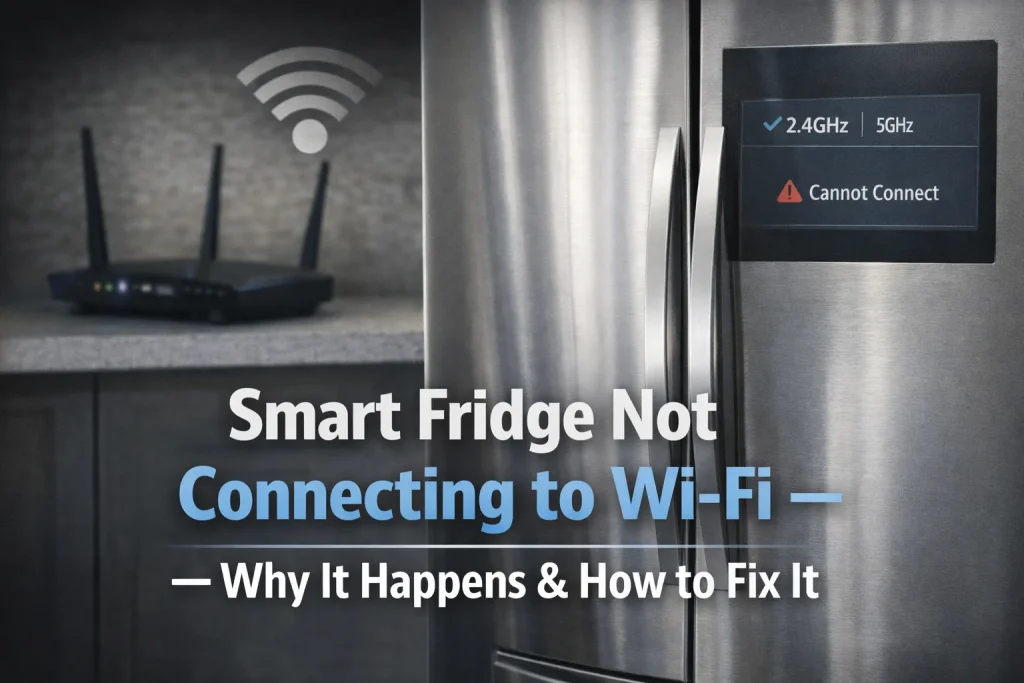
Your smart fridge may fail to connect to Wi-Fi due to network compatibility, signal strength, or software issues, preventing remote features from working properly.
A stable 2.4 GHz connection and correct settings usually restore connectivity, allowing full use of smart features. However, advanced fixes may require router changes or manufacturer support.
Smart refrigerators promise convenience remote controls, alerts, inventory tracking, and integration with smart home systems. But these features depend on a reliable Wi-Fi connection, and when your fridge struggles to connect or stays offline, many smart capabilities can’t function.
This article explains common reasons a smart fridge won’t link to your Wi-Fi, what that means for daily use, and practical steps to get it back online. You’ll learn basic checks (like network type and signal strength) and more involved troubleshooting tips that apply across brands and models.
Why This Topic Matters
- Smart features depend on connectivity: Without Wi-Fi, remote notifications, inventory tracking, and app control won’t work.
- Common errors are avoidable: Many Wi-Fi failures stem from basic network mismatches such as the wrong frequency band.
- User frustration & wasted money: A fridge with poor connectivity feels unreliable, even if its cooling works fine.
Key Facts / Observations
- Frequency matters: Most smart fridges only support 2.4 GHz Wi-Fi, not 5 GHz—trying the wrong band can block connection.
- Signal strength is crucial: Thick walls, metal cabinets, and distance from the router weaken reception and can cause disconnects.
- Firmware & app versions influence connectivity: Outdated software may fail to authenticate or maintain Wi-Fi links.
“Smart appliances are only as reliable as the network they depend on.” — David Lin, IoT Infrastructure Engineer at NetHome Labs.
Main Content
Why Is My Smart Fridge Not Connecting to Wi-Fi?
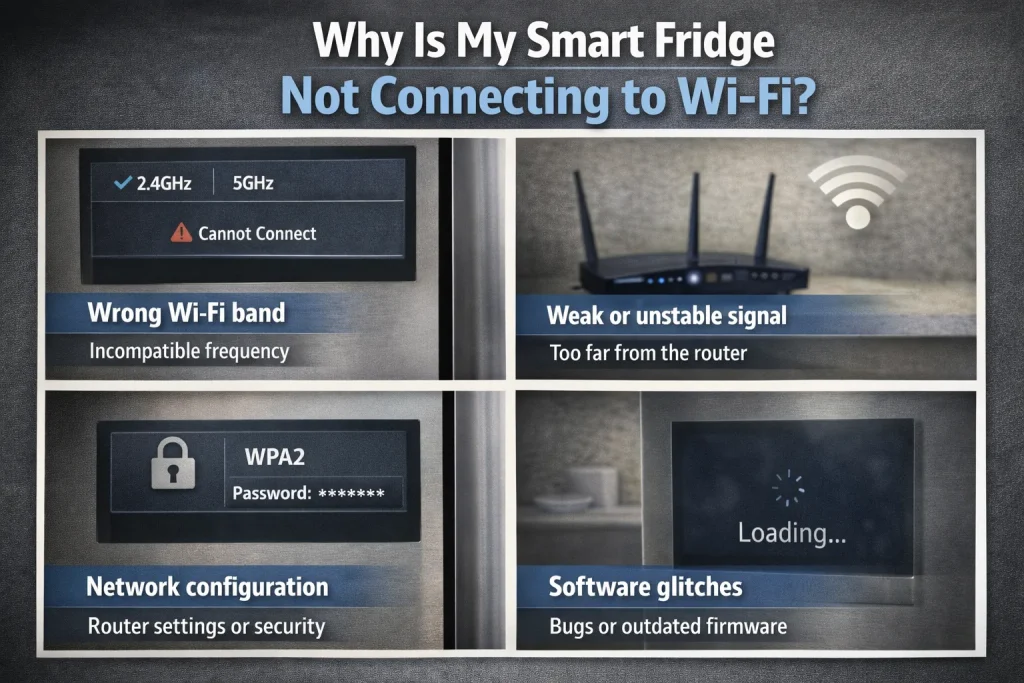
Smart fridges can show “Not Connected” due to several overlapping issues:
- Wrong Wi-Fi band: If your router defaults to 5 GHz or combines bands, the fridge may be unable to join.
- Weak or unstable signal: Distance and walls reduce signal strength, which disrupts connection handshakes.
- Network configuration: Security settings like MAC filtering, power-saving modes, or dynamic IP issues can block access.
- Software glitches: Outdated fridge firmware or app versions sometimes lose saved credentials or fail to authenticate.
Step-by-Step: How to Fix Connectivity
Basic Checks
- Check the network band
- Ensure your router has a 2.4 GHz network visible.
- If bands are combined under one SSID, consider splitting them.
- Verify password & network name
- Enter the correct Wi-Fi name and password; typos often block connection.
- Avoid special characters in passwords if setup problems occur (some reported cases note issues with certain characters).
- Check signal strength
- Move your router closer or add a Wi-Fi extender/mesh node near the fridge area.
Troubleshooting
A. Power cycle devices
- Unplug the fridge for 2–3 minutes, restart the router, then reconnect the fridge.
B. Forget & reconnect Wi-Fi
- In fridge network settings, remove the current Wi-Fi and re-enter credentials.
C. Update software
- Update the fridge’s firmware and the smartphone app before retrying connection.
D. Router settings
- Enable UPnP, avoid aggressive power-saving modes, check firewall/MAC filters aren’t blocking the fridge.
E. Use companion app reset options
- Apps like SmartThings or ThinQ often have “Reset Network” or troubleshooting tools.
Pros & Cons
| Pros | Cons |
|---|---|
| Enables remote control & alerts | Requires stable 2.4 GHz network |
| Allows firmware updates | Network issues can disable key features |
| Integrates with smart home systems | Router/config settings can be complex |
Expert Take / Recommendation
Always start with network basics: ensure a strong 2.4 GHz signal and correct credentials. Power-cycling both the fridge and router clears many transient issues. If problems persist after software updates and configuration checks, router settings or dedicated mesh support often fix underlying Wi-Fi instability. In some rare cases, manufacturer support may be required for hardware diagnostics.
Common Mistakes to Avoid
- Trying 5 GHz network → Use 2.4 GHz band only.
- Ignoring signal blockers → Place router closer or add a mesh node.
- Skipping updates → Always update firmware and apps first.
- Overlooking router security settings → Temporarily disable MAC filtering or aggressive power save modes.
Who This Is Best For / Not Ideal For
Best For:
- Homeowners with regular Wi-Fi coverage and basic router skills.
- People who rely on remote features and alerts.
Not Ideal For:
- Rooms with very weak signal where Wi-Fi extenders cannot be added.
- Users uncomfortable changing router settings or firmware.
FAQs
Why won’t my fridge stay connected even when it initially joins the Wi-Fi?
This is often due to weak signal strength or router settings that disconnect idle devices. Improve signal and check router power-saving features.
Can I still use the fridge if it’s not connected to Wi-Fi?
Yes — basic cooling and manual features still work, but smart features like remote alerts won’t.
Do I need a tech support call for this?
Not usually — most Wi-Fi issues are resolved with basic network troubleshooting and resets.
Conclusion
Smart fridges rely on Wi-Fi for most advanced functions, and connectivity problems often stem from network mismatches or weak signals. Start with basic checks correct 2.4 GHz network, strong signal, updated firmware before moving to router configuration steps. With the right adjustments, most connection issues can be resolved without professional help.

Hi, I’m the lead researcher and appliance enthusiast behind RefrigeratorSolve. With years of hands-on experience troubleshooting cooling systems and testing home appliances, I am dedicated to bringing you honest reviews, energy-saving tips, and practical solutions to keep your refrigerator running perfectly.