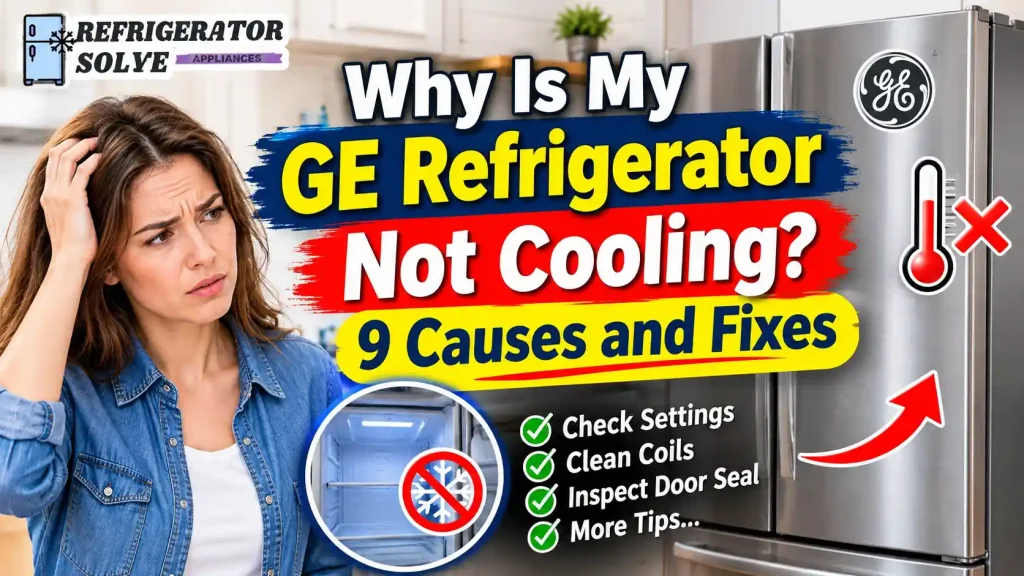
Is your GE refrigerator running but not keeping your food cold? A GE refrigerator may stop cooling because of incorrect temperature settings, Demo Mode, blocked airflow, a door-sealing problem, a faulty fan, or a problem with the defrost system. In some cases, the compressor or electronic control board may need professional attention.
Before replacing any parts, start with a few simple checks. The temperature settings, cooling controls, door closure, and error-code display can often help you narrow down the problem. This guide explains the most common reasons a GE refrigerator is not cooling and what you can safely do about each one.
Quick Answer: Why Is My GE Refrigerator Not Cooling?
A GE refrigerator may stop cooling because its cooling system is turned off, Demo Mode is active, the temperature controls are set incorrectly, or cold air cannot circulate properly. Dirty condenser coils on applicable models, a damaged door gasket, a failed fan, a defrost-system problem, or a faulty compressor can also affect cooling.
Check the power supply and temperature settings first. Then inspect the doors and air vents, look for warning codes, and follow the troubleshooting instructions for your exact GE model.
What to Check First When Your GE Refrigerator Is Not Cooling
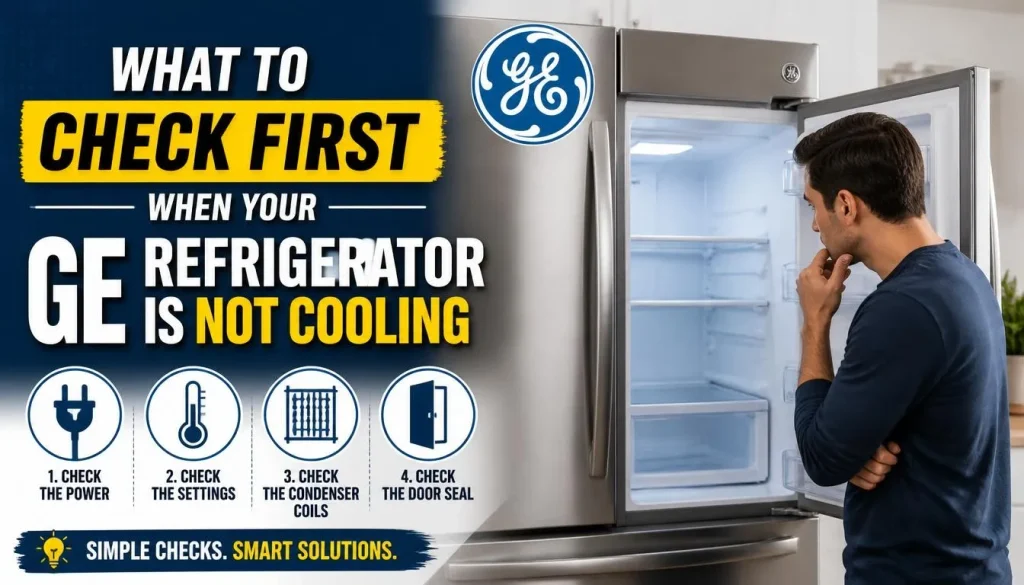
Before opening the refrigerator or attempting a repair, work through these basic checks. They can help you avoid replacing a component that is working properly.
1. Check Whether the Refrigerator Has Power
Open the fresh-food compartment and check whether the interior light turns on. Look at the control panel to see whether the display is responding.
If neither the light nor the display works, check the following:
- Make sure the refrigerator plug is fully inserted into the wall outlet.
- Check whether the circuit breaker has tripped.
- Confirm that the outlet is supplying power.
- Look for a damaged power cord, but do not touch exposed wiring.
If the light works but the refrigerator is warm, that does not necessarily mean the cooling system is operating. The appliance may have electrical power while its cooling controls or components are not working.
For additional help with this particular symptom, see our guide on why a refrigerator is not cooling even though the light is on.
2. Check the Refrigerator and Freezer Temperature Settings
GE recommends starting with approximately 37°F (3°C) for the fresh-food compartment and 0°F (-18°C) for the freezer on models with temperature displays.
However, not every GE refrigerator uses the same type of control. Some have digital temperature settings, while others use numbered dials or controls marked Cold, Colder, and Coldest.
Check your owner’s manual before changing the controls. On certain dial models, a higher setting means colder operation. On digital models, the control may display the actual temperature or the selected set point.
For an accurate reading, use an appliance thermometer rather than relying only on the air temperature when you open the door. GE recommends measuring the temperature using a thermometer placed in a container of food or liquid that has been inside the compartment for about 24 hours.
You can follow GE’s instructions for measuring refrigerator and freezer temperatures.
3. Check Whether the Cooling System Is Turned Off
Some GE refrigerator models allow you to turn off cooling without disconnecting electrical power to the appliance.
When this happens, the lights and control panel may continue working, but the refrigerator and freezer will not maintain their normal temperatures.
Look for an OFF indication on the temperature display or a cooling-system setting in the control menu. If you find one, follow your model’s instructions to turn cooling back on.
Do not assume every GE refrigerator uses the same buttons or menu. The procedure can vary between side-by-side, French-door, bottom-freezer, and top-freezer models.
If you are unsure, search for your model number in GE Appliances owner manuals.
9 Common Reasons Why Your GE Refrigerator Is Not Cooling
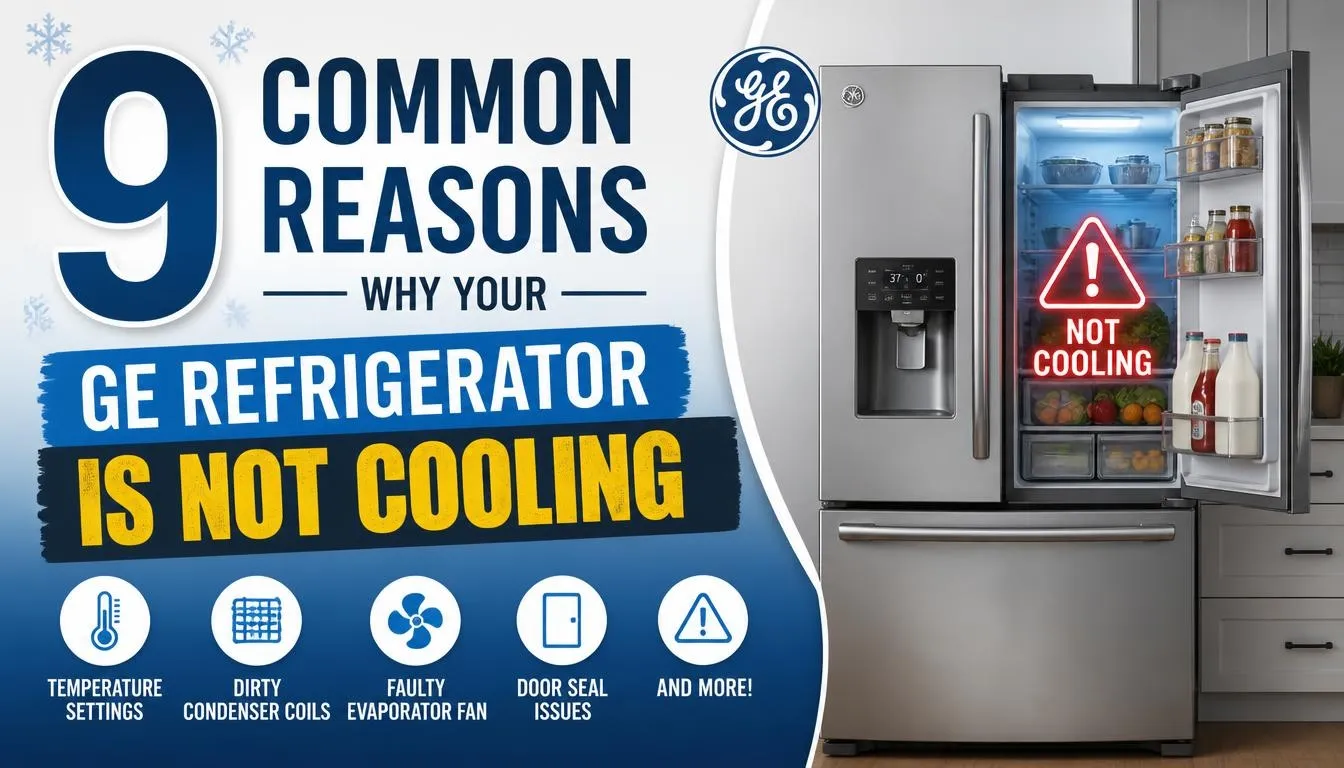
If the basic checks do not solve the problem, one of the following issues may be responsible.
1. GE Refrigerator Is in Demo Mode
Demo Mode, also called Showroom Mode, is designed to let people view the refrigerator’s lights and controls without operating the cooling system.
This feature is useful in stores, but it becomes a problem when it is accidentally activated at home.
Common signs include:
- The interior lights work normally.
- The display and buttons respond.
- The refrigerator and freezer are not getting cold.
- The display may show a Demo Mode indication.
Some GE models display DE when Demo Mode is active. Other models may show 0F 0F, dE no, or Showroom Mode.
How to fix it:
- Check the display for a Demo Mode indication.
- Find your refrigerator’s full model number.
- Open the matching owner’s manual.
- Follow the exact Demo Mode deactivation instructions.
- Set the refrigerator and freezer temperatures correctly.
- Allow the refrigerator time to stabilize.
GE publishes several different button combinations for particular refrigerator control designs. These combinations are not universal, so avoid trying random button sequences.
For more information, read GE’s official Demo Mode troubleshooting instructions.
2. Incorrect Temperature Settings
Sometimes the refrigerator is not broken at all. Someone may have accidentally changed the temperature controls while cleaning, organizing food, or adjusting another setting.
If the fresh-food compartment is set too warm, food may not stay cold enough. A freezer setting that is too warm may also affect overall cooling performance on certain GE designs.
How to fix it:
- Check both refrigerator and freezer settings.
- Use the recommended starting settings for your model.
- Avoid changing the controls repeatedly.
- Allow approximately 24 hours for temperatures to stabilize after an adjustment.
If your GE refrigerator uses a numbered dial, do not assume the number represents an exact temperature. Read the control instructions first.
3. Dirty Condenser Coils or Poor Ventilation
The condenser system releases heat from the refrigerator. If the condenser coils become dirty on a model that requires cleaning, heat cannot be released as efficiently.
However, there is an important GE-specific detail: many refrigerators manufactured since 2001 have condenser coils in a location that does not require routine cleaning. Some compact refrigerators and smaller-capacity top-freezer models still have coils that need maintenance.
How to fix it:
- Identify your exact GE refrigerator model.
- Read the maintenance instructions in the owner’s manual.
- Check whether the condenser coils are designed to be cleaned.
- If cleaning is required, disconnect power before performing maintenance.
- Use the cleaning method recommended by GE.
Do not remove panels or reach into electrical compartments while the refrigerator is connected to power.
Also check the clearance around the appliance. GE generally recommends at least 1 inch of clearance on the sides, top, and back, although the actual requirement varies by model.
The surrounding environment matters, too. GE notes that refrigerator performance may be affected when the installation area is below 60°F (16°C) or above 110°F (43°C).
See GE’s condenser coil and refrigerator cooling guidance before attempting maintenance.
4. The Refrigerator Door Is Not Closing Properly
A refrigerator cannot maintain a stable temperature if warm air continually enters through a door that does not close or seal properly.
The problem may be caused by a damaged door gasket, incorrect door alignment, an overloaded shelf, or a food container preventing the door from closing completely.
Check these areas:
- Inspect the rubber door gasket for cracks, tears, or gaps.
- Make sure food containers are not sticking out.
- Check whether the freezer drawer closes fully.
- Look for ice or food packages interfering with the door.
- Confirm that the refrigerator is level and the doors are aligned.
A simple way to check the seal is to close the door on a strip of paper. If the paper slides out very easily, the seal may not be gripping properly at that point. Repeat the check at different locations.
A worn gasket may need replacement. If the door is misaligned, follow the adjustment instructions for your GE model.
5. A Refrigerator Interior Light Stays On
This is an easy-to-miss problem.
When a GE refrigerator door closes, the interior light should normally switch off. If the light stays on because of a faulty door switch, sensor, or misaligned door, it can produce heat inside the compartment.
Over time, this may contribute to temperature problems.
How to check it:
- Open the refrigerator door.
- Locate the interior light.
- Slowly close the door while observing the light, without placing your fingers near moving or closing parts.
- Check whether the light switches off as the door closes.
- Inspect the door alignment and gasket.
GE notes that on most models the light should switch off when the door opening is reduced to approximately 1 inch.
If the light stays on despite proper door alignment, a door switch or sensor may need professional testing.
6. Blocked Air Vents or Restricted Airflow
Cold air must circulate through the refrigerator to maintain an even temperature.
If large containers, food packages, or ice block the air vents, the fresh-food compartment may become warm even when the freezer is still cold.
This is particularly important for GE refrigerators that circulate cold air from the freezer into the refrigerator compartment.
How to fix it:
- Find the air vents inside both compartments.
- Move large containers away from the vents.
- Avoid packing food tightly against the rear wall.
- Leave enough space for cold air to circulate.
- Check for visible frost or ice blocking the openings.
Do not use sharp tools to remove ice from the vents. You could damage the liner or nearby components.
If the refrigerator is not cooling but the freezer is working, the problem may involve airflow, the evaporator fan, or the damper system. Our detailed guide on why the refrigerator is not cooling but the freezer is working explains these symptoms in more detail.
7. GE Evaporator Fan or Condenser Fan Is Not Working
GE refrigerators use fans to move air through different parts of the cooling system.
The evaporator fan circulates cold air through the refrigerator and freezer compartments. The condenser fan, on models equipped with one, helps move air across the condenser area.
If either fan stops working, the refrigerator may struggle to maintain the correct temperature.
Possible warning signs include:
- Weak airflow from the refrigerator vents.
- Unusual buzzing, scraping, or rattling sounds.
- The freezer remains colder than the refrigerator.
- Cooling becomes inconsistent.
- The refrigerator runs but does not reach the selected temperature.
Ice buildup can also stop an evaporator fan from turning freely.
What should you do?
First, remove anything blocking the air vents. Listen for unusual sounds, but remember that some fans stop when doors are opened or during certain operating cycles.
Do not assume that a quiet fan is automatically defective. Some models use different fan-control arrangements.
If the fan appears to be failing, a technician can inspect the motor, wiring, connectors, and control signal. Electrical testing and component replacement should be left to someone with the proper training.
8. The GE Refrigerator Defrost System Is Not Working
Frost naturally forms on the evaporator during normal refrigeration. The automatic defrost system periodically melts this frost so it does not restrict airflow.
If the system stops working, thick ice may gradually cover the evaporator coil.
This can reduce airflow and cause cooling problems. In some refrigerators, the freezer may initially remain cold while the fresh-food compartment becomes warmer.
Possible faulty components include:
- Defrost heater.
- Defrost thermostat or temperature sensor.
- Defrost timer on applicable models.
- Electronic control board.
- Wiring or electrical connections.
What can you check?
Look for excessive frost buildup around the freezer’s rear interior panel. If the problem returns after manual defrosting, the underlying defrost fault may still be present.
A manual defrost may temporarily restore airflow, but it does not identify which component failed.
For a broader explanation, read our guide on why a refrigerator is not defrosting.
You can also learn how to test a refrigerator defrost thermostat with a multimeter. That test requires disconnecting the appliance from power and following the correct temperature specifications for the component.
Do not bypass the defrost thermostat or attempt live electrical testing.
9. Compressor, Inverter, or Electronic Control Board Failure
If the simpler checks do not solve the cooling problem, the fault may involve a major electrical or refrigeration component.
The compressor circulates refrigerant through the sealed cooling system. Depending on the refrigerator design, a start device, inverter, or electronic control board may also be involved in controlling compressor operation.
Signs that may indicate a serious problem include:
- The refrigerator runs but never reaches the correct temperature.
- Repeated clicking comes from the compressor area.
- The compressor does not appear to start.
- Cooling stops and starts unpredictably.
- Error codes continue to appear.
- Both refrigerator and freezer compartments become warm.
These symptoms do not prove that the compressor has failed. A faulty start device, wiring problem, inverter, sensor, or control board can produce similar symptoms.
A qualified technician should test the relevant components before recommending replacement.
Do not open the sealed refrigerant system or attempt refrigerant charging yourself. These repairs require appropriate equipment and professional training.
GE Refrigerator Not Cooling but Freezer Is Working
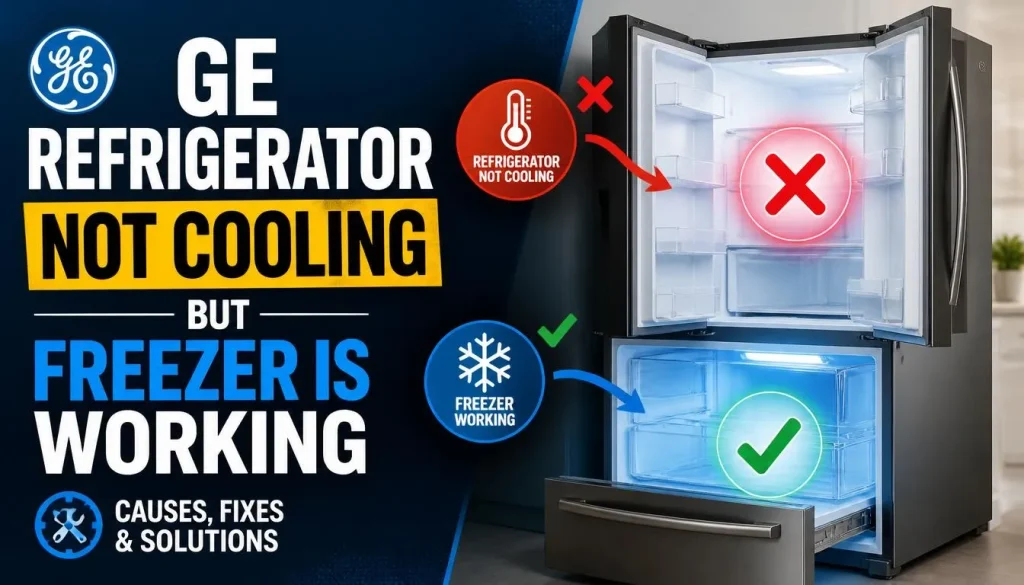
A GE refrigerator that has a cold freezer but a warm fresh-food compartment usually has a problem involving cold-air circulation or temperature control between the two sections.
In many GE designs, cold air is produced at the evaporator and circulated to the fresh-food compartment through an air passage and damper arrangement.
If that airflow is restricted, the freezer may remain cold while the refrigerator becomes warm.
Check these areas first:
Evaporator fan: If the fan is not moving air properly, the refrigerator compartment may not receive enough cold air.
Air vents: Food containers or ice may be blocking the openings that allow cold air to move between compartments.
Damper system: The damper controls how much cold air enters the fresh-food compartment. A stuck or faulty damper may restrict airflow.
Evaporator frost: Excessive frost can cover the evaporator and reduce the amount of cold air available.
If you have already checked the temperature settings and cleared the vents, avoid replacing parts based only on symptoms. A technician can determine whether the problem is the fan, damper, defrost system, or control.
GE Refrigerator Error Codes Related to Cooling Problems
Some GE refrigerators with electronic dispenser controls display fault or function codes when a problem occurs.
These codes can provide useful clues, but not every GE model displays the same codes. Always check the exact code against the owner’s manual for your refrigerator.
| Display code | General meaning | What to check |
|---|---|---|
| FF | Freezer temperature is rising too high | Check freezer temperature and door closure |
| PF | Power to the refrigerator was interrupted | Check the power supply and current temperatures |
| DE | Demo Mode; cooling is disabled on applicable models | Check Demo Mode instructions |
| dE | Defrost system did not operate properly in the last 24 hours | Investigate the defrost system |
| CC | Refrigerator temperature is incorrect | Check the temperature controls |
Important: DE and dE are not the same code. Capitalization matters. GE identifies DE as Demo Mode and dE as a defrost-system issue on the applicable electronic-control models.
Some displays may also show tC for TurboCool or tF for TurboFreeze. These are feature indicators, not necessarily fault codes.
For the complete list and model-specific guidance, read GE’s official refrigerator error, fault, and function code guide.
If a code remains on the display or the refrigerator is not cooling, do not keep resetting the appliance without identifying the underlying problem.
Why Is My GE Refrigerator Not Cooling After a Power Outage?
If your GE refrigerator stopped cooling after a power outage, it may not have a permanent component failure.
GE explains that after a short interruption, the compressor overload may cycle while the refrigerant system pressure equalizes. The compressor can then restart automatically.
This is a protective feature. Repeatedly unplugging and reconnecting the refrigerator is not necessary and may interrupt the normal recovery process.
Try these steps:
- Confirm that power has returned to the wall outlet.
- Check whether the refrigerator display is operating.
- Look for a PF indication if your model supports it.
- Make sure the cooling controls are still set correctly.
- Keep the refrigerator and freezer doors closed as much as possible.
- Monitor the actual compartment temperatures.
If the refrigerator does not resume cooling after the normal recovery period, or an error code remains, follow GE’s troubleshooting guidance or arrange professional service.
Food safety is also important. According to FoodSafety.gov’s power-outage guidance, an unopened refrigerator generally keeps food safe for up to four hours without power. Perishable food exposed to temperatures above 40°F (4°C) for more than two hours should generally be discarded.
Never taste food to decide whether it is safe.
GE Refrigerator Not Cooling After Installation or Repair
A newly installed GE refrigerator may need time to reach its normal operating temperature.
GE recommends allowing approximately 24 hours for a newly installed refrigerator to cool down and stabilize. The same waiting period generally applies after a temperature adjustment.
If the appliance was recently serviced, it may also remain in Diagnostic Mode on certain models.
Check the following:
- Confirm that the cooling system is turned on.
- Verify the refrigerator and freezer temperature settings.
- Check whether the doors close completely.
- Make sure the appliance has the required ventilation clearance.
- Confirm that the control panel is not displaying a diagnostic indication.
- Allow the recommended stabilization period.
GE advises that certain refrigerators can be reset from Diagnostic Mode by disconnecting power for 30 seconds. However, this instruction is model-dependent. Only use it when it matches the guidance for your appliance.
If the refrigerator remains warm after the recommended stabilization period, contact GE support or a qualified repair technician.
When Should You Call a Refrigerator Repair Technician?
Some GE refrigerator problems can be resolved through basic checks, but others need professional diagnosis.
Arrange service if you notice any of the following:
- The compressor repeatedly clicks but does not start.
- Both refrigerator and freezer compartments remain warm.
- A fault code continues to appear.
- The evaporator fan or condenser fan is not working.
- Heavy frost returns after defrosting.
- The refrigerator trips the circuit breaker.
- You suspect a control board, inverter, or sealed-system problem.
Before calling, write down your refrigerator’s full model number, serial number, displayed error code, and the symptoms you have noticed.
This information helps the technician identify the correct service information and compatible replacement parts.
If you still have the warranty, check its terms before opening electrical compartments or attempting repairs.
Frequently Asked Questions
Why is my GE refrigerator running but not cooling?
A GE refrigerator may run without cooling properly because of incorrect temperature settings, restricted airflow, a failed fan, an automatic defrost problem, or a faulty cooling-system component. Check the controls, doors, vents, and displayed codes before arranging service.
Why is my GE refrigerator not cooling but the freezer works?
The freezer may remain cold while the fresh-food compartment gets warm because cold air is not reaching the refrigerator section. Check for blocked vents, excessive evaporator frost, a faulty evaporator fan, or a damper problem.
Why is my GE refrigerator light on but not cold?
An interior light only confirms that electrical power is reaching part of the appliance. It does not prove that the compressor or cooling system is working. Check the cooling controls, Demo Mode, temperature settings, and error display.
How long does a GE refrigerator take to get cold after installation?
GE recommends allowing approximately 24 hours for a newly installed refrigerator to cool and stabilize. Keep the doors closed as much as possible during this period and confirm the actual temperatures afterward.
How do I turn the cooling system back on in my GE refrigerator?
The procedure depends on the model. Some GE refrigerators have a cooling-system setting in the temperature controls, while others use different control-panel instructions. Look up your model number in the official GE owner manual before changing settings.
Can Demo Mode stop a GE refrigerator from cooling?
Yes. Demo Mode can allow the lights and control panel to operate while disabling the cooling system on applicable GE models. Check the display and follow the correct model-specific instructions to deactivate it.
Why does my GE refrigerator keep clicking but not cooling?
Repeated clicking may come from a compressor start device, overload protector, inverter, or another electrical component. It does not automatically mean the compressor is defective. A qualified technician should test the starting and control components.
Can a bad defrost thermostat cause a GE refrigerator not to cool?
Yes. On models that use a defrost thermostat, a failed component can prevent the defrost system from operating correctly. Frost may then accumulate on the evaporator and restrict airflow. However, a faulty heater, sensor, wiring connection, or control board can cause similar symptoms.
Why is my GE Profile refrigerator not cooling?
GE Profile refrigerators can experience many of the same cooling problems as other GE models, including incorrect settings, Demo Mode, blocked airflow, fan problems, and defrost-system faults. The correct diagnostic procedure depends on the model number and control design.
Final Thoughts
When your GE refrigerator is not cooling, start with the temperature settings, cooling controls, door seals, and airflow. These basic checks can help identify problems without unnecessary part replacement.
If the freezer works but the refrigerator compartment is warm, pay particular attention to the evaporator fan, damper, air vents, and defrost system. If both compartments are warm, the problem may involve the power supply, compressor, inverter, or electronic controls.
Most importantly, do not assume that every GE refrigerator uses the same troubleshooting procedure. Find your exact model number, follow the manufacturer’s instructions, and ask a qualified technician to handle electrical or sealed-system repairs.
Getting the correct diagnosis is the best way to restore cooling, protect your food, and avoid spending money on parts you do not need.

Hi, I’m the lead researcher and appliance enthusiast behind RefrigeratorSolve. With years of hands-on experience troubleshooting cooling systems and testing home appliances, I am dedicated to bringing you honest reviews, energy-saving tips, and practical solutions to keep your refrigerator running perfectly.