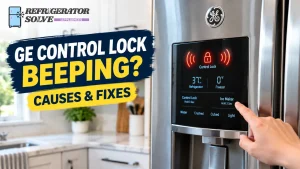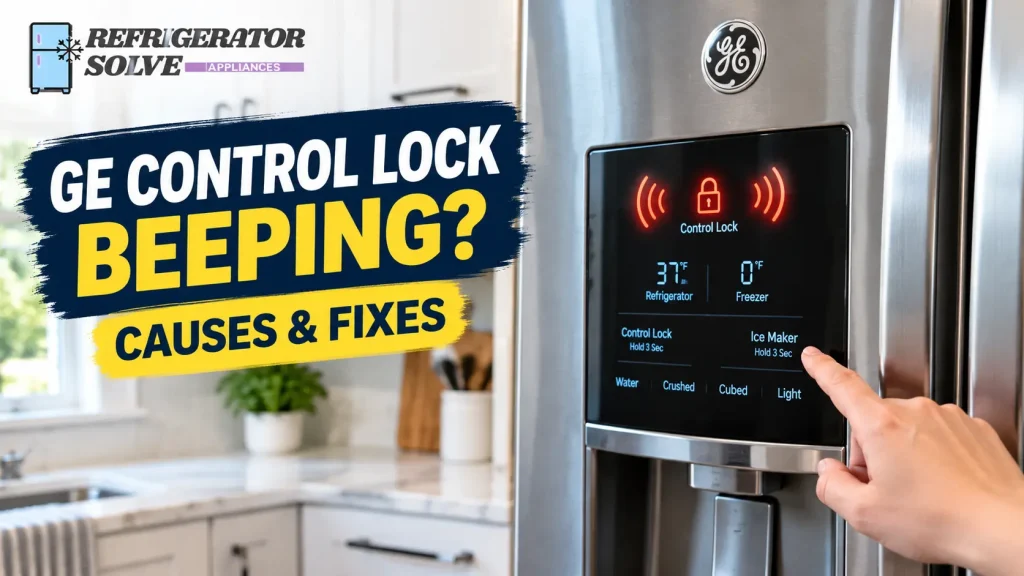
Is your GE refrigerator control lock beeping when you press a button, or does the control panel keep beeping without unlocking? A short beep may simply confirm a button press, but repeated beeping or an unresponsive control panel calls for a closer look.
The right fix depends on your GE refrigerator model, what the lock indicator shows, and whether the sound comes from the control panel or a separate warning alarm. In this guide, I’ll walk you through the checks that can help you identify the cause and resolve the problem safely.
Why Is My GE Refrigerator Control Lock Beeping?
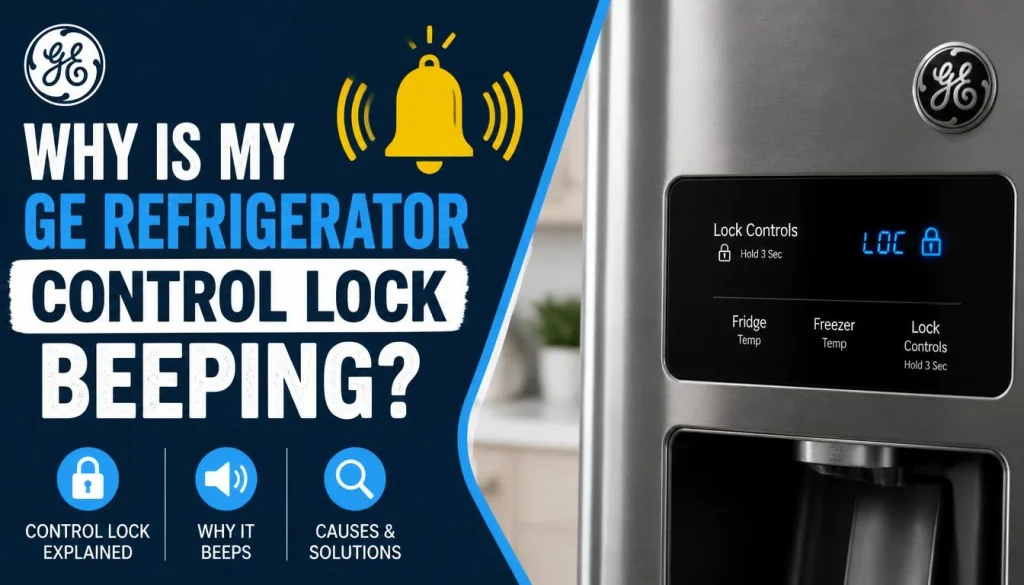
A GE refrigerator may beep when you activate or deactivate the control lock, depending on the model. However, if the refrigerator keeps beeping and the controls remain locked, the sound may have another explanation.
Here are the main possibilities.
1. The Beep Is a Normal Lock Confirmation
Some refrigerators produce a short tone when you press a control or change a setting. The sound may confirm that the button press has registered.
If you hear one brief beep and the lock indicator changes as expected, the refrigerator may be working normally.
What to do: Check the lock indicator and test whether the panel responds after unlocking. If everything works as expected, you may not need to do anything else.
2. The Control Lock Is Still Enabled
When Control Lock is active, certain buttons may not respond. This is intentional because the feature prevents accidental changes to refrigerator settings.
You may hear a beep when pressing a locked button, but the refrigerator might not accept the requested adjustment.
What to do: Look for a Lock, Control Lock, or lock symbol on the display. Follow the unlocking instructions in your model’s owner’s manual instead of repeatedly pressing different buttons.
3. You Are Using the Wrong Unlock Procedure
GE refrigerators do not all use the same control panel. Some have a dedicated Lock button, while others use a different control arrangement.
For example, one GE refrigerator owner’s manual instructs users of the applicable models to press and hold the lock pad for three seconds to lock or unlock the controls.
That does not mean every GE refrigerator uses the same procedure.
What to do: Find the model number and check the correct manual before trying another button combination.
4. The Control Panel Is Not Registering Your Touch
Moisture, residue, or an unresponsive touch control can sometimes interfere with button operation. If the panel beeps but does not respond as expected, check its condition before assuming a component has failed.
What to do: Make sure your hands are dry. If the panel surface is dirty or damp, clean it according to the manufacturer’s instructions and allow it to dry completely before trying again.
5. The Beeping Comes From a Separate Warning
Not every refrigerator beep is caused by Control Lock. Your GE refrigerator may also sound an alarm if a door is open or a temperature warning needs attention.
If the beeping continues even after the control panel unlocks, check the doors and display for other warnings.
For additional troubleshooting, see this guide to how to turn off the beeping sound on a GE refrigerator.
How to Unlock a GE Refrigerator Control Lock
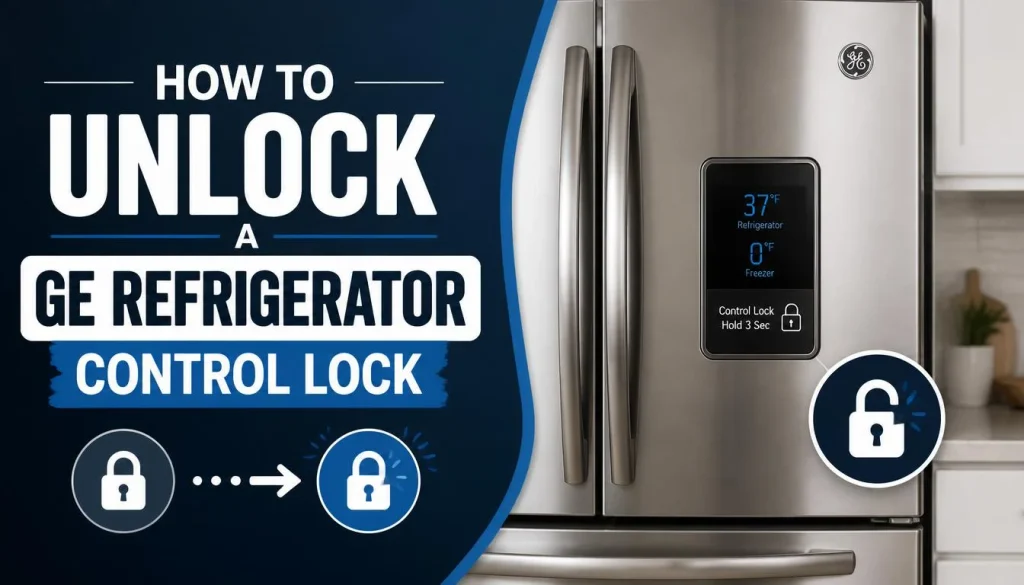
Follow these steps in order. You do not need to disassemble the refrigerator or remove the control panel for these initial checks.
Step 1: Locate the Lock Control
Look at the refrigerator’s external dispenser panel or the control panel inside the fresh-food compartment, depending on your model.
Look for labels such as:
- Lock
- Control Lock
- Lock Controls
- A padlock symbol
The location and wording can vary, so do not assume your refrigerator has the same buttons as another GE model.
Step 2: Find Your GE Refrigerator Model Number
The model number helps you identify the correct unlocking procedure.
Look for the model and serial number label on the refrigerator. Its location varies by model and may be inside the fresh-food compartment or in another designated area.
Once you have the number, visit the official GE Appliances manuals and literature page.
Enter your model number and open the appropriate owner’s manual.
Step 3: Follow the Correct Unlocking Procedure
Find the section about control lock, locking controls, or the dispenser lock.
If your manual instructs you to hold a dedicated Lock button for three seconds, press and hold that button for the specified time. If the manual describes a different procedure, follow those instructions instead.
Avoid pressing several buttons at random. That can make it harder to identify the original problem.
Step 4: Check the Lock Indicator
After attempting to unlock the panel, check the display.
Depending on the model, you may notice that:
- The lock indicator turns off.
- The temperature settings become visible again.
- The buttons respond normally.
If the indicator remains illuminated or the controls still do not respond, proceed to the troubleshooting steps below.
Step 5: Test the Control Panel
Try a normal button operation described in your owner’s manual, such as viewing or adjusting the temperature setting.
Do not change the temperature unnecessarily just to test the panel. You only need to determine whether the controls accept input.
If the lock disengages and the panel responds normally, the issue may have been the locking procedure itself.
GE Refrigerator Control Lock Beeping but Not Unlocking
If your GE refrigerator beeps when you press Lock but stays locked, work through these checks.
| What you notice | What to check | Recommended action |
|---|---|---|
| A beep occurs, but the lock indicator stays on | The unlock procedure | Verify the correct button and hold time in the manual |
| The panel beeps when several buttons are pressed | Whether Control Lock is still active | Unlock the controls before adjusting settings |
| The touch panel responds inconsistently | Moisture, residue, or surface contamination | Clean and dry the panel according to the manual |
| The lock indicator changes, but the panel remains unresponsive | Whether other controls also fail | Consult the manual and consider service if the problem persists |
| Beeping continues after unlocking | Door, temperature, or another warning | Check the display and investigate the warning separately |
Check Whether You Are Holding the Correct Button
Some GE models use a dedicated Lock control. Others may use a control with more than one function.
Read the label carefully and compare it with the diagram in your owner’s manual. If the manual specifies a three-second hold, a quick tap may not activate the unlock function.
Clean and Dry the Control Panel
If the refrigerator uses touch-sensitive controls, moisture or residue may interfere with operation.
Use only the cleaning method recommended by GE. Do not spray liquid directly onto the display, force the buttons, or use sharp objects to press them.
Once the surface is completely dry, try the documented unlocking procedure again.
Check Whether Other Controls Work
After following the correct unlock procedure, see whether the other buttons respond.
If the lock appears to disengage but the panel remains unresponsive, there may be a problem beyond the lock setting.
For a GE refrigerator with a touchscreen, you can also compare the symptoms with our guide to a smart refrigerator screen that is not responding. This is most relevant when the entire touchscreen is affected, rather than only the Lock button.
Should You Reset the Refrigerator?
A power reset is not the first step for a refrigerator that simply needs to be unlocked.
First, follow the model-specific instructions and check whether the display shows a separate warning. If the control panel remains unresponsive, consult the owner’s manual for any approved reset procedure.
Do not pull apart the panel or attempt electrical repairs to clear a lock indication. If the problem continues, a qualified appliance technician can inspect the controls safely.
GE Refrigerator Lock Light Flashing or Beeping
A flashing lock symbol can be confusing, especially when the refrigerator beeps at the same time.
The indicator’s meaning depends on the model and the control system. Do not assume a flashing light automatically means the control board has failed.
Check What the Display Shows
Look closely at the panel and note the following:
- Is the lock symbol steadily illuminated or flashing?
- Does the display show a temperature, warning, or error code?
- Does the panel respond after you follow the correct unlock procedure?
- Does the sound stop when the lock is disengaged?
These details help distinguish an active lock from a separate control or warning issue.
Consult the Model-Specific Manual
Use the GE Appliances manual lookup to find the instructions for your particular refrigerator.
If the manual does not explain the indicator behavior, or the same symptom continues after the documented troubleshooting steps, contact GE Appliances support or a qualified technician.
Do not replace a control board or another component based on a flashing indicator alone.
Can You Turn Off the GE Refrigerator Control Lock Beep?
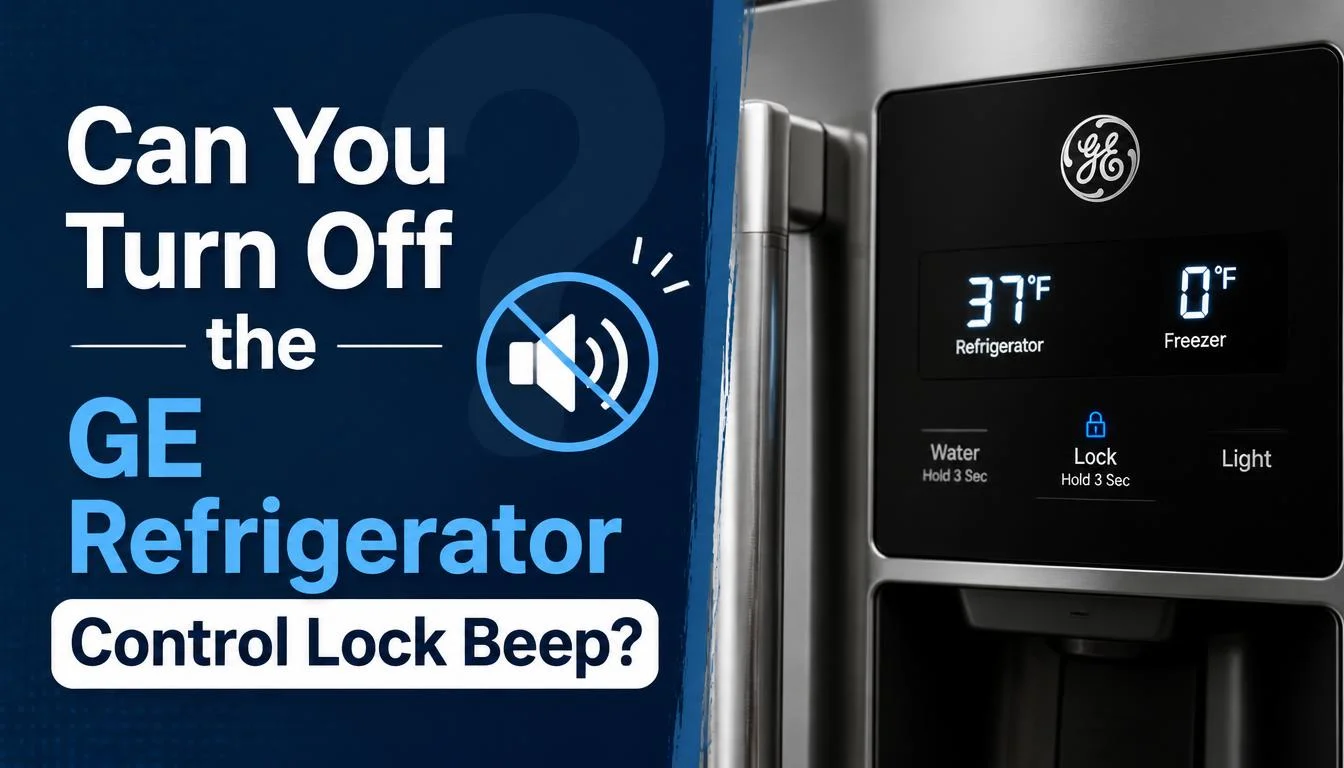
This depends on what is producing the sound and which refrigerator model you own.
There is an important difference between a button tone and an alarm.
Control Lock Confirmation Tones
A short beep may be part of the refrigerator’s normal response to pressing a button. Some models do not offer a setting to disable these individual sounds.
If the control lock works correctly and the only issue is the confirmation tone, check the owner’s manual for available sound settings.
Turning Off Button Tones on Supported Models
Some GE refrigerators with a touchscreen offer a Button Tones setting.
According to the official GE Appliances instructions for turning off button tones, the procedure on supported models is:
- Select Settings on the home screen.
- Select System.
- Find Button Tones and uncheck the setting.
These steps apply to models that provide the specified menu. They will not work on every GE refrigerator, particularly models with simpler physical controls.
Also, disabling button tones does not necessarily turn off every refrigerator alarm. A door warning or temperature alert may still sound.
What If the Beeping Is a Door Alarm?
Check that all refrigerator doors and freezer drawers are fully closed. Move any food containers or packages that prevent the doors from sealing properly.
Some GE side-by-side refrigerators sound a door alarm when a door remains open beyond the specified period. GE describes the operation of supported models in its official refrigerator door alarm guidance.
If the doors are closed but the alarm continues, consult your manual for the correct alarm and sensor troubleshooting procedure.
What If There Is a Temperature Warning?
Do not try to silence a temperature warning simply by changing the button-tone settings.
Check the display and, if necessary, verify the refrigerator and freezer temperatures using an appropriate appliance thermometer. If the refrigerator is not cooling properly, investigate that problem separately.
Food safety matters more than stopping the noise. Follow applicable food-safety guidance if perishable food has become too warm.
When Should You Contact a GE Refrigerator Technician?
Most initial Control Lock checks are straightforward, but some problems need professional attention.
Consider contacting a qualified technician if:
- The panel remains unresponsive after you follow the correct model-specific unlock procedure.
- The control lock activates or deactivates unpredictably.
- The display shows a persistent error or warning that the manual does not resolve.
- The refrigerator keeps beeping and also has a cooling problem.
- You suspect a faulty touch panel, wiring problem, or control board issue.
Before contacting support, note your refrigerator’s model number, the exact message on the display, and whether the beep happens once or repeats continuously.
This information can help the technician narrow down the problem. Avoid buying replacement parts until the fault has been identified.
Frequently Asked Questions
Why Does My GE Refrigerator Beep When I Press the Lock Button?
A short beep may confirm a button press or a lock-setting change. If the refrigerator beeps but does not unlock, check the lock indicator and follow the instructions in your model’s owner’s manual.
Why Is My GE Refrigerator Beeping but Staying Locked?
The unlocking procedure may be incorrect, the control lock may still be active, or the panel may not be responding properly. Check the model-specific instructions first, then inspect the panel for moisture or residue.
How Long Should I Hold the GE Refrigerator Lock Button?
Some GE refrigerator manuals specify holding the Lock button for three seconds. However, the required procedure varies by model, so check your owner’s manual before relying on that timing.
Can I Turn Off the GE Refrigerator Control Lock Beeping?
Possibly. Some models provide settings for button tones, while others may not. A setting that disables ordinary button sounds does not necessarily silence door or temperature alarms.
Why Does My GE Refrigerator Lock Light Keep Flashing?
The meaning depends on the model and its display system. Check for other warnings or error codes and consult the owner’s manual before assuming a component has failed.
Will Unplugging My GE Refrigerator Turn Off Control Lock?
A power interruption is not a reliable universal solution for a locked control panel. Follow the manufacturer’s troubleshooting instructions for your model before attempting a power reset.
Is It Safe to Keep Using a GE Refrigerator That Beeps?
A brief confirmation tone with normal operation is generally less concerning than continuous beeping accompanied by a warning or cooling problem. Investigate persistent alarms and verify that the refrigerator is maintaining a safe temperature.
Final Thoughts
When your GE refrigerator control lock is beeping, start by identifying whether the sound is a normal button tone or a separate warning. Then check the lock indicator, find your model’s owner’s manual, and follow the correct unlocking procedure.
If the control panel continues beeping without responding, avoid random button combinations or unnecessary repairs. A persistent warning, unresponsive panel, or cooling problem deserves further investigation.
The key is to identify what the refrigerator is telling you before trying to silence it.

Hi, I’m the lead researcher and appliance enthusiast behind RefrigeratorSolve. With years of hands-on experience troubleshooting cooling systems and testing home appliances, I am dedicated to bringing you honest reviews, energy-saving tips, and practical solutions to keep your refrigerator running perfectly.