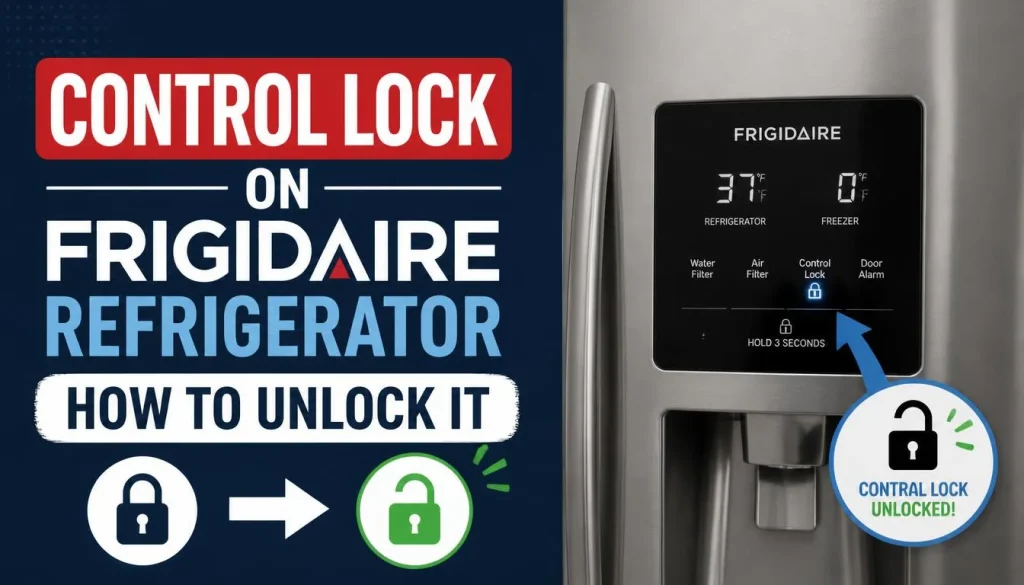
If the control lock on your Frigidaire refrigerator is on, you may be unable to change the temperature settings or use the water and ice dispenser. On many models, you can unlock the controls by pressing and holding the Lock button for about 3 seconds. If that does not work, check your refrigerator’s model-specific instructions before trying other fixes.
A locked control panel does not automatically mean your refrigerator is broken. In many cases, the lock feature is simply enabled, but a frozen control panel, an incorrect setting, or another issue can cause similar symptoms.
In this guide, I’ll explain how to unlock your Frigidaire refrigerator, how to turn Control Lock on and off, and what to check if the buttons still do not respond.
What Does Control Lock Mean on a Frigidaire Refrigerator?
Control Lock is a feature that prevents accidental changes to certain refrigerator settings. It can be useful in a busy kitchen, especially if children frequently touch the display or someone accidentally presses the controls while cleaning.
Depending on the refrigerator model, an active control lock may prevent you from changing temperature settings or using the water and ice dispenser.
When the feature is enabled, you might notice:
- A Lock icon or Control Locked message on the display.
- Buttons that do not respond as expected.
- A beep when you press a locked button.
- A water or ice dispenser that does not operate.
These symptoms are consistent with an active lock, but they do not prove that the lock is the cause of every problem.
Frigidaire confirms that a locked refrigerator display can prevent water and ice dispensing. You can read its official refrigerator water dispenser troubleshooting guide for additional details.
How to Unlock the Control Lock on a Frigidaire Refrigerator
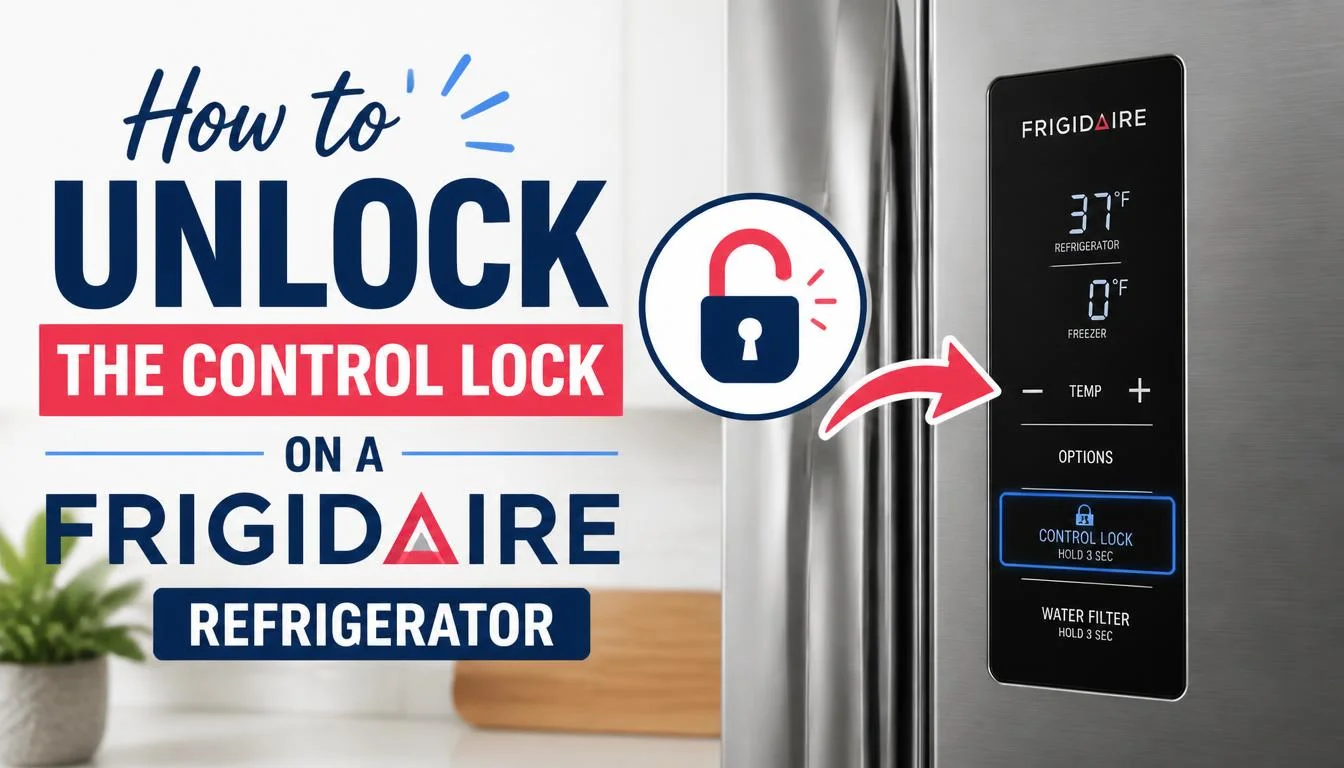
The first thing to try is the dedicated Lock button. Many Frigidaire refrigerators use a simple press-and-hold method, although the exact controls can differ by model.
Step 1: Find the Lock Button on the Control Panel
Look at the refrigerator’s exterior control panel, usually located on the freezer or refrigerator door.
Search for a button labeled:
- Lock
- Control Lock
- Lock Controls
Some models use a lock symbol instead of a word.
Before pressing anything, check whether the display shows a Lock icon or a message indicating that the controls are locked.
If you cannot find a dedicated Lock button, do not press random button combinations. Consult your owner’s manual to identify the correct control.
Step 2: Press and Hold the Lock Button for 3 Seconds
Once you find the correct button, press and hold it for approximately 3 seconds.
Then release it and check the display.
On many Frigidaire models, the Lock indicator will disappear or the display will indicate that the controls are available again.
Frigidaire describes this method in its official refrigerator water dispenser troubleshooting guide.
Important: The 3-second method applies to many models, not necessarily every Frigidaire refrigerator. If your controls are different, follow the instructions for your exact model.
Step 3: Test the Refrigerator Controls
After unlocking the panel, check whether the controls respond normally.
Try changing a temperature setting if your model allows it. If your refrigerator has an exterior water or ice dispenser, test that too.
You do not need to change the temperature simply to test the lock. Confirming that the panel responds is enough.
If the controls work but the dispenser still does not dispense water or ice, the dispenser may have a separate problem. Continue to the troubleshooting sections below.
How to Turn On Control Lock on a Frigidaire Refrigerator
You may want to enable Control Lock again after changing your settings or cleaning the control panel.
On many models, the same Lock button operates both functions.
- Locate the Lock button or lock symbol.
- Press and hold it for approximately 3 seconds, if that is the method specified for your model.
- Check the display for the Lock indicator or another confirmation that the feature is active.
- Avoid repeatedly pressing other buttons to test the lock, as doing so may change settings on some models.
Some Frigidaire refrigerators use different control arrangements. If the usual method does not work, consult the owner’s manual rather than assuming the feature is faulty.
Why Is My Frigidaire Refrigerator Control Lock Flashing or Beeping?
A flashing Lock indicator or a beep when you press a button does not necessarily indicate a mechanical failure.
The meaning depends on the display and the refrigerator model.
The Lock Indicator Appears When You Press a Button
The control lock may still be enabled. Try the documented unlocking procedure again, making sure you are pressing the correct button.
If the indicator remains on, check the manual for your model.
The Refrigerator Beeps but the Buttons Do Not Respond
If the panel beeps when you press a button but no setting changes, the controls may still be locked.
However, a beep alone cannot identify the cause. Look for other display messages or warning indicators before deciding what to do next.
The Lock Indicator Is Off, but the Panel Still Does Not Respond
This points to a different problem than a straightforward active lock.
Check whether other parts of the refrigerator are working, whether the display is illuminated, and whether any error message appears.
If the display remains unresponsive after you follow the manual, the control panel or another electronic component may need professional diagnosis.
Do not replace the control board simply because one button is not responding.
Frigidaire Refrigerator Control Lock Won’t Turn Off: 5 Fixes
If you have tried the standard unlocking method but the lock remains active, work through these checks in order.
1. Make Sure You Are Using the Correct Button
This is the simplest thing to verify.
Not every Frigidaire refrigerator has the same control layout. A button that operates a different function on one model may be part of the unlocking process on another.
Check the labels around the display and compare them with your owner’s manual.
If the manual specifies a press-and-hold procedure, hold the correct button for the full recommended time.
2. Clean and Dry the Control Panel
Moisture, fingerprints, and cleaning residue can interfere with a touch-sensitive panel.
To clean it safely:
- Follow the cleaning instructions in the owner’s manual.
- Use a soft cloth that is suitable for the control-panel surface.
- Make sure the panel is dry before trying the controls again.
- Avoid spraying water or cleaning solution directly onto the display.
Do not use sharp objects to press touch controls or try to force a physical button that appears stuck.
If the panel remains unresponsive after cleaning, move on to the next check.
3. Check Whether Sabbath Mode Is Active
One important possibility is Sabbath Mode, which is different from Control Lock.
On supported Frigidaire refrigerators, Sabbath Mode changes how certain controls and features operate. The display may show Sb while this mode is active. Depending on the model, the lights, display, and dispenser may not operate normally until Sabbath Mode is turned off.
Frigidaire explains the feature in its official Sabbath Mode support guide.
The button combination used to deactivate Sabbath Mode varies by model. Some refrigerators use combinations involving temperature buttons, so do not assume that every model follows the same sequence.
If you see Sb on the display, use the instructions for your exact refrigerator rather than repeatedly pressing the Lock button.
4. Try a Power Reset Only When Appropriate
If the panel is completely unresponsive, a power reset may be worth considering after checking the simpler causes.
First, consult your owner’s manual or Frigidaire’s guidance for your particular symptom. Do not use a power reset as the first response to a normal Control Lock indicator.
If a reset is recommended, disconnect the refrigerator from power only if you can do so safely. Follow the model-specific instructions for the reset procedure and reconnection.
Keep the doors closed as much as possible to protect the food while power is disconnected. After power returns, check the display and allow the refrigerator to resume its normal operation.
A reset does not guarantee that the control lock problem will be resolved. If the panel remains unresponsive or repeatedly returns to the same state, further diagnosis may be necessary.
5. Contact a Qualified Appliance Technician
Professional help is appropriate if:
- The control panel does not respond after you follow the correct unlocking procedure.
- The display remains blank despite the refrigerator receiving power.
- Buttons activate intermittently or behave unpredictably.
- The same problem returns after an appropriate reset.
- You notice damaged wiring, a burning smell, or other signs of an electrical problem.
Do not open the control-panel housing or work on electrical components unless you have the proper qualifications.
A technician can determine whether the issue involves the interface, wiring, control board, or another component before recommending a repair.
Control Lock vs. Dispenser Lock: What’s the Difference?
A locked control panel and a dispenser problem can look similar, especially when the refrigerator stops dispensing water or ice.
However, the correct solution depends on what is actually locked or malfunctioning.
| Symptom | What to check |
|---|---|
| Lock icon appears and buttons do not respond | Check Control Lock |
| Water and ice stop dispensing while the display is locked | Unlock the display first |
| Controls work, but water does not dispense | Check the water supply, filter, and dispenser |
| Controls work, but the ice dispenser does not dispense ice | Check for an ice jam or another ice-dispenser problem |
Display shows Sb | Check whether Sabbath Mode is active |
| Display is blank or completely unresponsive | Follow the model-specific troubleshooting instructions |
Frigidaire’s official guide to refrigerators that are not dispensing water recommends checking whether the display is locked before moving on to other potential causes.
If your lock is off but ice production or dispensing remains a problem, you may also find the Refrigerator Solve ice maker troubleshooting guide helpful.
Does Control Lock Stop a Frigidaire Refrigerator From Cooling?
Normally, Control Lock restricts access to the controls; it does not mean the refrigerator’s cooling system has stopped working.
If the Lock indicator is on but the refrigerator and freezer are maintaining their normal temperatures, you may only need to unlock the panel to use the controls again.
However, do not assume that every cooling problem is caused by the lock.
If food is becoming warm, the freezer is losing its cold temperature, or a temperature warning appears, investigate the cooling issue separately. Check the door seals, temperature display, and any warning messages, and consult the owner’s manual.
For food safety, do not rely on the appearance of the display alone to determine whether food is being kept at a safe temperature.
How to Find Your Frigidaire Refrigerator Model Number
If the standard unlocking method does not work, identifying your exact model is one of the most useful next steps.
Frigidaire publishes different instructions for different refrigerator designs, so the model number helps you find the right procedure.
To locate it:
- Check the rating label inside the refrigerator compartment or in another location identified in your manual.
- Record the complete model number, including any letters and numbers.
- Visit the official Frigidaire Product Support page.
- Search for your model and open the owner’s manual or Use & Care Guide.
Follow the instructions for your exact refrigerator, particularly if the panel has no dedicated Lock button or the display shows an unfamiliar message.
This is more reliable than applying a button combination from a different Frigidaire model.
Frequently Asked Questions About Control Lock on Frigidaire Refrigerator
How do I turn off Control Lock on a Frigidaire refrigerator?
On many models, press and hold the Lock button for approximately 3 seconds. Check the display to confirm that the lock indicator has disappeared. If that does not work, consult the manual for your specific model.
Why does my Frigidaire refrigerator say Control Locked?
The Control Lock feature is likely enabled. It is designed to prevent accidental changes to the refrigerator’s controls. Follow the model-specific unlocking instructions to restore access.
Why won’t my Frigidaire refrigerator control lock turn off?
Possible reasons include pressing the wrong button, using the wrong unlocking procedure, an unresponsive touch panel, or another operating mode being active. Check the correct instructions before considering a reset or repair.
Why is my Frigidaire refrigerator dispenser not working when locked?
On many models, a locked display prevents the water and ice dispensers from operating. Unlock the controls first. If the dispenser still does not work, check the water supply, filter, and other relevant components according to the manufacturer’s instructions.
Can a power outage cause Frigidaire control problems?
A power interruption can coincide with display problems or warning messages, but it does not mean Control Lock is necessarily active. Check the display and the troubleshooting instructions for your model before attempting a reset.
Does every Frigidaire refrigerator use the same Control Lock method?
No. The button layout and control functions vary by model. Many use a press-and-hold Lock button, but the owner’s manual is the most reliable source for the correct procedure.
Does Control Lock affect refrigerator temperature?
Control Lock generally restricts the use of the controls rather than switching off the cooling system. If the refrigerator is not cooling correctly, investigate that as a separate problem.
Final Thoughts
If the Control Lock on your Frigidaire refrigerator is on, start by locating the correct Lock button and holding it for about 3 seconds, provided that your model uses this method. Check the display afterward to confirm that the controls are unlocked.
If the panel remains locked, verify the button procedure and look for signs of another setting, particularly Sabbath Mode if the display shows Sb. Do not assume that the control board needs replacing or that a power reset will fix every problem.
The safest approach is to follow the instructions for your exact model. If the controls remain unresponsive after the recommended checks, a qualified appliance technician can identify the underlying fault and help you avoid unnecessary repairs.
SEO title: Control Lock on Frigidaire Refrigerator: How to Unlock It
Meta description: Frigidaire refrigerator control lock stuck on? Learn how to unlock the panel, restore button controls, and fix common lock problems.

Hi, I’m the lead researcher and appliance enthusiast behind RefrigeratorSolve. With years of hands-on experience troubleshooting cooling systems and testing home appliances, I am dedicated to bringing you honest reviews, energy-saving tips, and practical solutions to keep your refrigerator running perfectly.